To allow users to book a venue from the mobile app, you must enable booking and connect the venue to a supported booking channel. This guide walks you through the required steps and available connectors.
The following roles are allowed to make venues bookable in the mobile application:
Admin
Communication
Head of Project
Marketing
Step 1: Go to the Venues section and select the venue you want to configure.
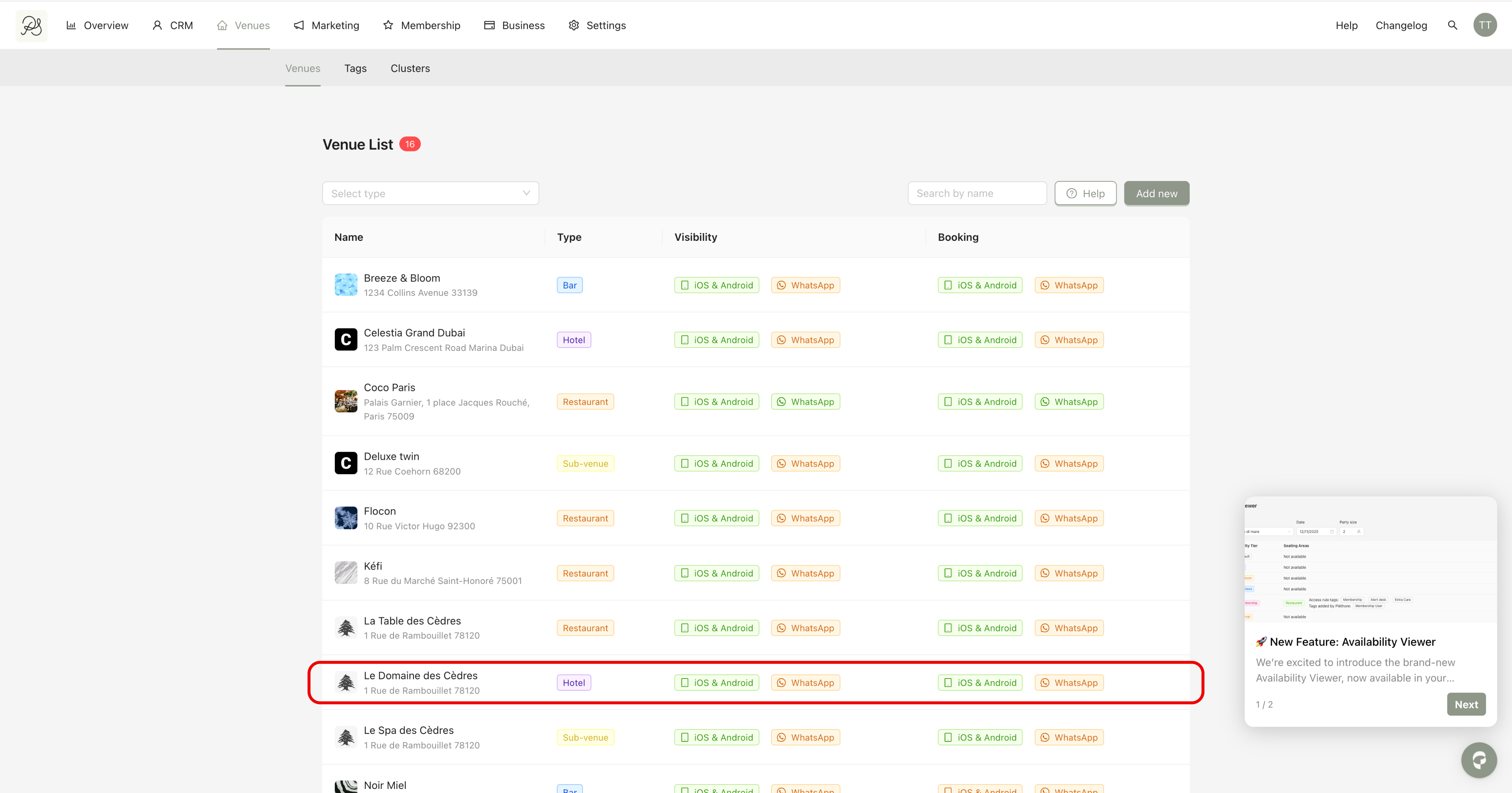
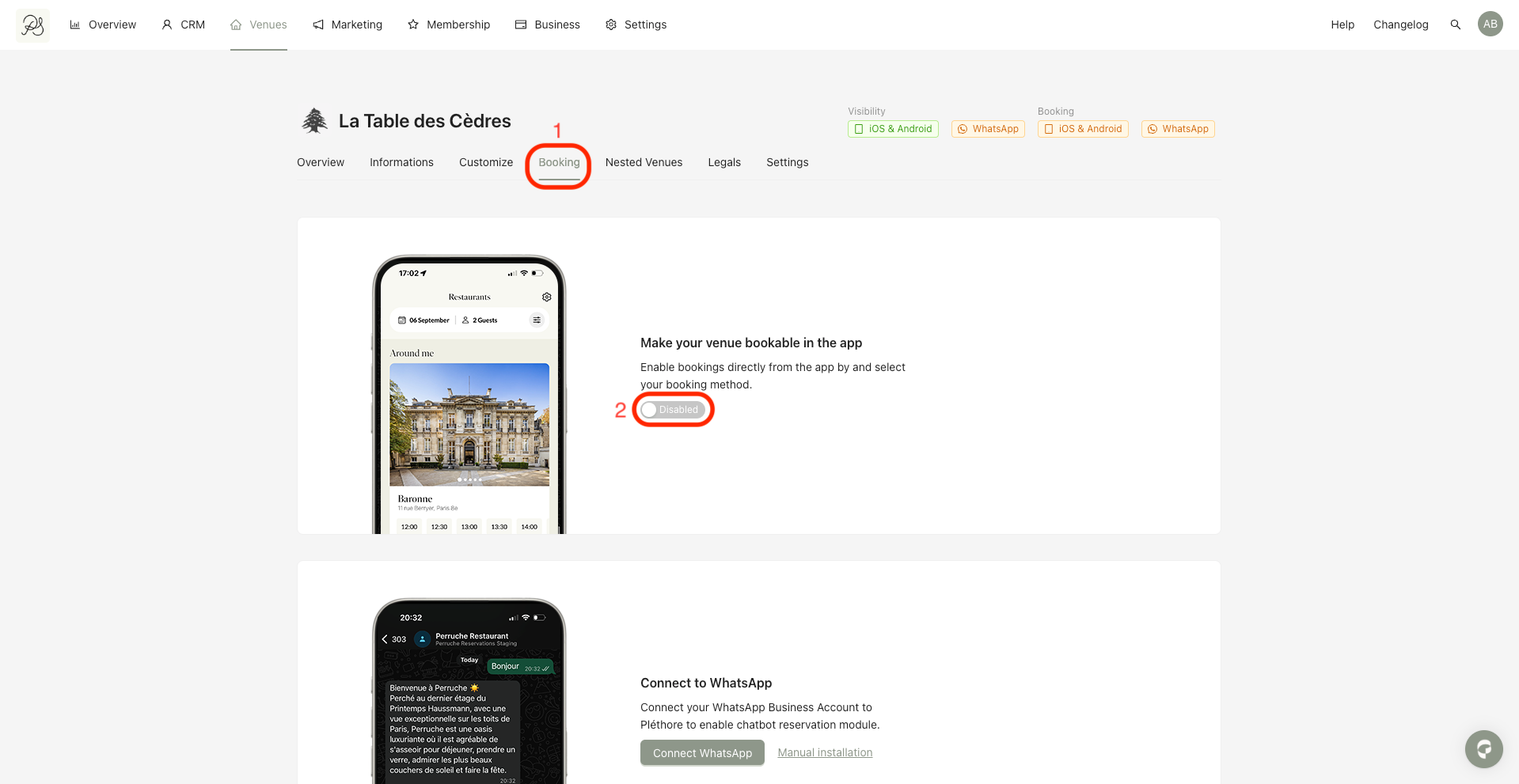
Step 2: Open the Booking tab (1). Enable the option Bookable in the app (2). Once activated, the list of available booking connectors will appear.
Step 3: Select the connector that best matches how reservations are handled for your venue. There are 5 options:
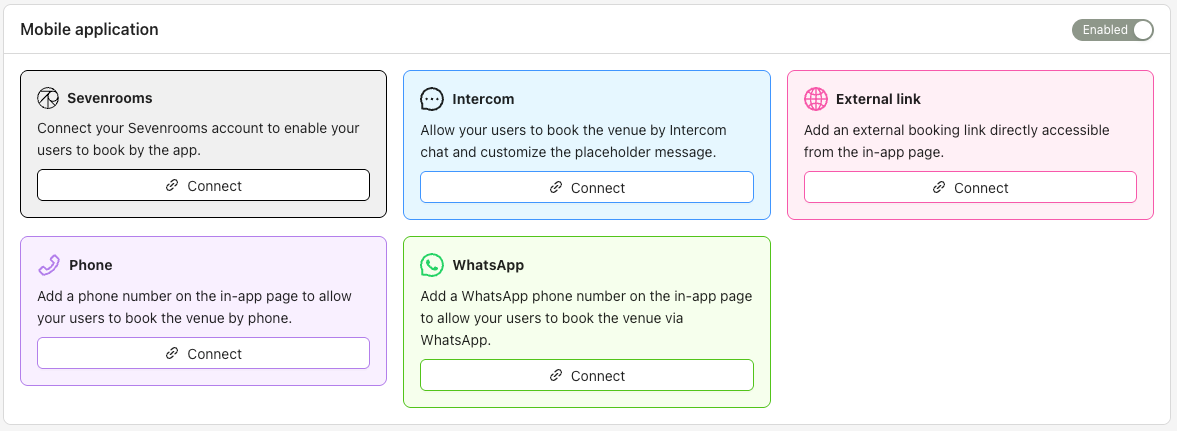
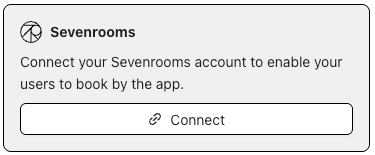
1. SevenRooms: Connect your SevenRooms account to allow users to book directly from the mobile application.

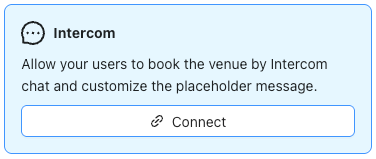
2. Intercom: Allow users to book the venue via Intercom chat and customize the booking message.
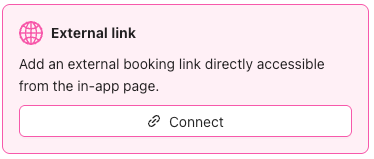
3. External link: Add an external booking URL that users can access directly from the venue page in the app.
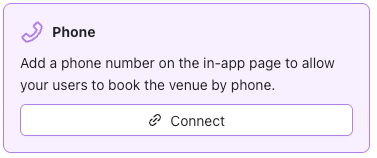
4. Phone: Display a phone number on the venue page so users can call to make a reservation.
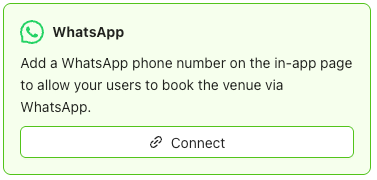
5. WhatsApp: Add a WhatsApp number to allow users to book the venue via WhatsApp.
Once a connector is properly configured, the Book button will be displayed on the venue page in the mobile application.
