
Prerequisites
To log in to the Back Office, you must first have been invited to join and activated your account.

Before logging in to the Back Office, you should learn how to:
1. Send Invitation to be admin in the Back Office: Add an Administrator & Assign a Role
2. Activate your account via invitation email: Create an Account via Invitation Email
1. Send Invitation to be admin in the Back Office: Add an Administrator & Assign a Role
2. Activate your account via invitation email: Create an Account via Invitation Email
Detailed Instructions
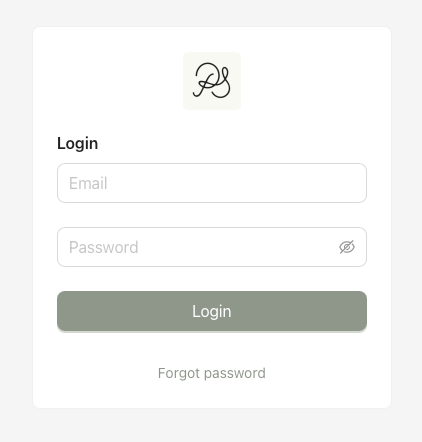
Step 1: Log in by entering your email address and password.
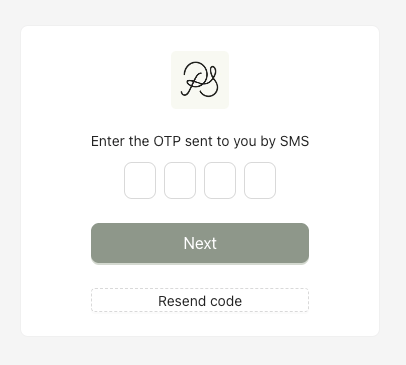
Step 2: A 4-digit verification code will be sent to you by SMS. Enter the code to complete the login process.
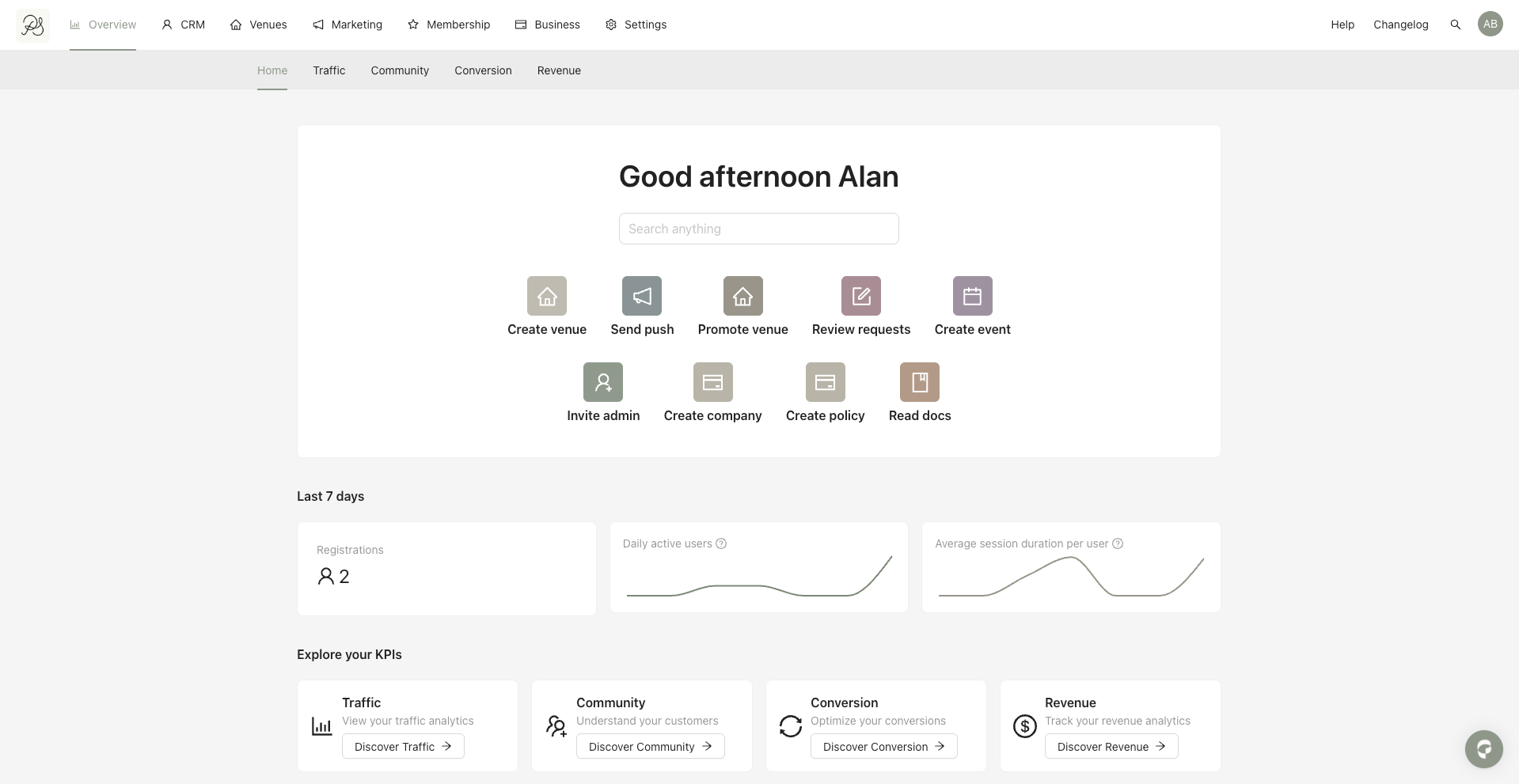
Once the login is successful, you will be redirected to the Home page.

If you don’t remember your password, please refer to this article to recover it: Recover Your Password