You must already have an active Back Office account.
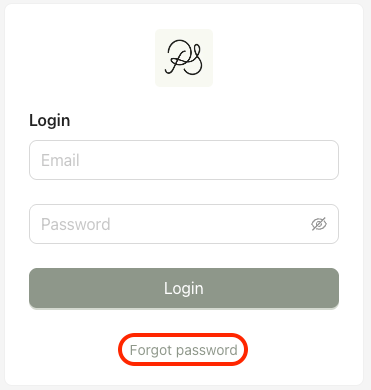
Step 1: Go to the Back Office login page and click “Forgot password”.
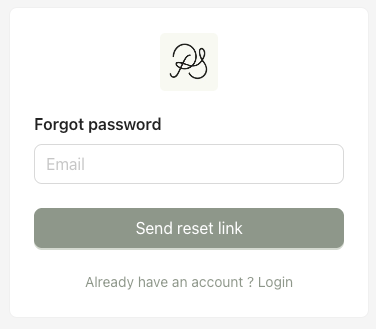
Step 2: Enter the email address associated with your account and click Submit.
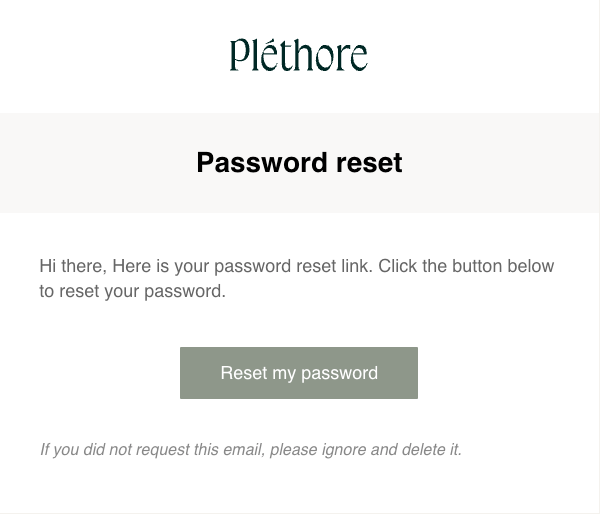
Step 3: An email will be sent to you with a password reset link. Open the password reset email, then click “Reset my password”.
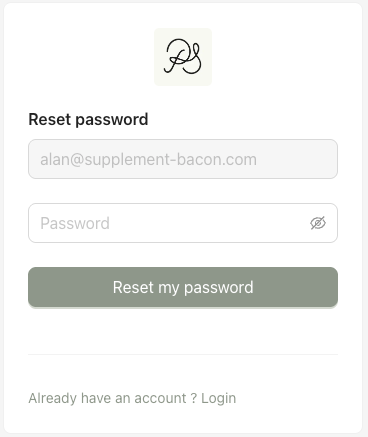
Step 4: Enter your new password, then click “Reset my password” to confirm.
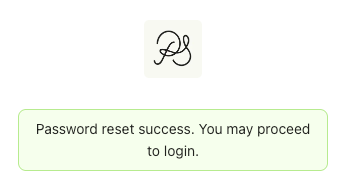
Once the reset is successful, a confirmation message will appear.
Click “Already have an account? Login” and sign in using your new password.
