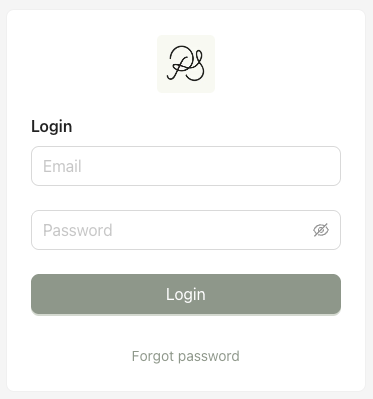
To access the Back Office, a new administrator must first be invited by an existing administrator.

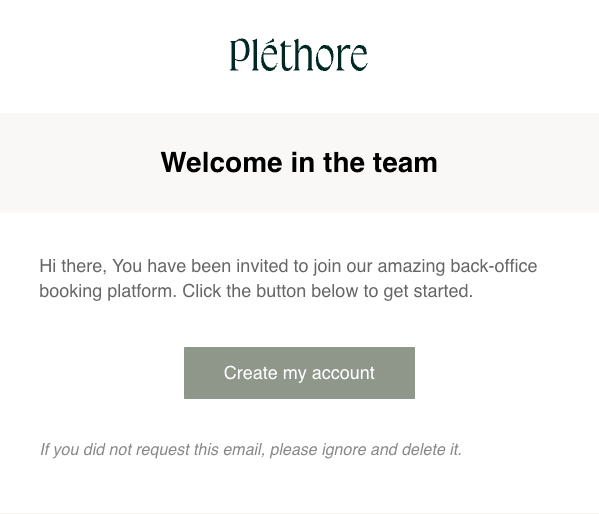
Step 1: After the invitation email has been sent, the person invited will receive an invitation email in their mail box. Open the email and click “Create my account”.
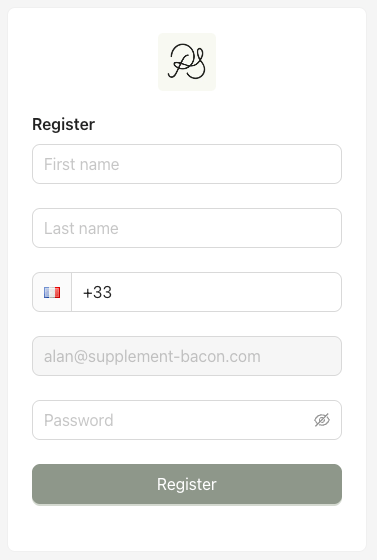
Step 2: Complete the registration form, then click “Register”.

Step 3: You will be redirected to the login page. You can now sign in to the Back Office.