The following roles are allowed to create venues:
Admin
Communication
Head of Project
Marketing
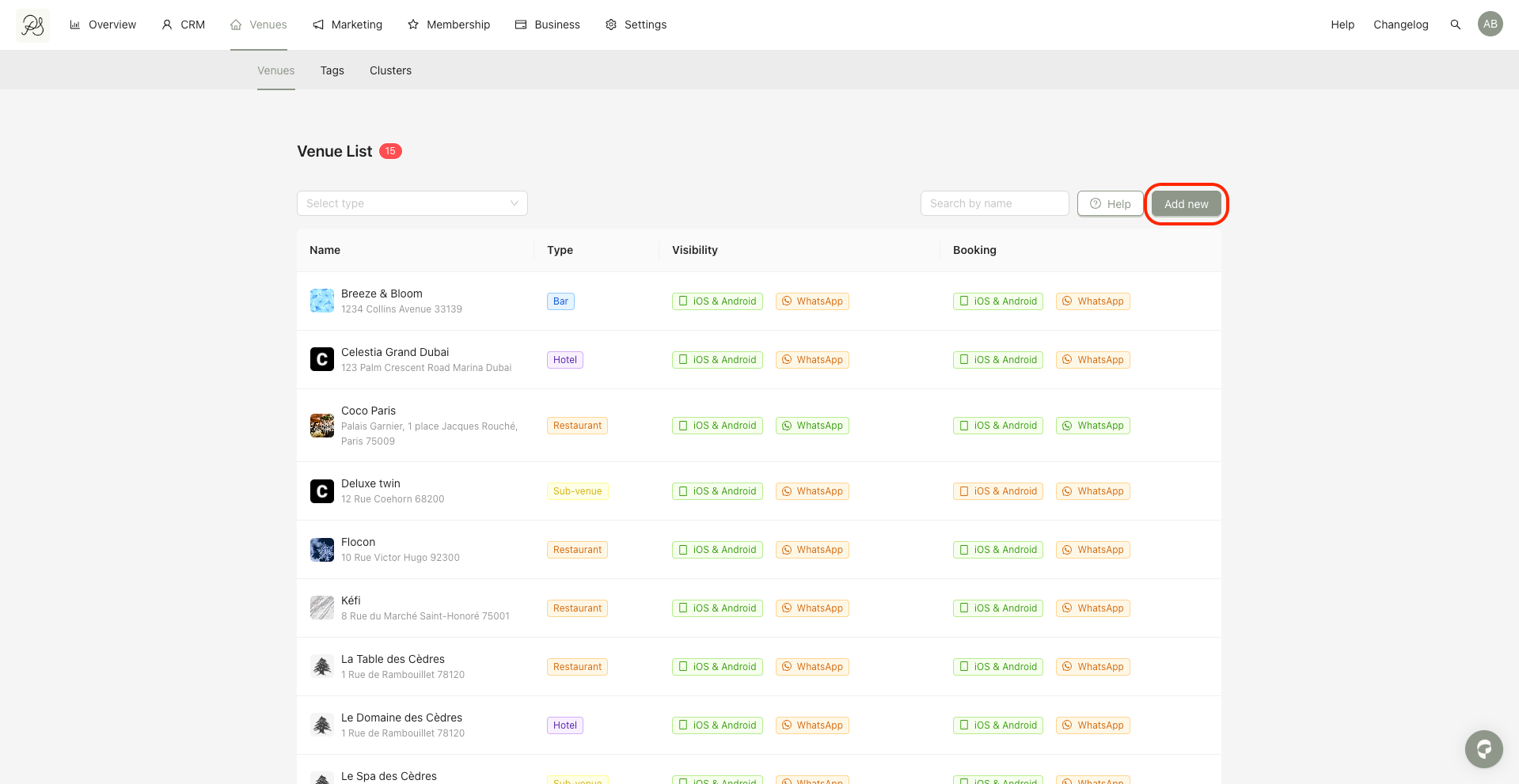
Step 1: Go to the Venues tab and click Add new
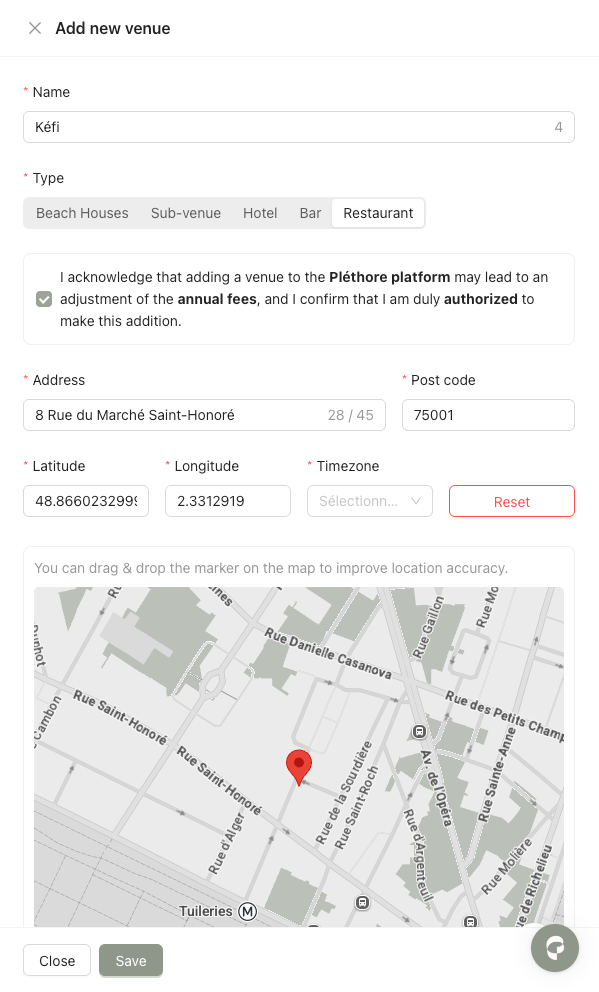
Step 2: Fill in the form with the information for the new venue.
You have two options to add the venue address.
Search the address automatically: You can type the address in the search bar. If the address is available in the system, the platform will automatically fill in the postcode, latitude, and longitude. The location data is retrieved from Google Maps.
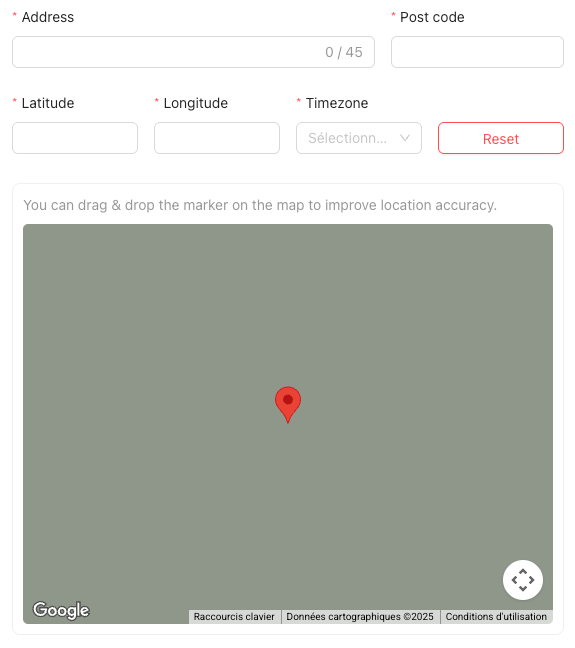
Enter the address manually: If the system cannot find your address, click Manual to enter the information yourself. You will need to provide the latitude and longitude of the location, as well as the address, postcode, and timezone.

 Tip
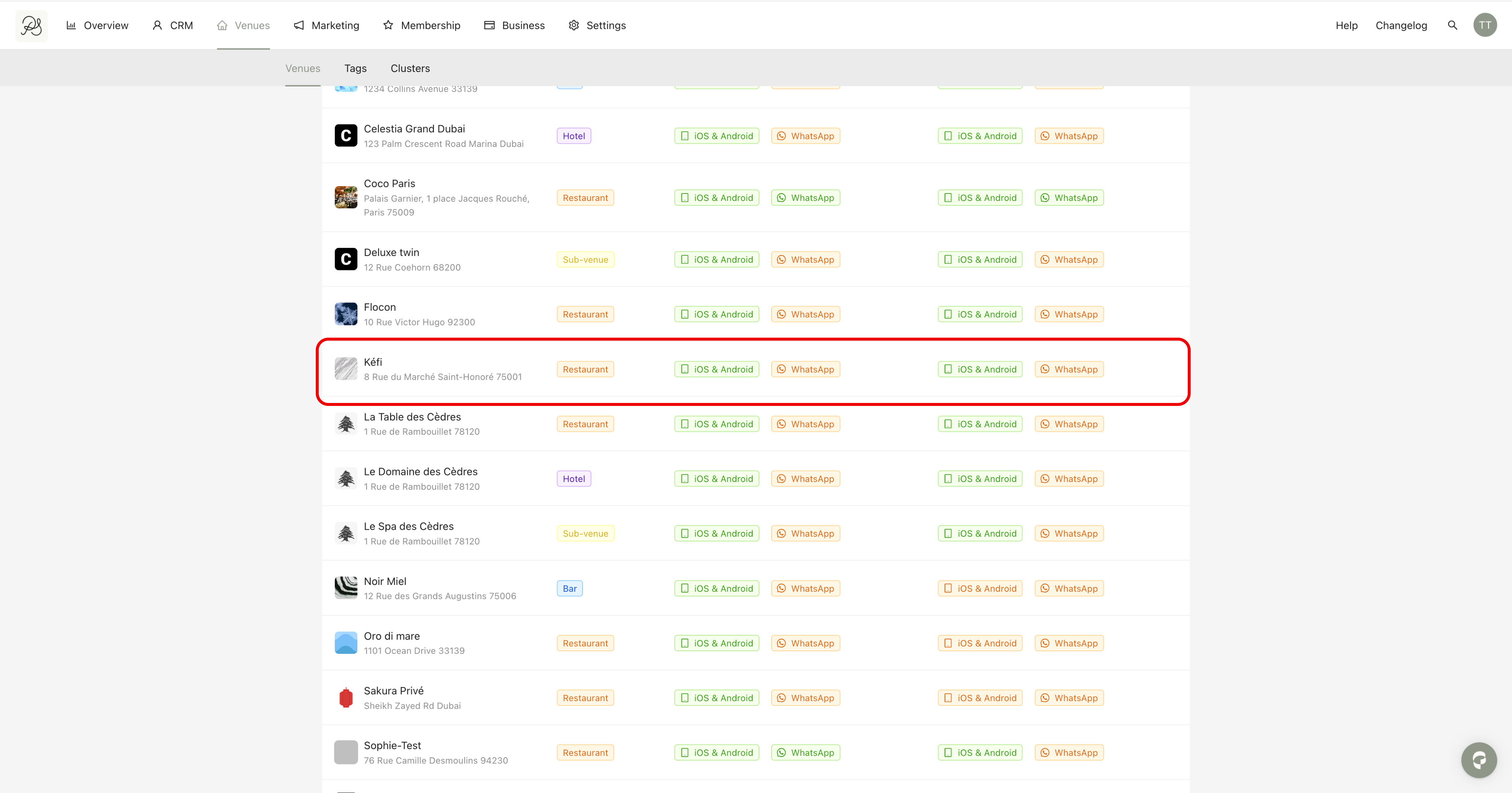
TipStep 3: Click Save to create the venue. Once created, the new venue will appear in the venues list. Click on it to add additional information or customize its content.
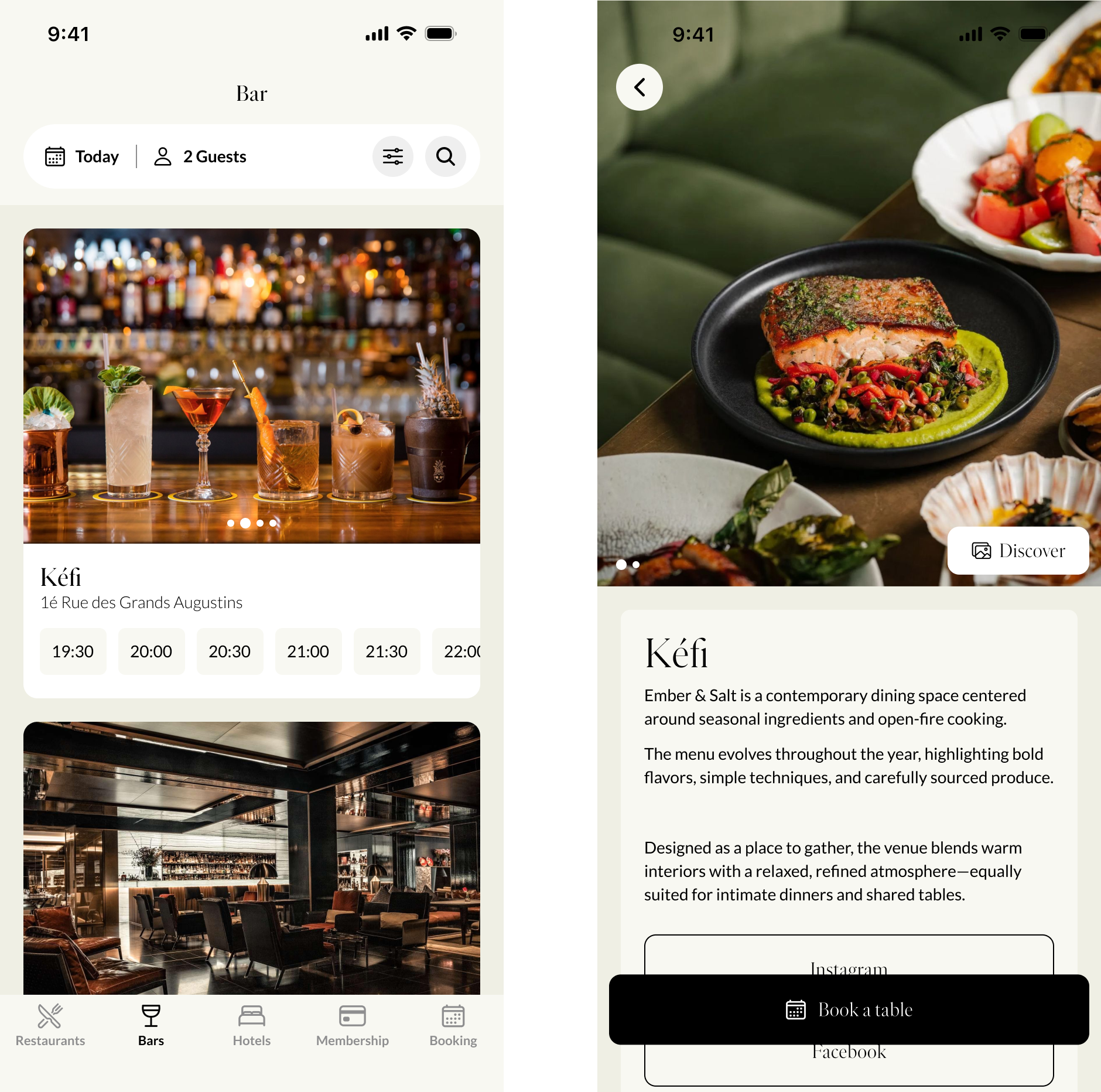
 Result in the Application: You will see the venue you created in the application. Click on the venue to open its detail page.