Overview
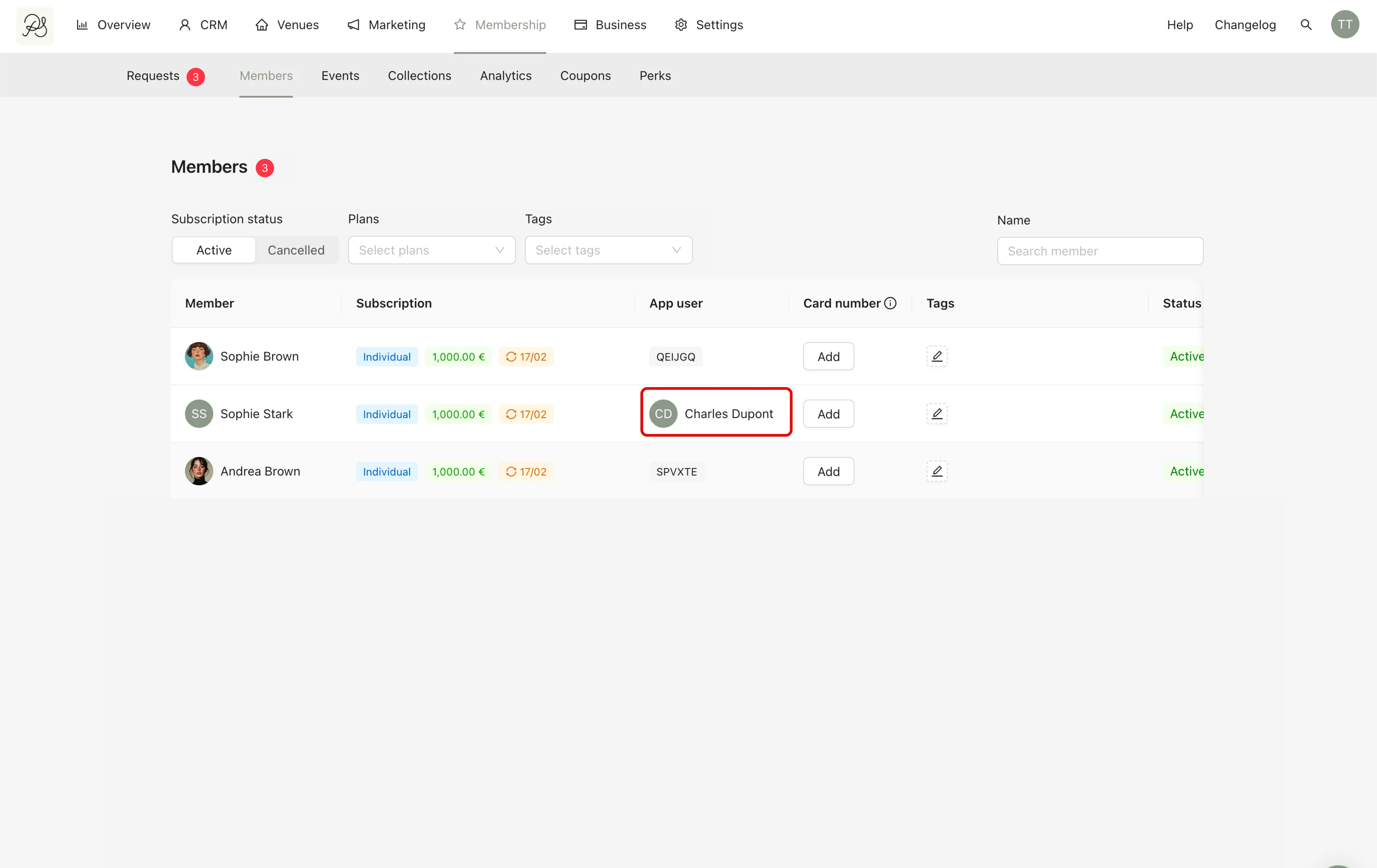
Once the onboarding process is completed and the payment is successfully captured, the customer officially becomes a member. However, to use their membership benefits in the application, they must activate their membership using an activation code.
This code links the membership profile (created in the dashboard) to the customer’s account in the mobile application.
Detailed Instructions
Step 1: An activation code is automatically generated once the membership subscription is finalized.
You can send this code to the customer:
Manually (by message, email, etc.)
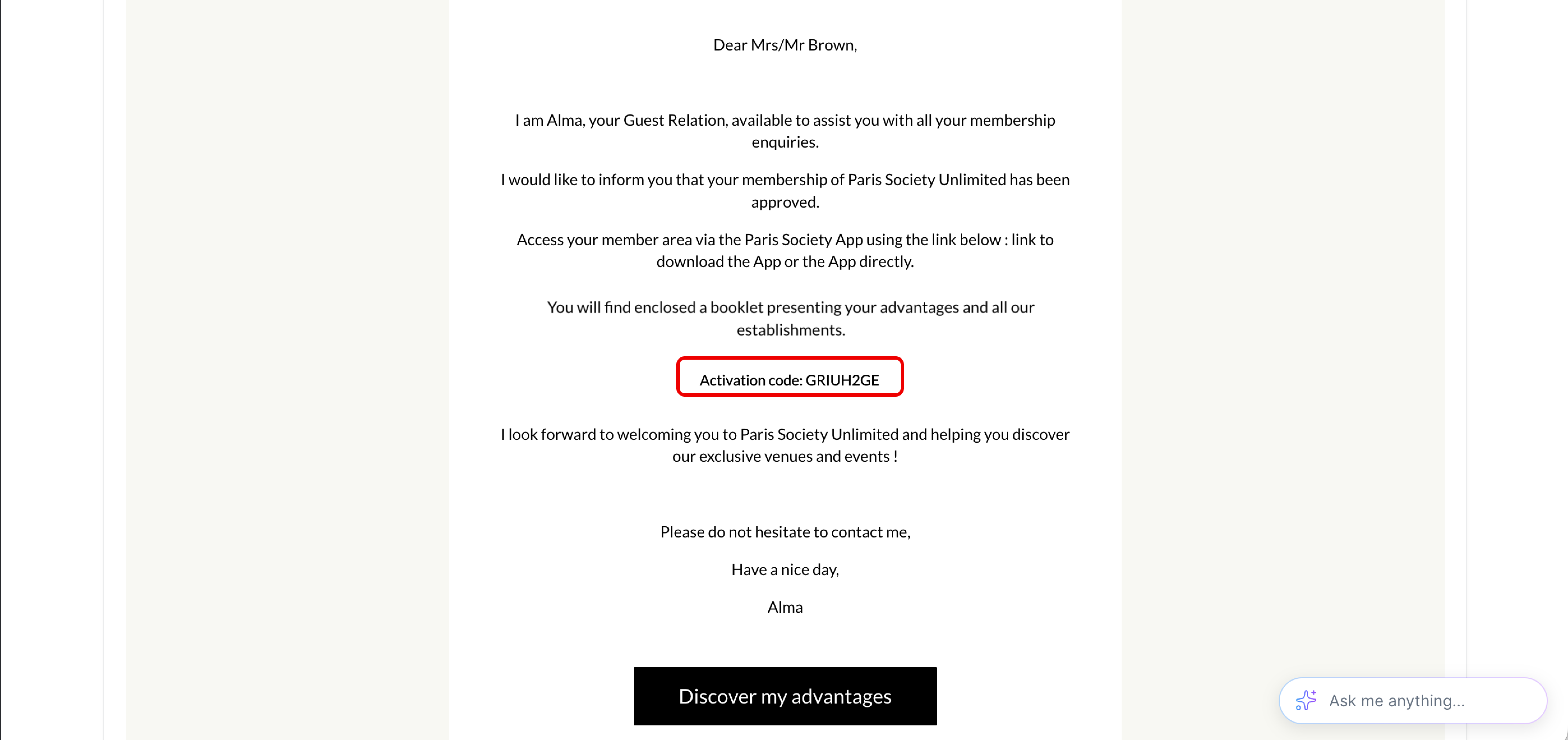
Automatically via email
Customers can also receive the code via an automatic email after their subscription has been successfully completed.

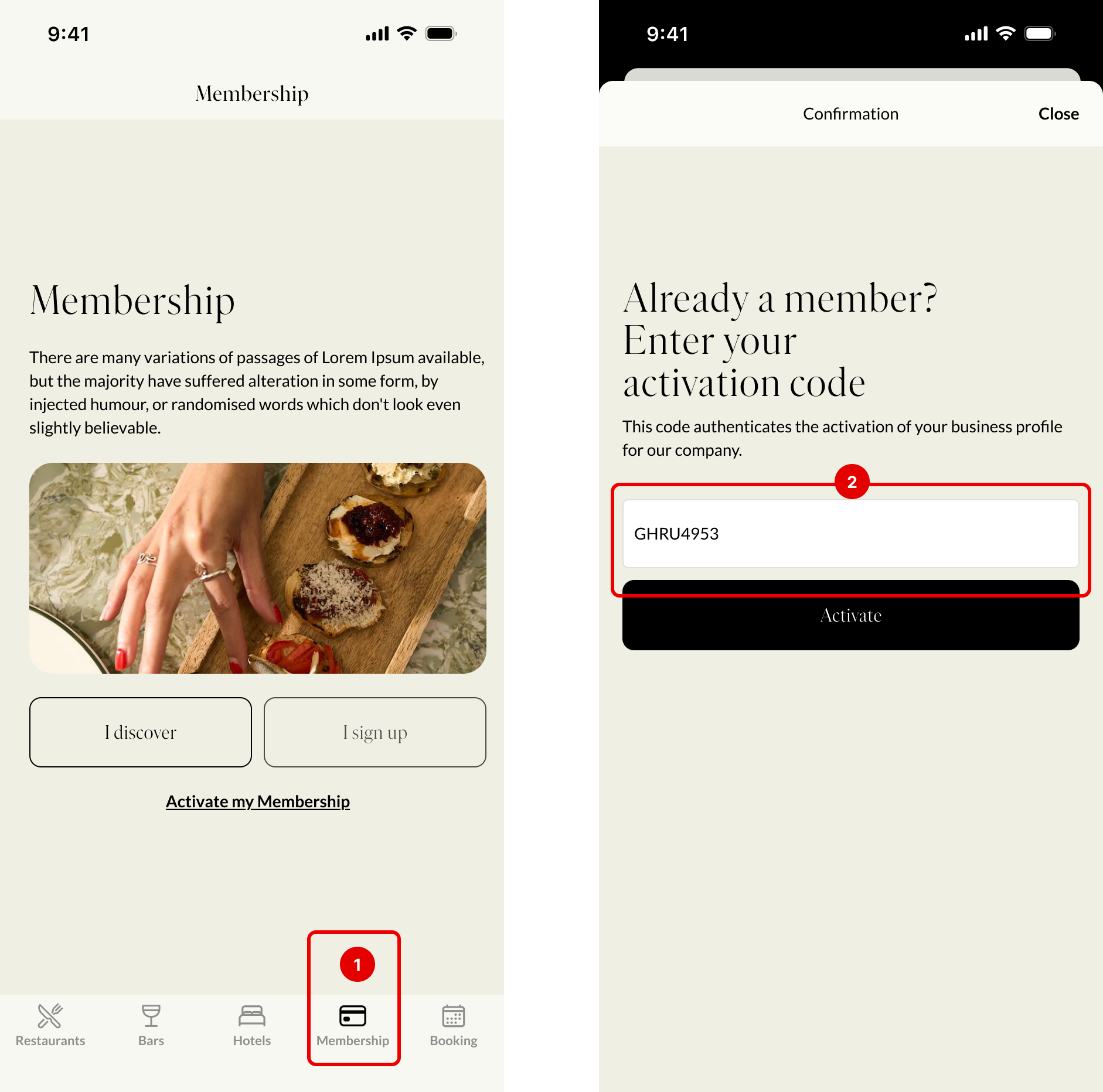
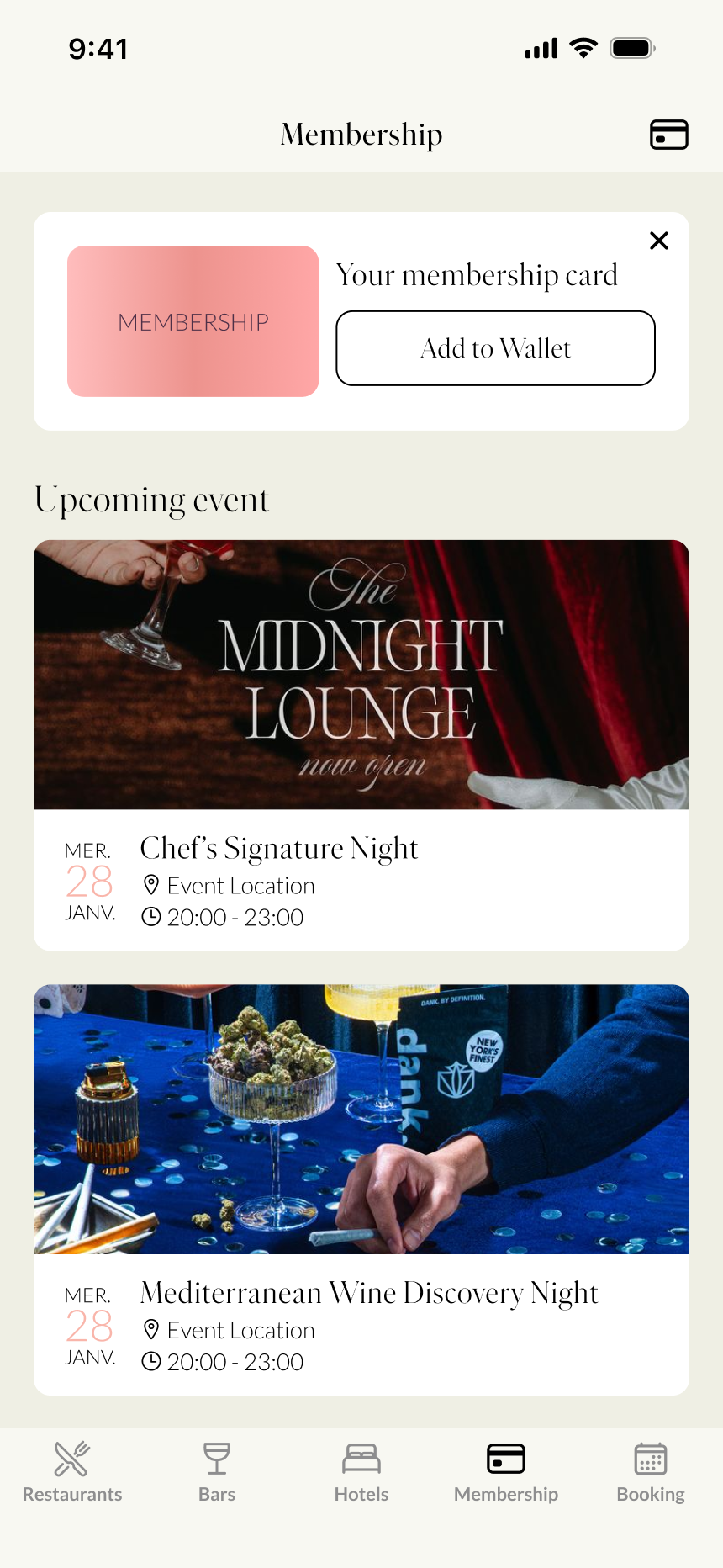
Step 3: From the customer’s side, they will have to Activate the Membership in the App. Open the application → Go to the Membership section → Enter the activation code.
 Final Result
When the customer enters a valid activation code. They are redirected to the dedicated membership page in the application. Their membership benefits become accessible.
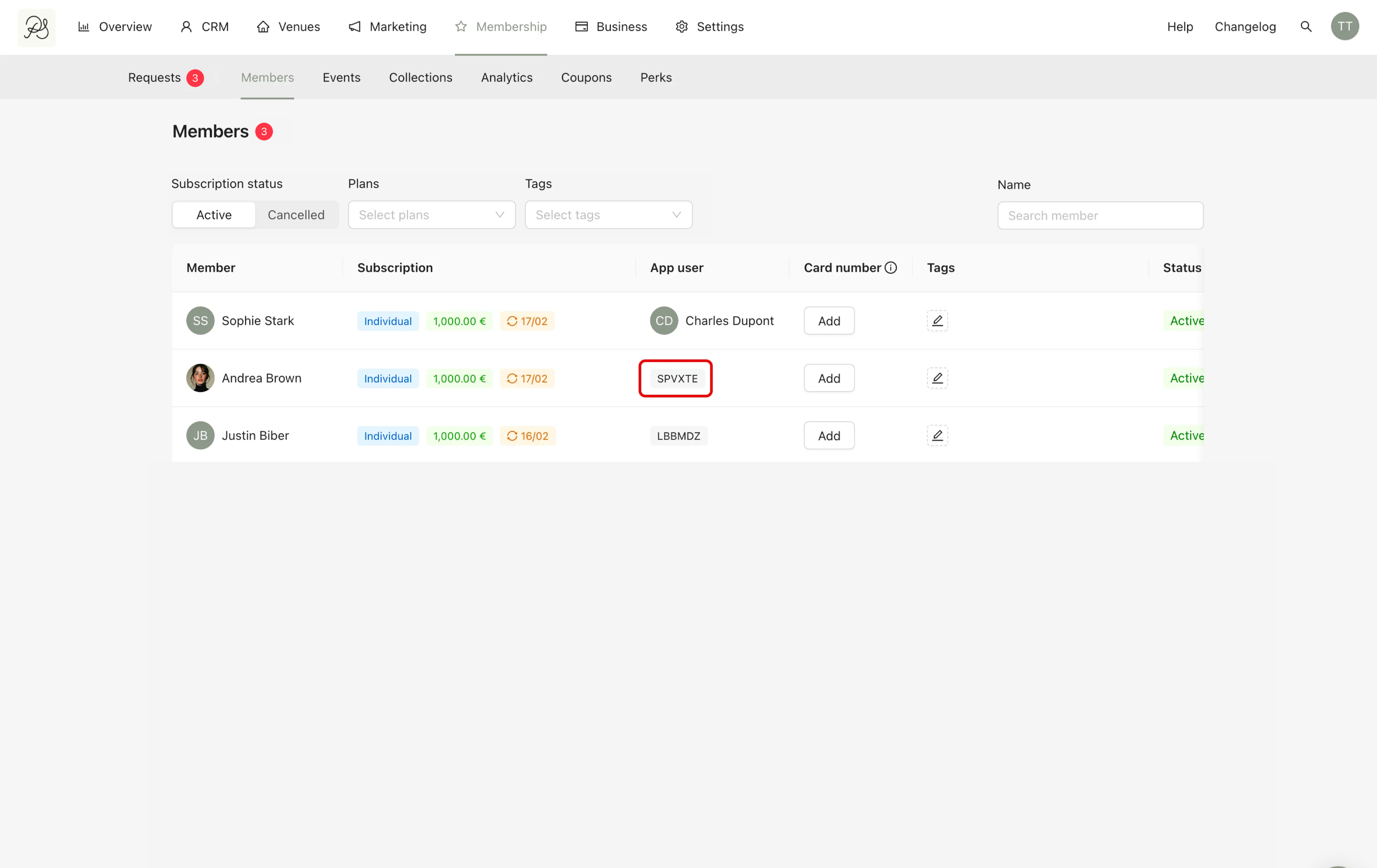
In the dashboard, the admin will see the customer’s account connected to the membership profile, instead of just the activation code. This confirms that the membership is successfully activated and linked.