After the admin approves a membership request, the status changes to “Awaiting Capture.” This means the system will now officially attempt to withdraw (capture) the reserved funds from the customer’s card.
At this stage, the payment has already been pre-authorized. The system is now finalizing the transaction.
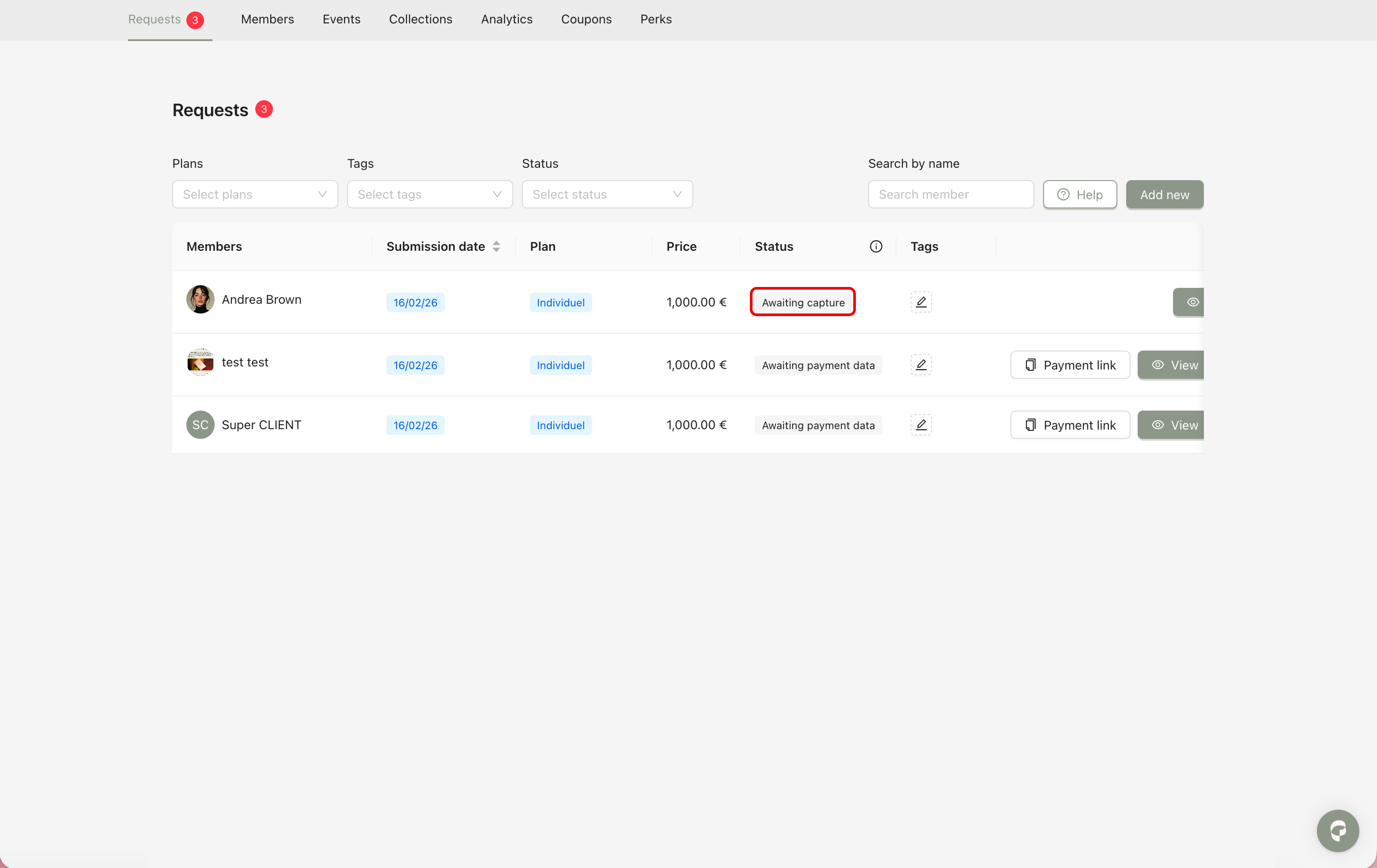
The payment capture is an automatic process handled by the Payment Service Provider (PSP).
The timing of the capture may depend on several factors, such as the customer’s bank, card provider processing times, network conditions.
The admin does not need to take any action. However, you should monitor the result of the payment, as there are two possible outcomes:
This means the PSP has successfully withdrawn the funds from the customer’s bank account.
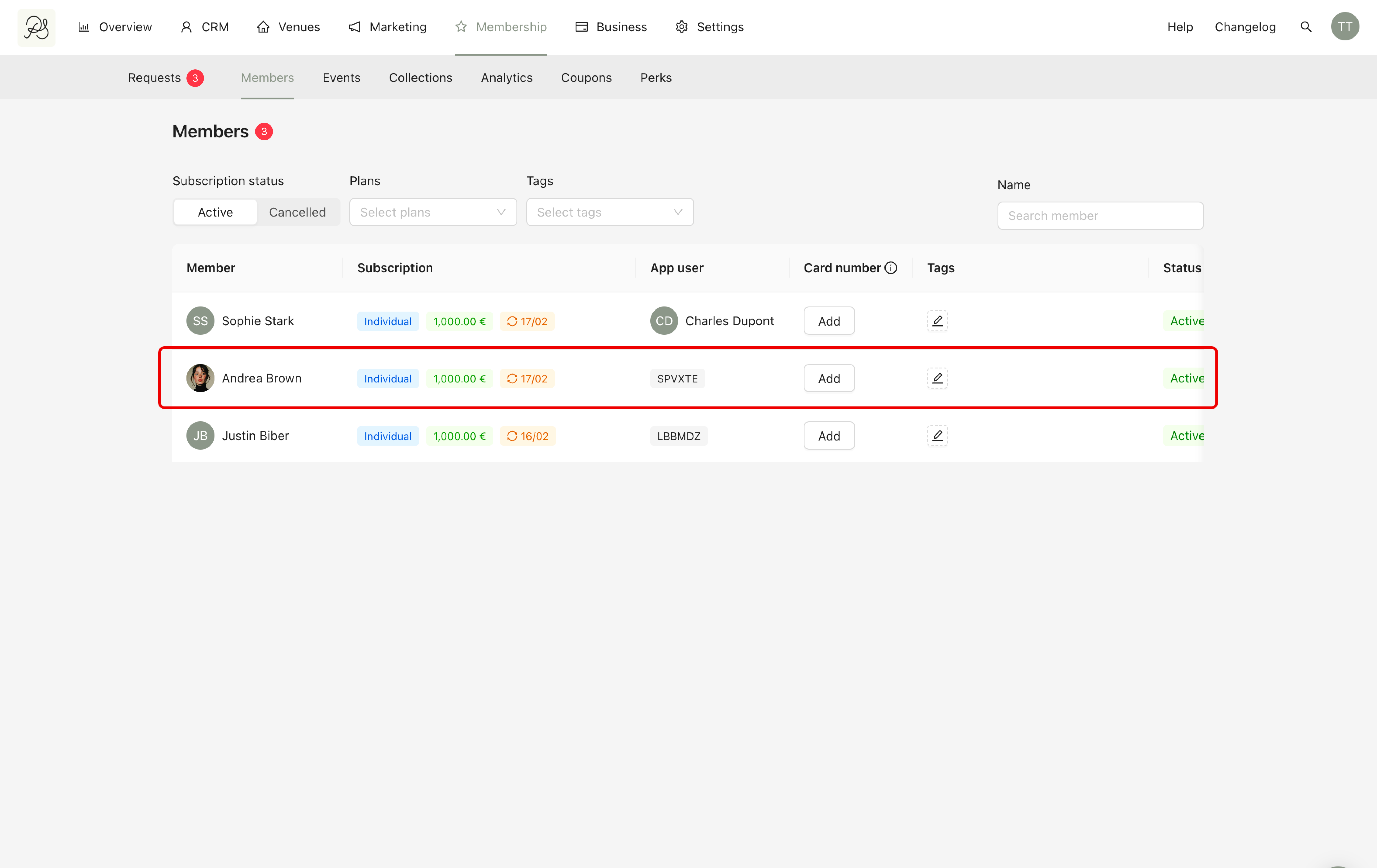
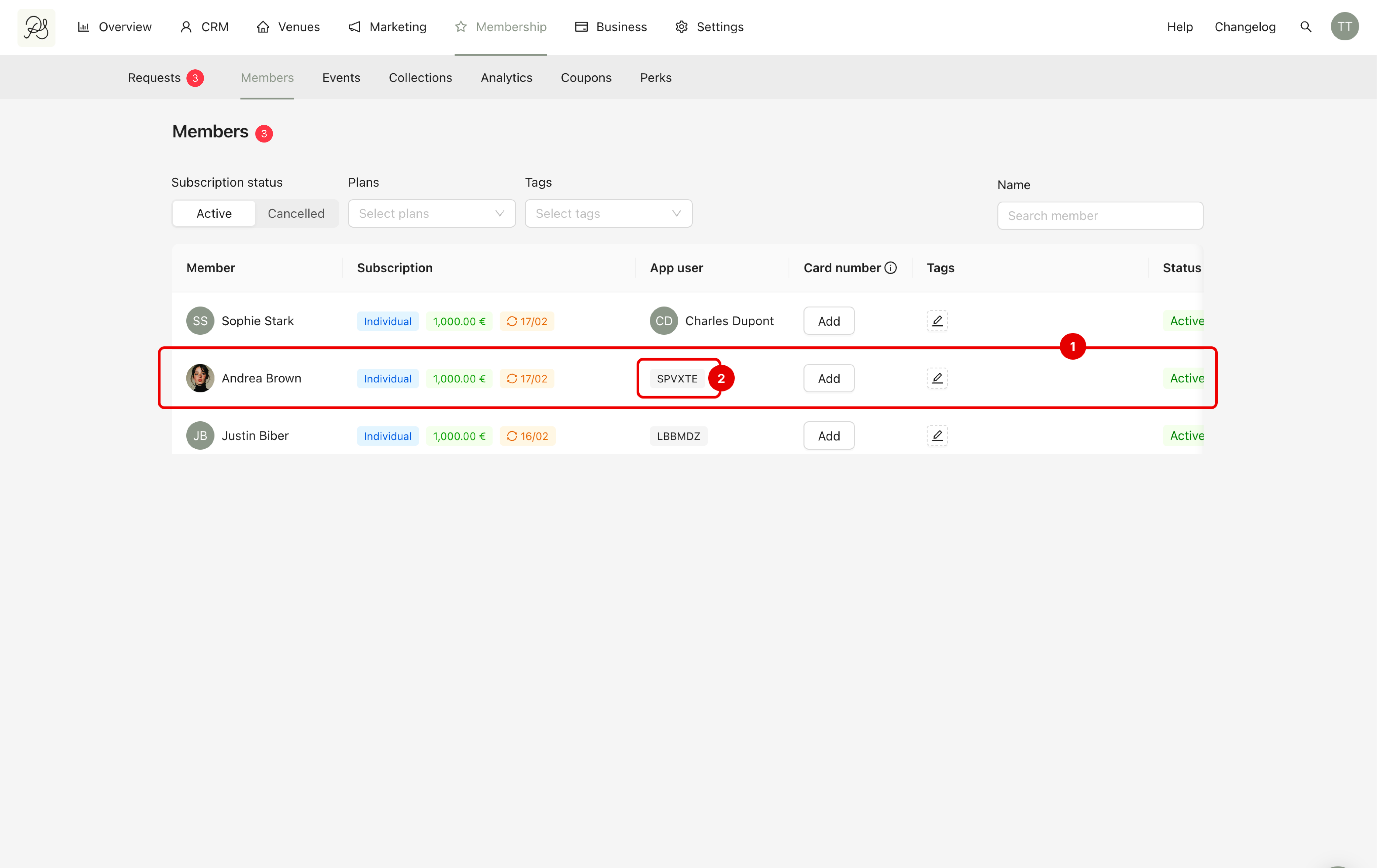
The request disappears from the Requests list and the customer appears in the Members list (1). The membership onboarding process is completed.
An activation code is automatically generated (2). This code allows the customer to activate their membership in the mobile application.

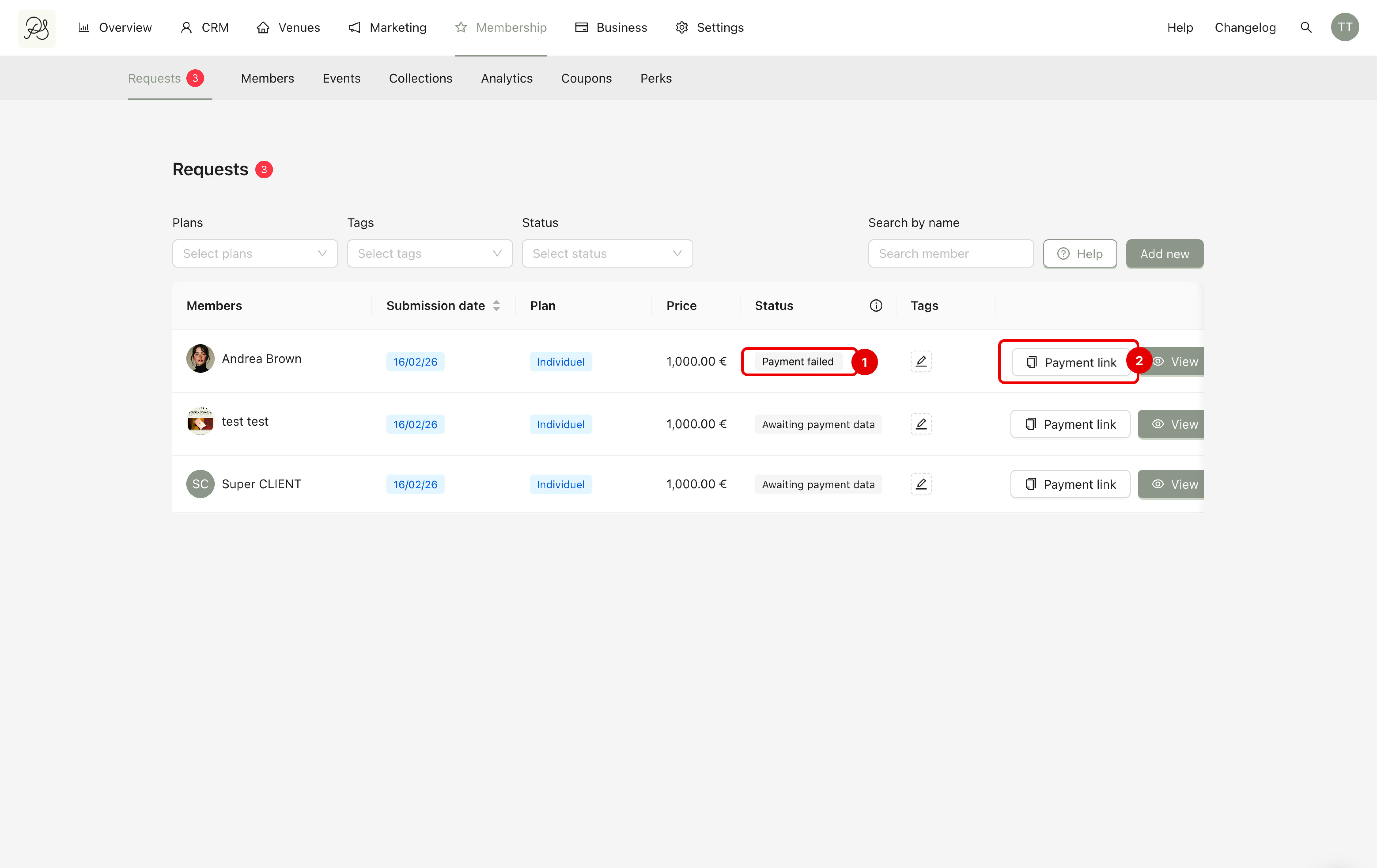
This means the PSP was unable to withdraw the funds.,Common reasons may include expired card, insufficient funds, incorrect card information, bank rejection, v.v.
When this happens, the status changes to Payment failed (1). A payment link appears in the request row in the dashboard (2). You can send this payment link to the customer so they can re-enter their payment details.
Customers can also access the payment link through the automatic email sent when the payment capture fails.
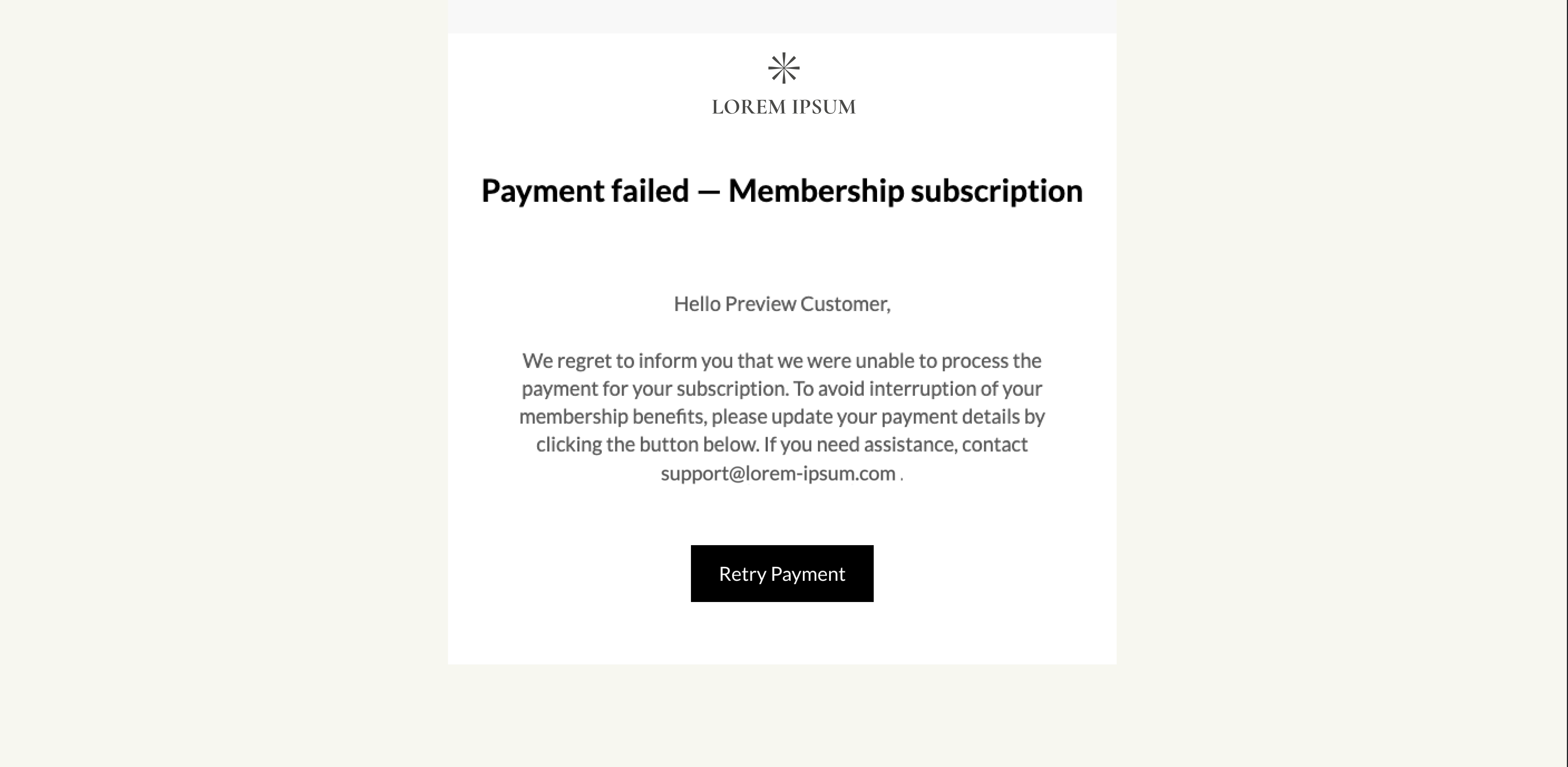
When customer click the payment link, they are redirected directly to the payment step. All previously submitted information remains saved.
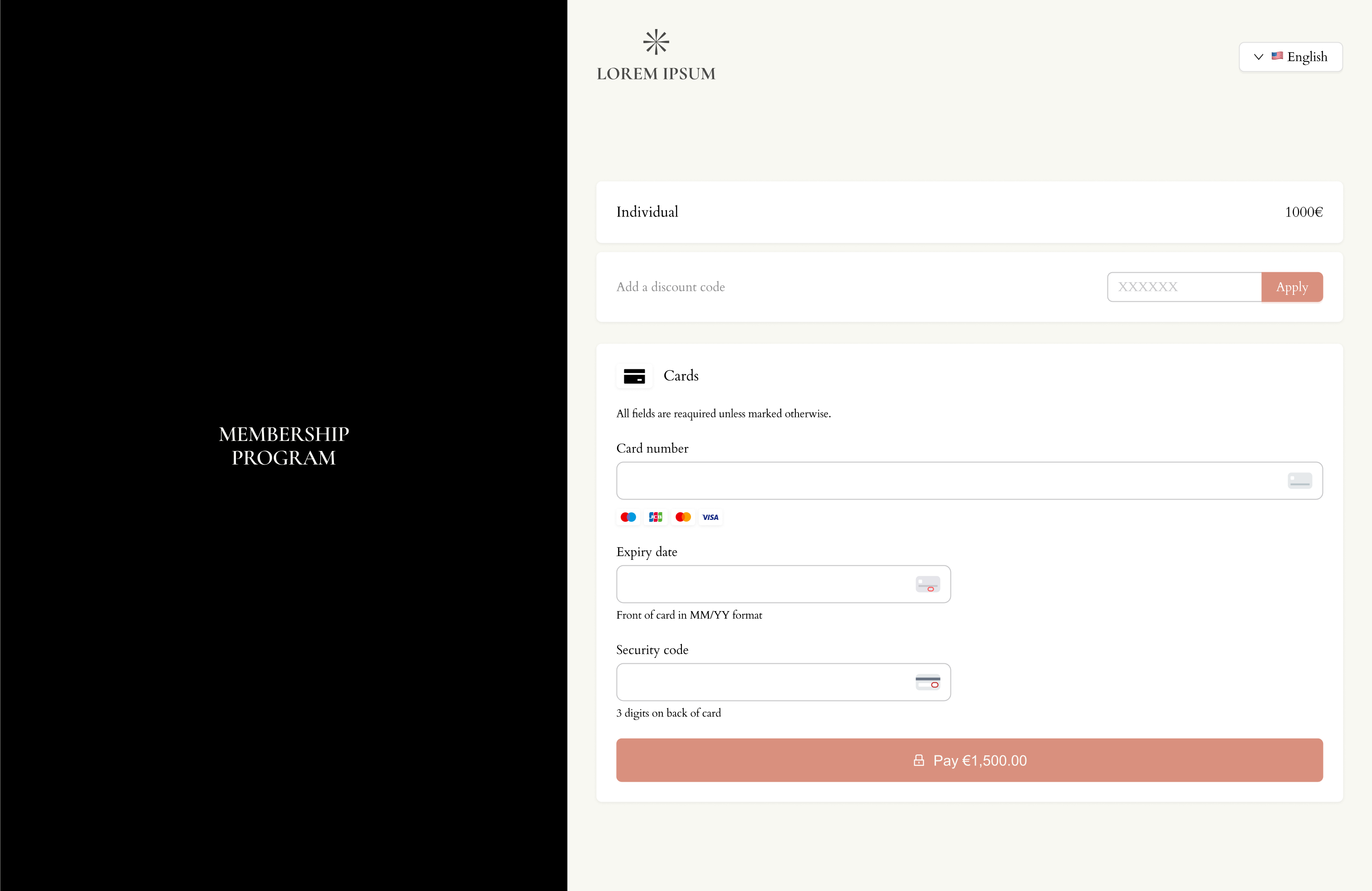
Once the customer enters valid card information and the payment is successfully processed, they immediately become a member.