Overview
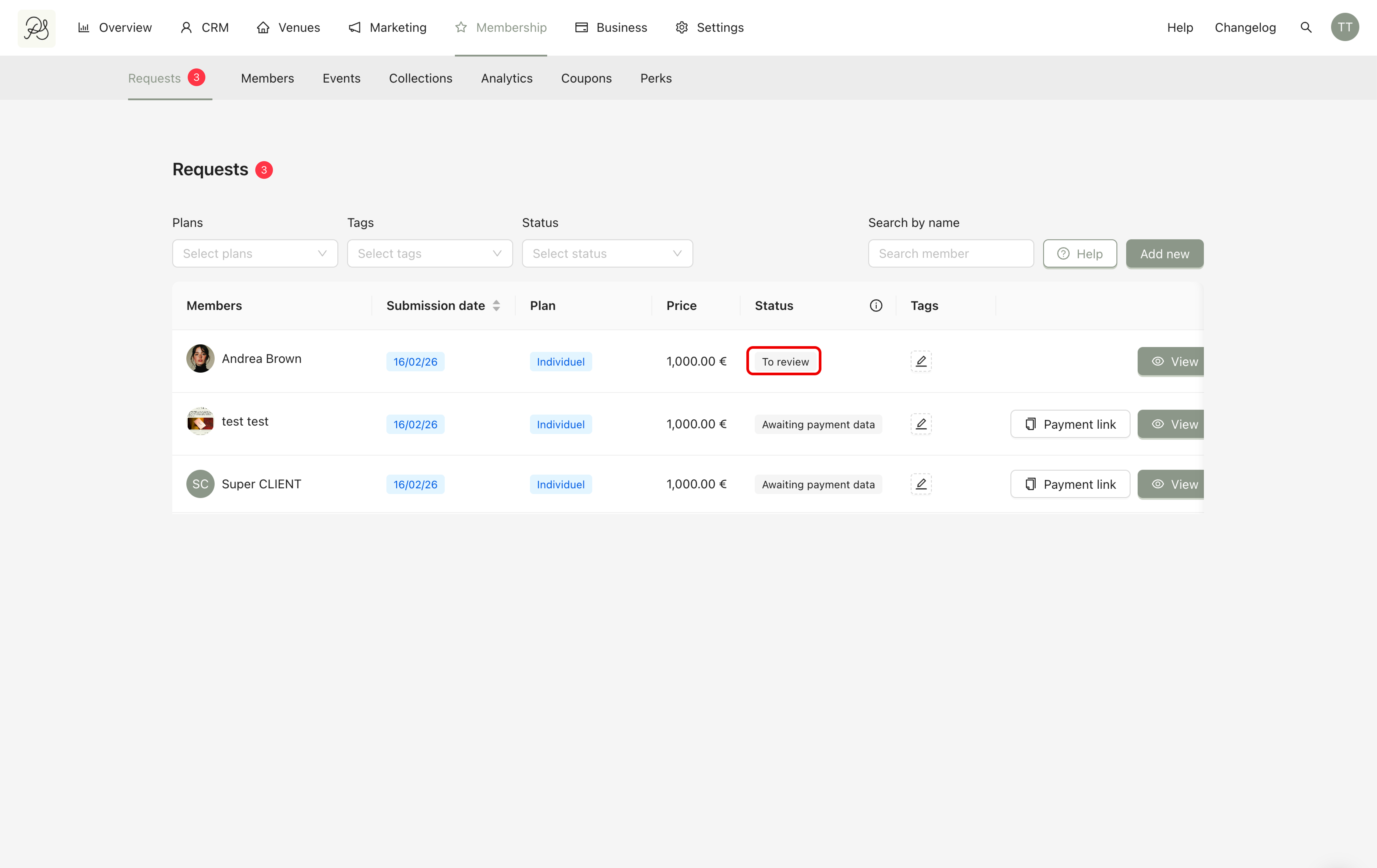
Once a customer has submitted their payment details and the request is complete, the status in the dashboard changes to “To review.”
This means: The request is waiting for the admin’s decision. At this stage, the admin must review the application and either accept or reject it.
Detailed instruction
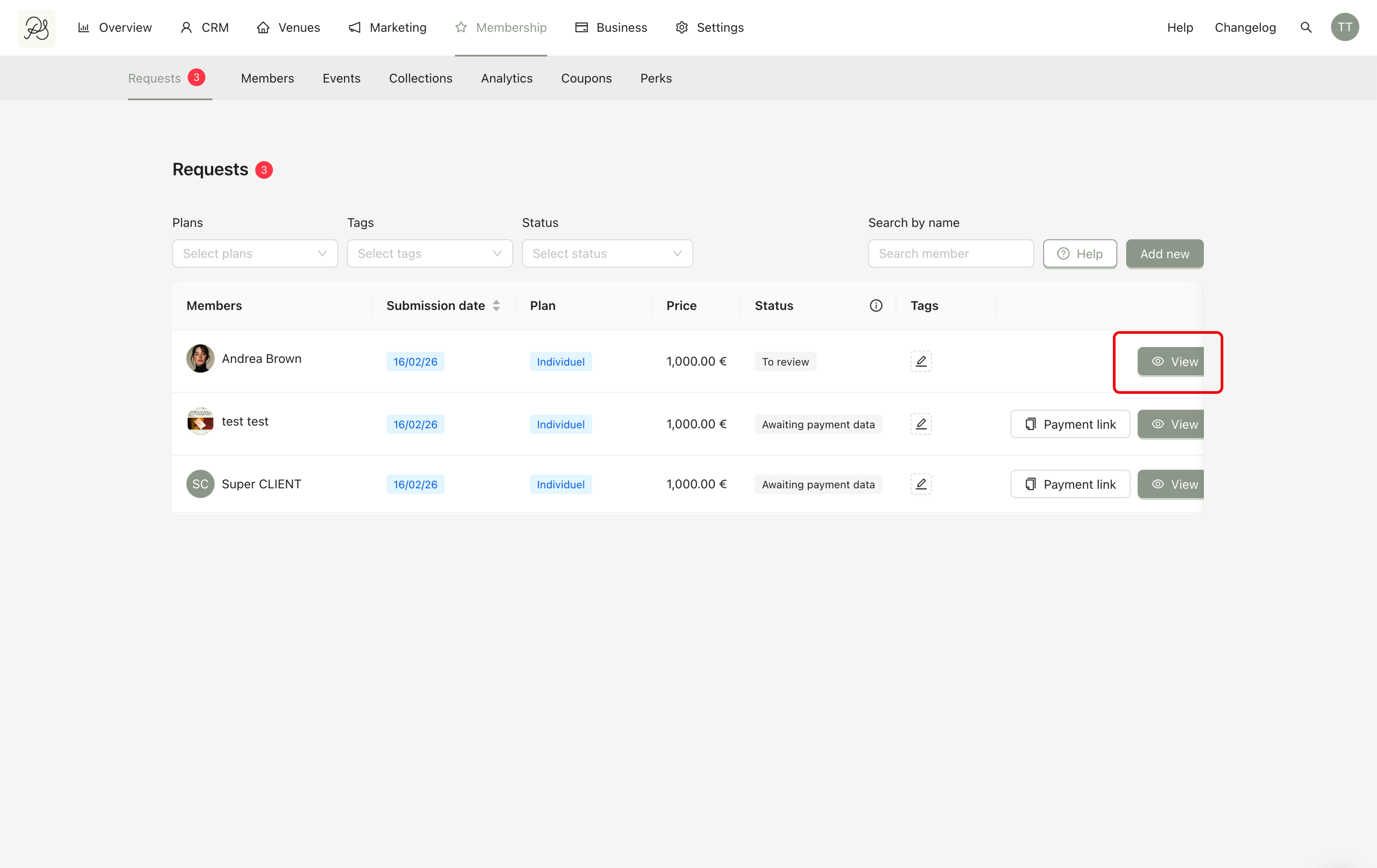
Step 1: Go to the Requests list in the Membership section. Click the View button of the request you want to review.
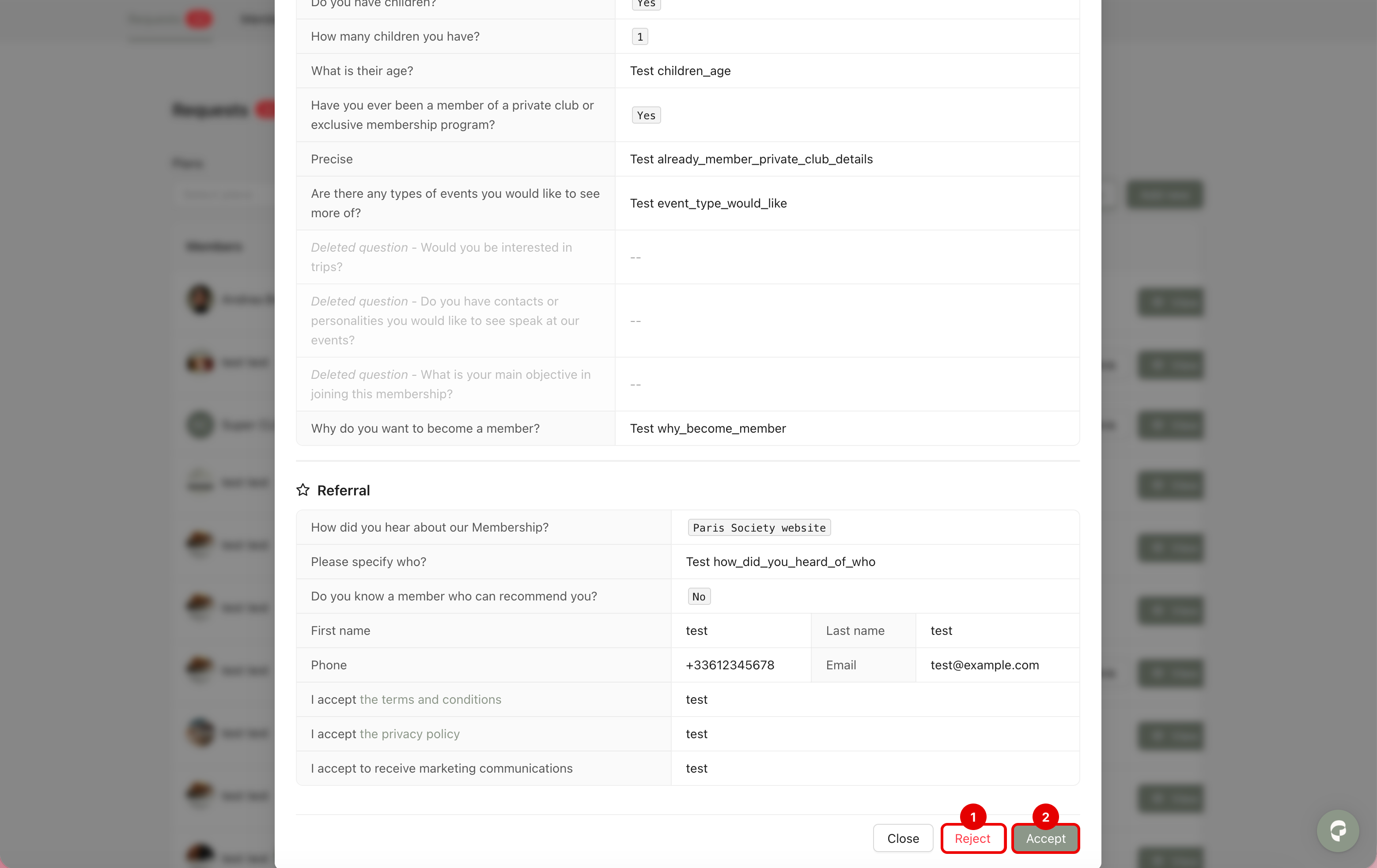
Step 2: A modal window will appear.
Inside this modal, you can see all the answers the customer submitted in the form and their subscription details and activity.
At the bottom of the modal, you will see two options: Reject (1) and Accept (2).
(1) Reject
If you click Reject, you deny the customer’s membership request.
What happens next?
The pre-authorized payment is cancelled.
The user’s data is deleted from the system.
An automatic email is sent to the customer explaining the reason for rejection (The content of this email depends on your email settings).
The process ends here.
(2) Accept
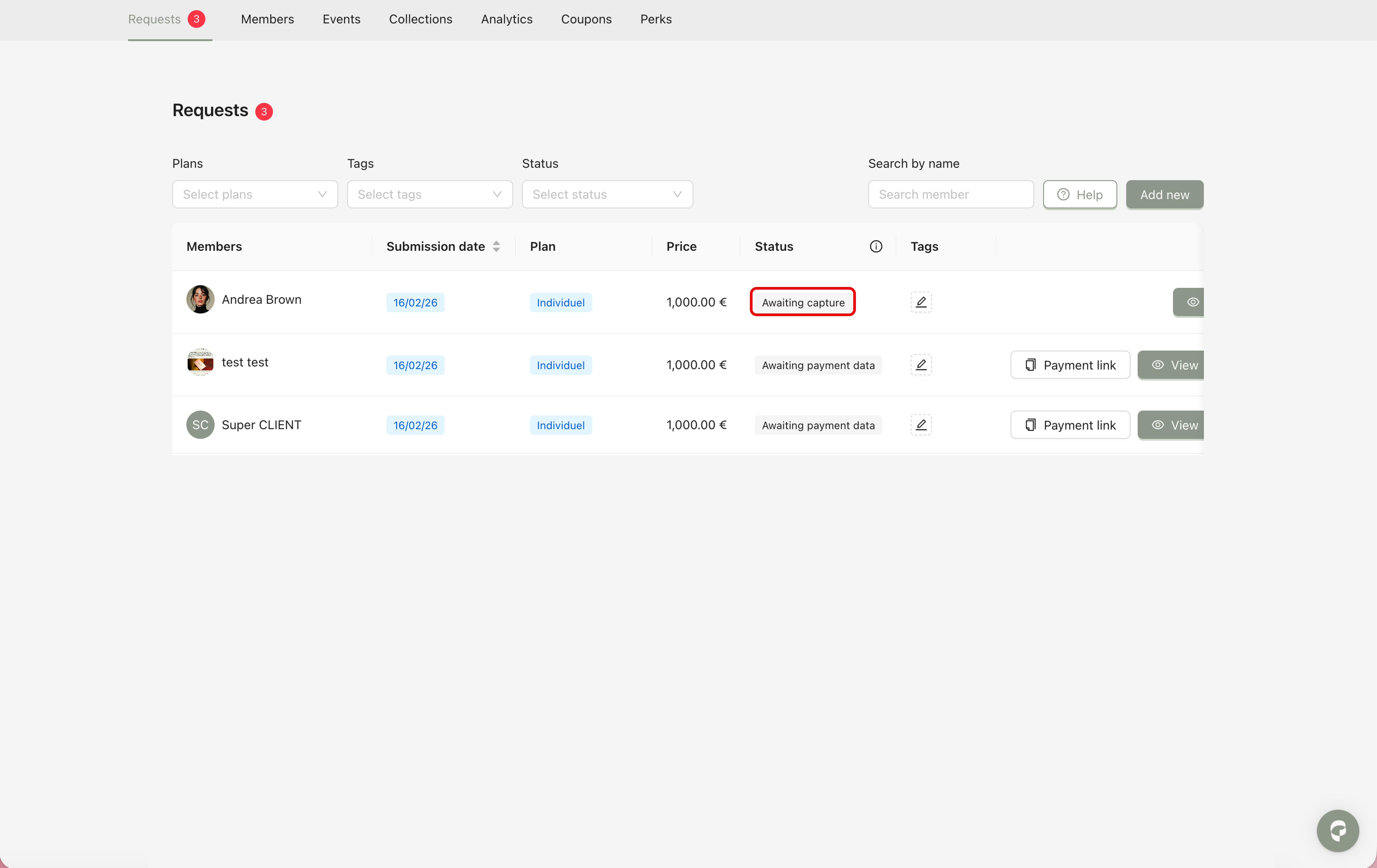
If you click Accept, you approve the membership request. The status will change to Awaiting Capture.
It means the system will now officially attempt to withdraw (capture) the reserved funds from the customer’s card.