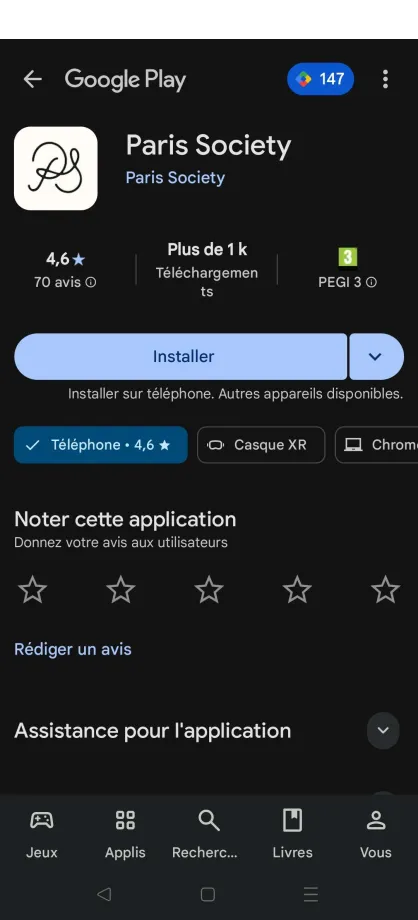
All the roles can access this page.
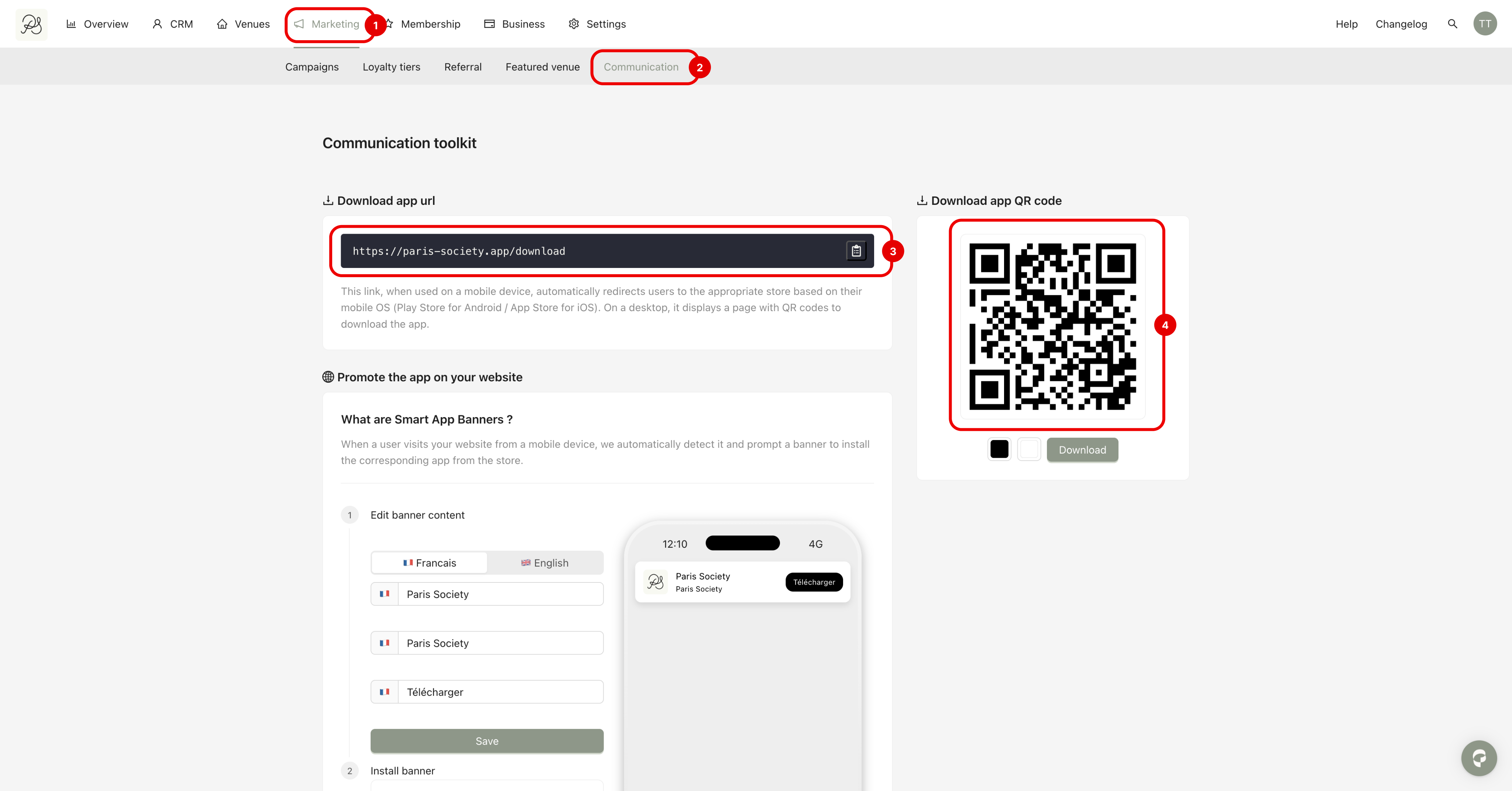
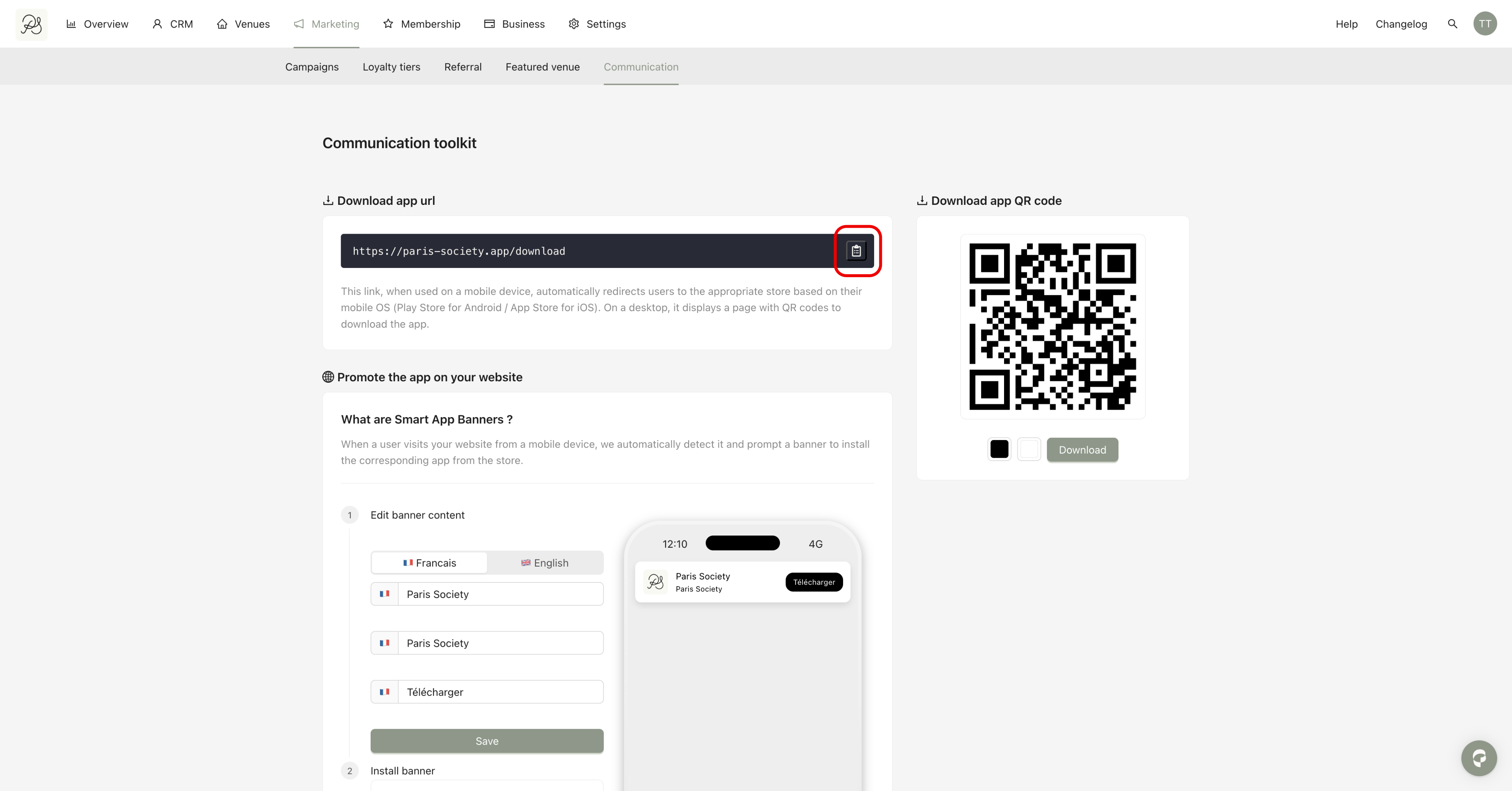
Go to Marketing (1), then click the tab Communication (2).
On this page, you can find:
The generic app download link (3)
The QR code that redirects users to the download link (4)
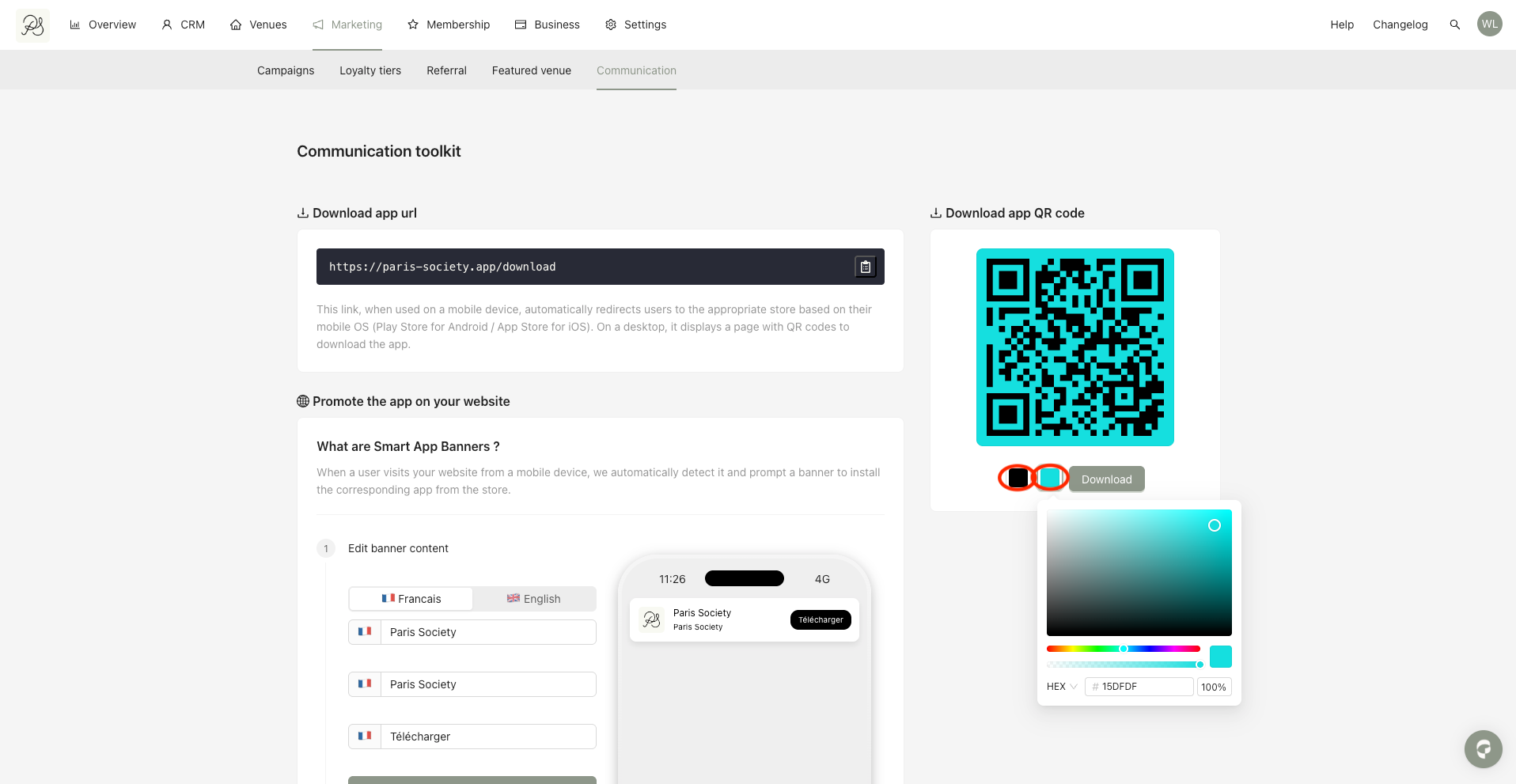
Step 1: Customize the QR code colors
By default, the QR code is black and white.
You can customize both colors using the color pickers.
Make sure to select two different colors, otherwise the QR code may become unreadable.
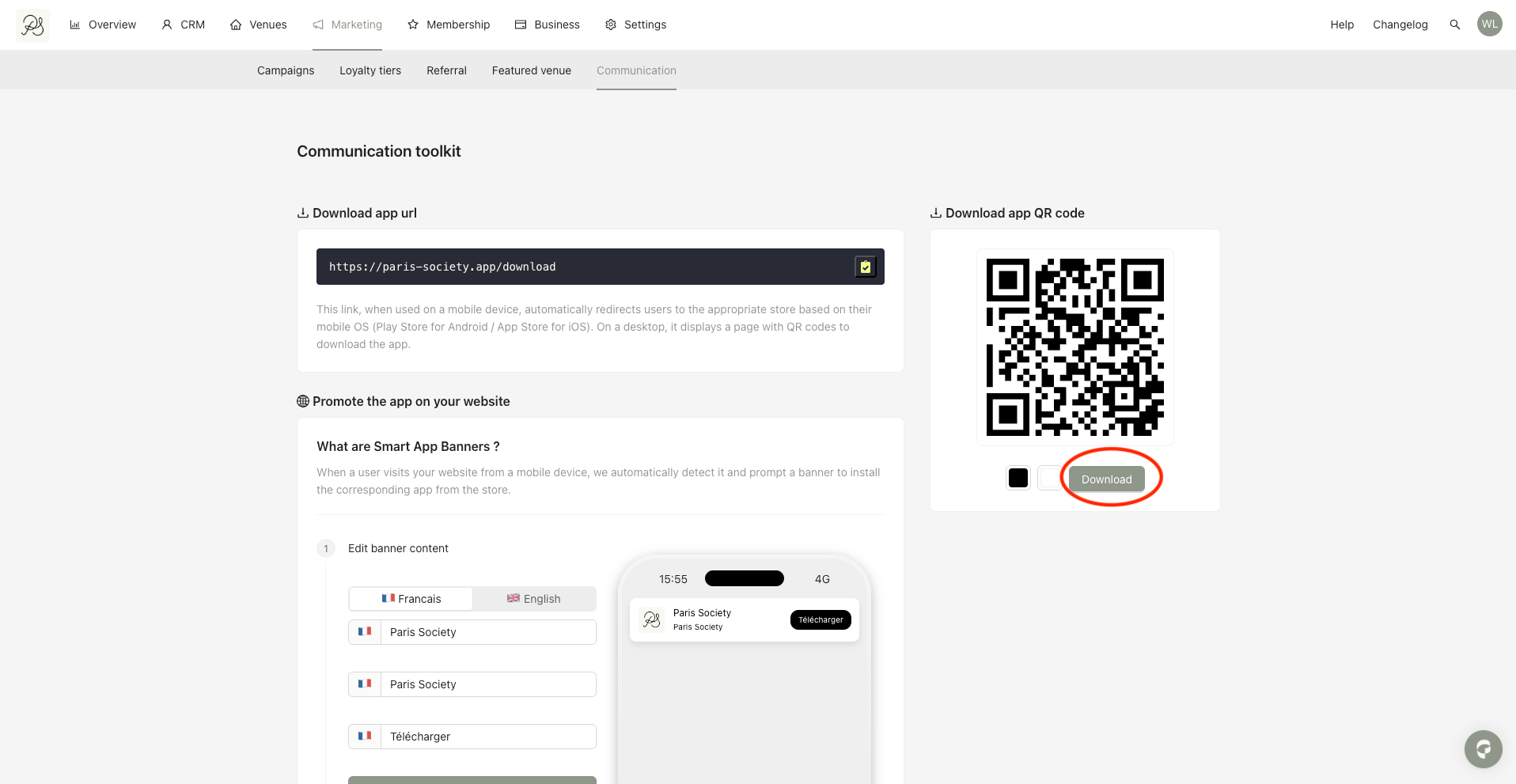
Step 2: Once the colors are set, click Download to save the QR code. The QR code can be downloaded in SVG format. The QR code will lead to a link to download the app.
If you don’t want to use the QR code, You can copy directly the app download link in the page by clicking the button beside the link.
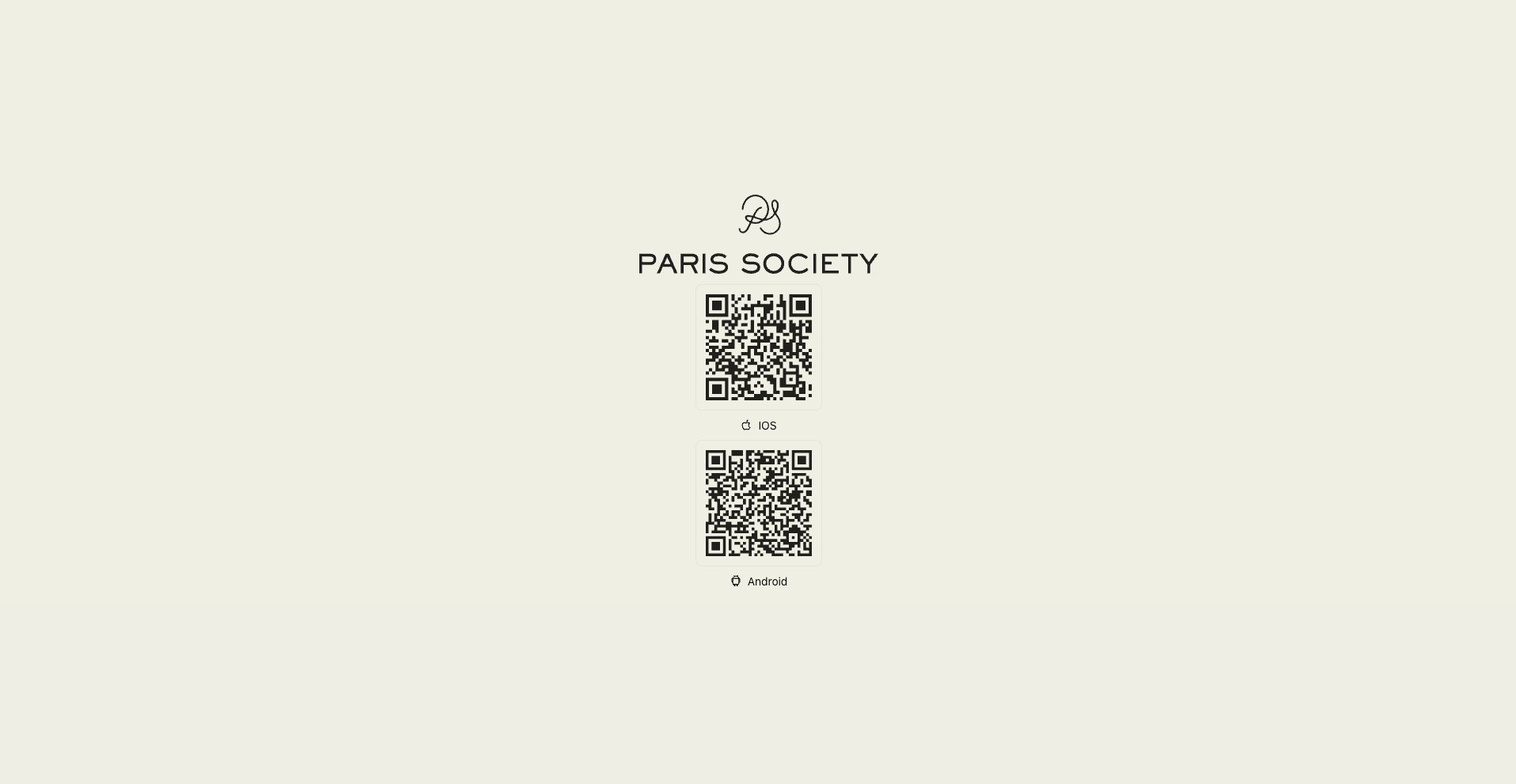
When your users click the link or scan the QR code, they will be automatically redirected based on their device:
4.1. On desktop: Users are redirected to a page offering 2 QR codes to redirect to both: Apple App Store and Google Play Store.
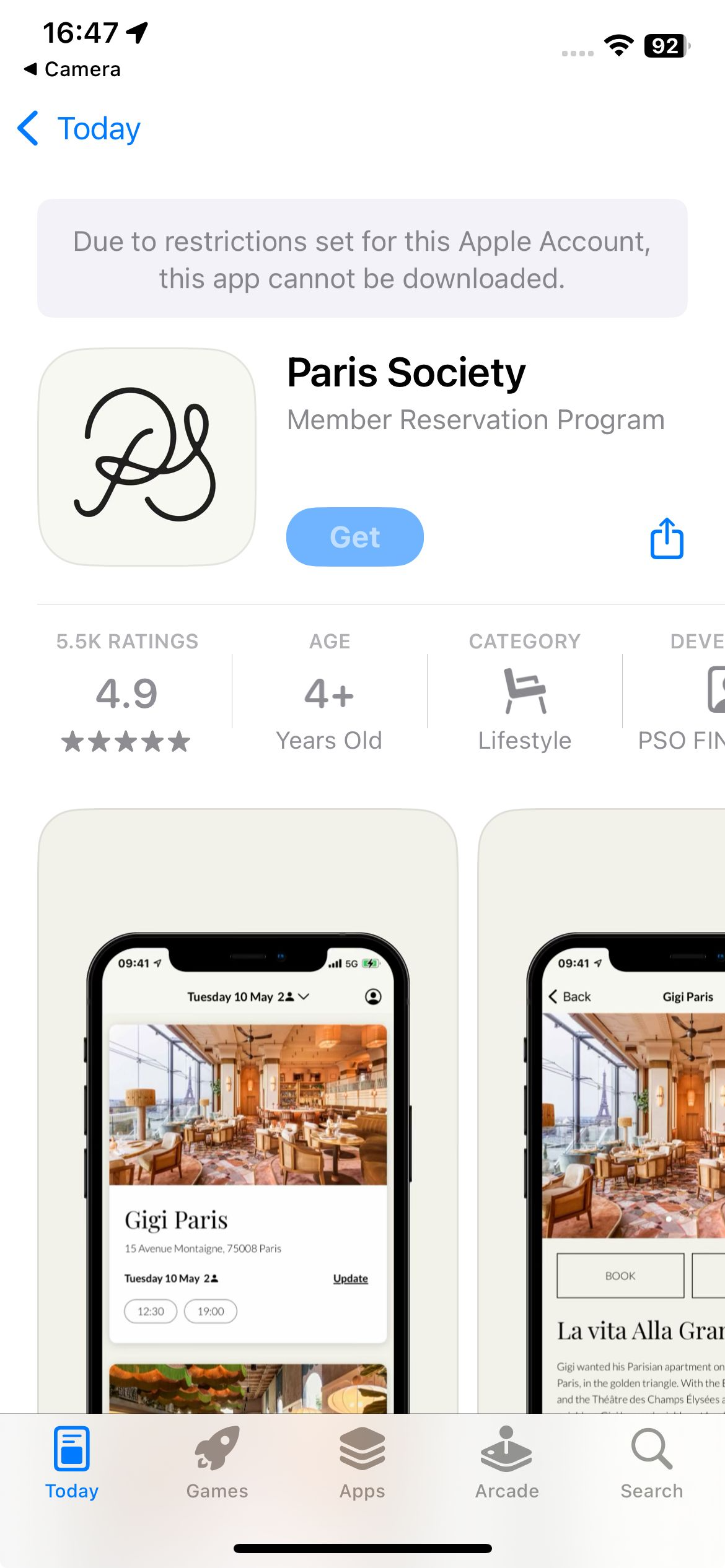
4.2. On iPhone: Users are redirected directly to the App Store.
4.3. On Android: Users are redirected directly to the Google Play Store.