The Legal section of a user profile provides insight into user activity, data retention, and consent status.
Roles with access to the Data & Legal section:
Admin
Head of Project
Marketing
Communication
Membership
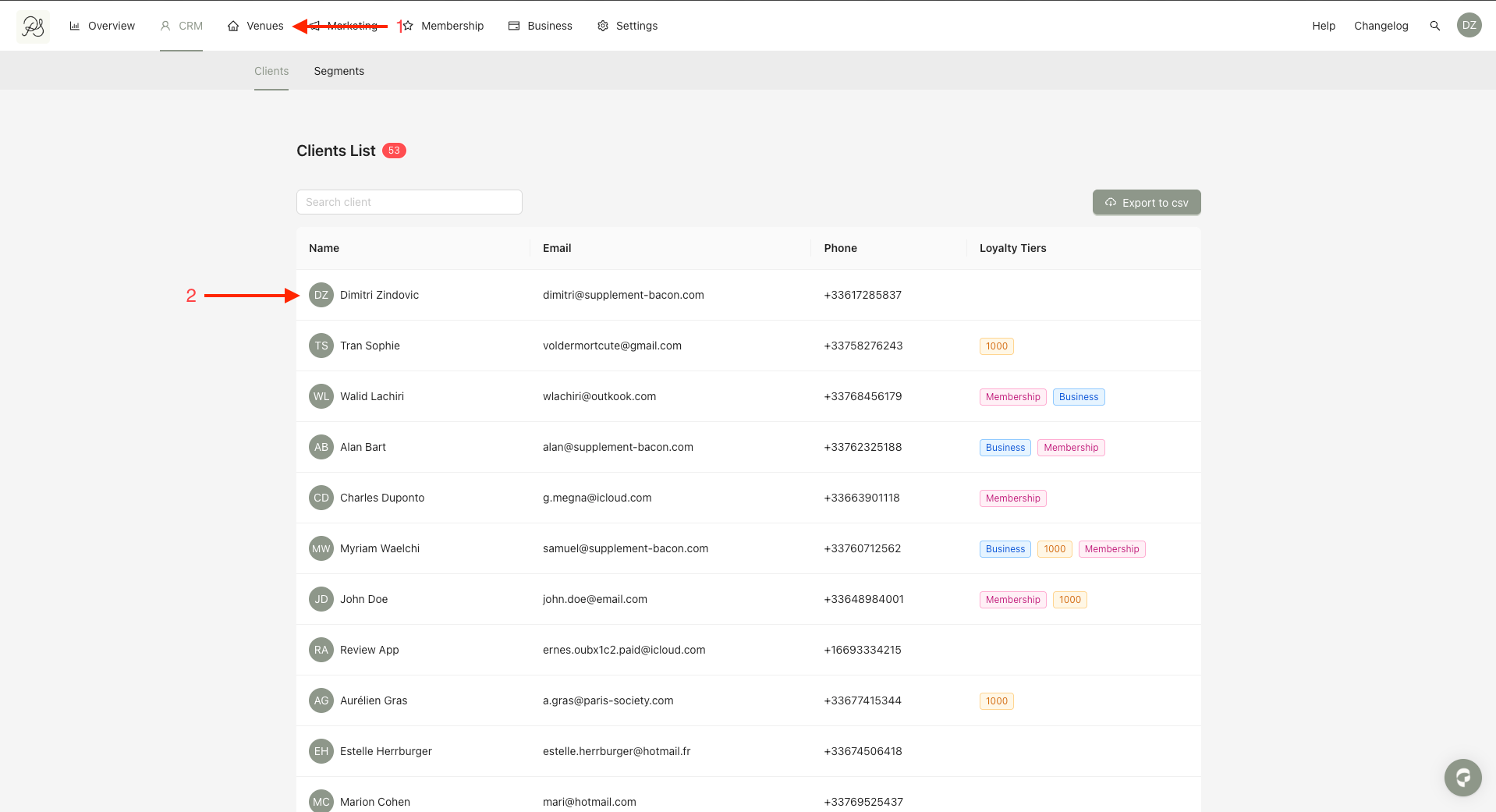
Step 1: From the homepage, click CRM. Select the user you want to review.
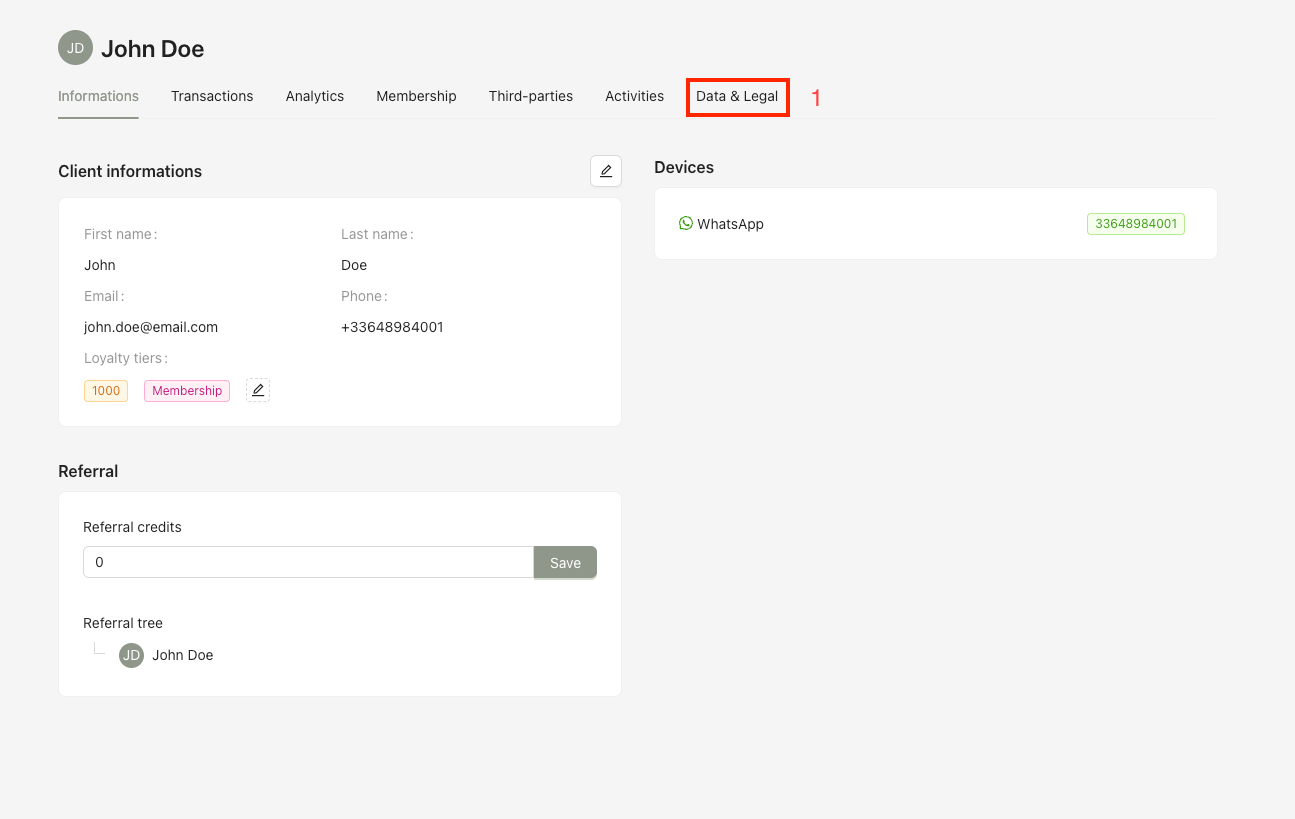
Step 2: On the user detail page, Click Data & Legal.
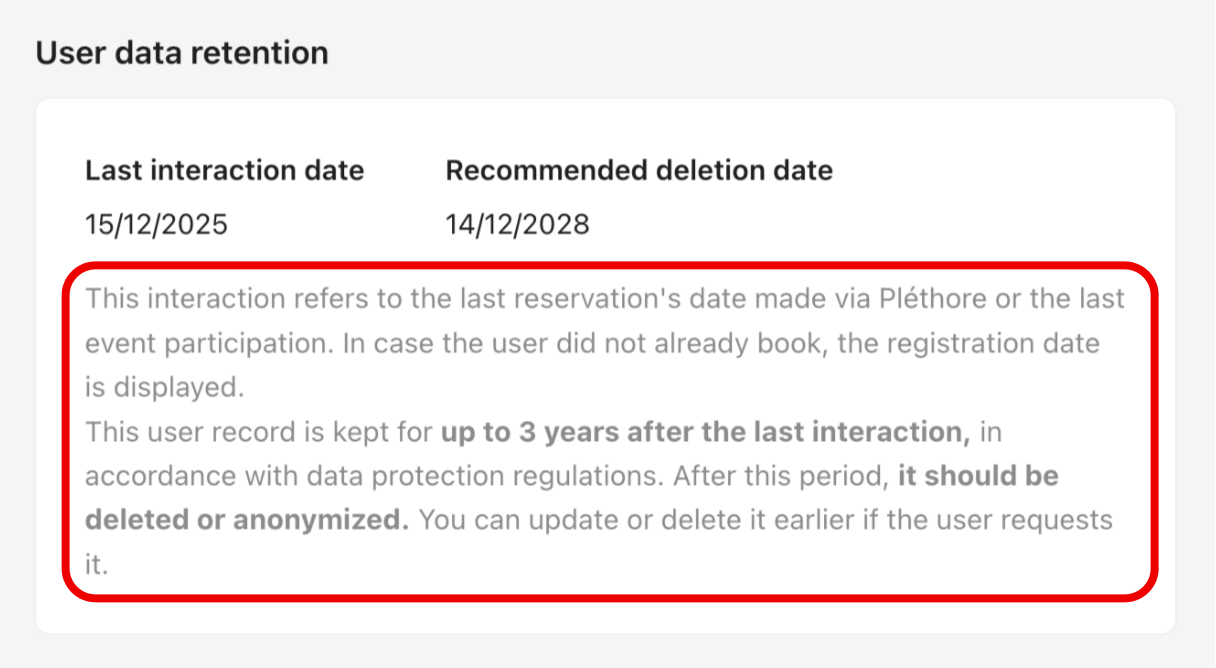
The date of the last interaction made via Pléthore app or bot.
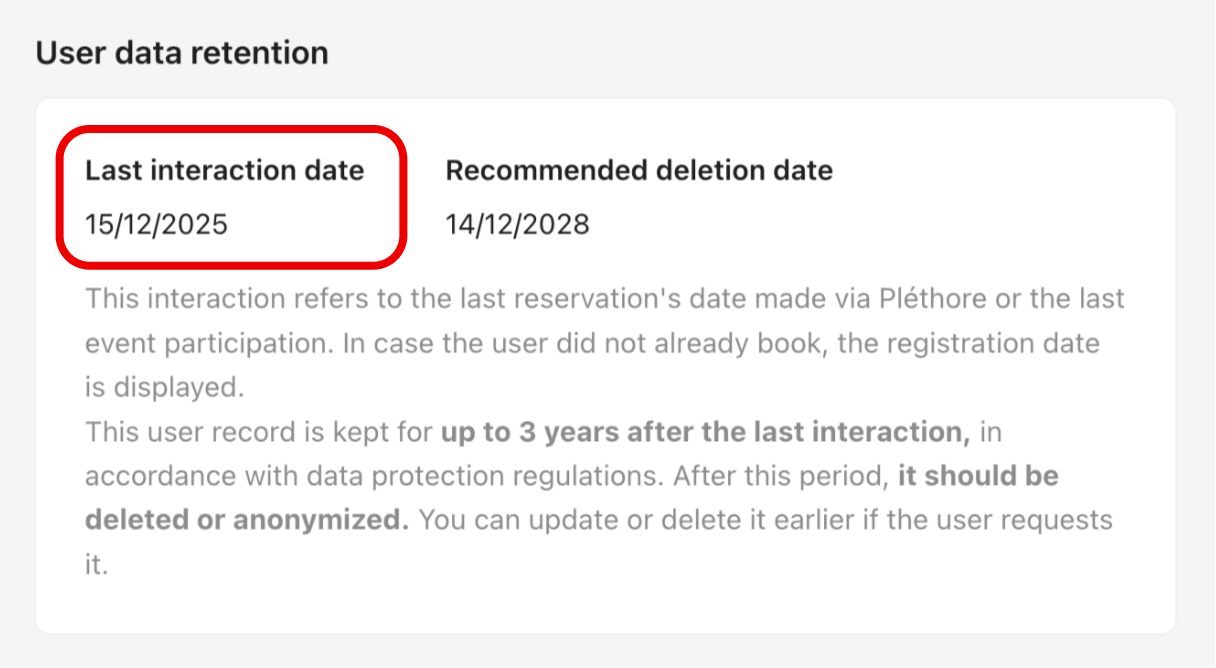
The last interaction date is updated based on:
The most recent user activity (such as making a reservation or updating their profile).
The most recent reservation.
The last event the user attended in the mobile application.
User personal data is retained for a maximum of 3 years after the last interaction.
This duration is configurable in the Back Office via Settings → User → Data Privacy, in compliance with data protection regulations.
Once this period ends:
An email (also configurable in the Back Office) is sent to the user,
The user is given an additional 1-month grace period (configurable) to keep their account active.
If no response is received after this period, the user’s data is anonymized. The account can still be updated or deleted at any time at the user’s request.

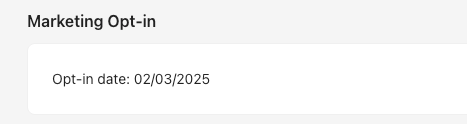
The Marketing Opt-in section displays the date on which the user accepted marketing communications.
This section shows:
The status (accepted or refused),
And the date of consent for receiving notifications in the mobile application.
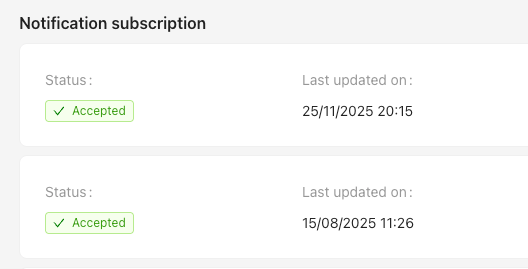
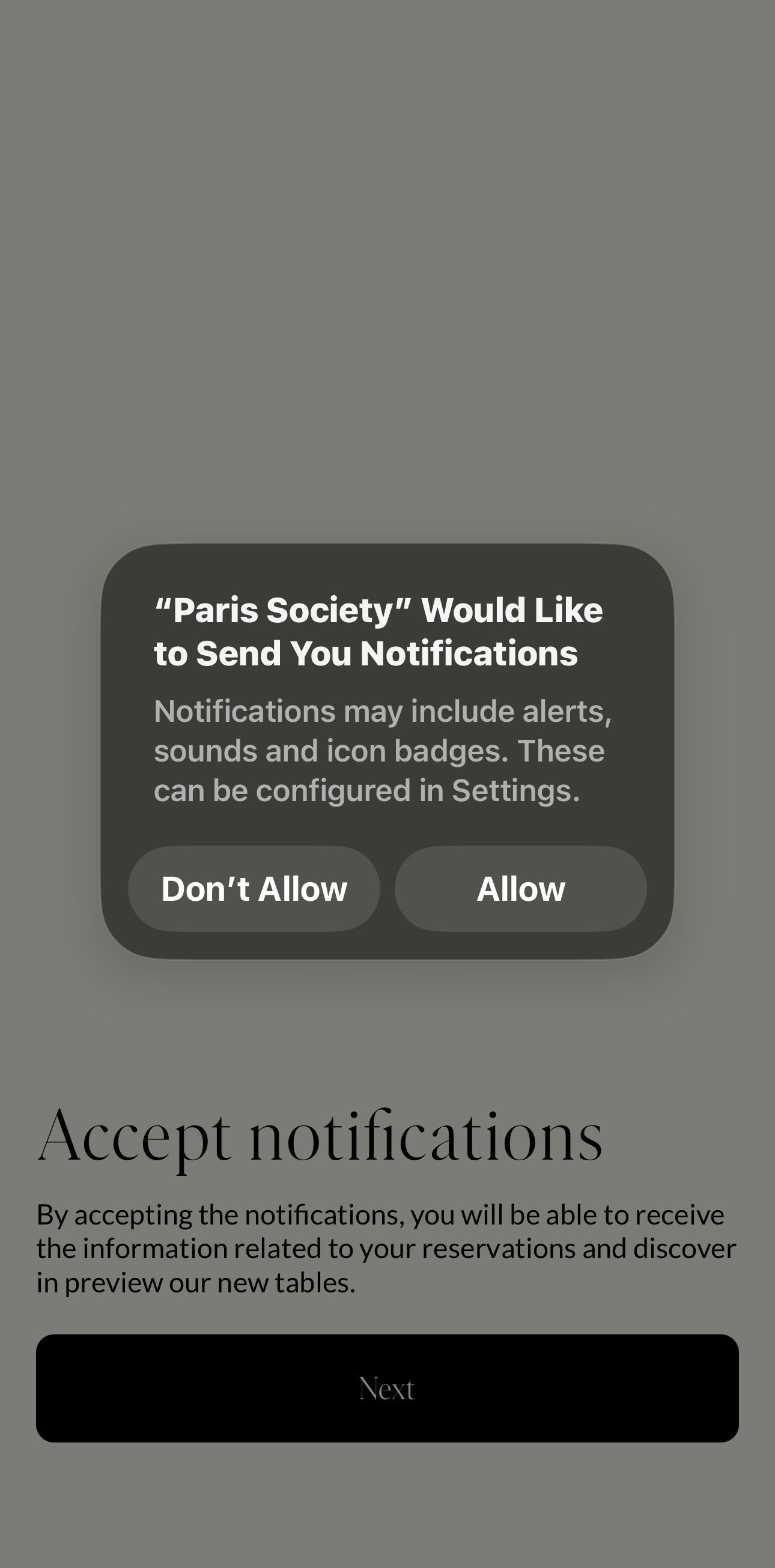
These preferences are defined by the user via the system consent pop-up.