This article explains how to configure the Data Privacy (Purge) settings in the dashboard. These settings allow you to define how long user data is retained, when it is anonymized, and how users are notified before their data is permanently purged.
The following roles are allowed to configure User Data Privacy:
Admin
Head of Project
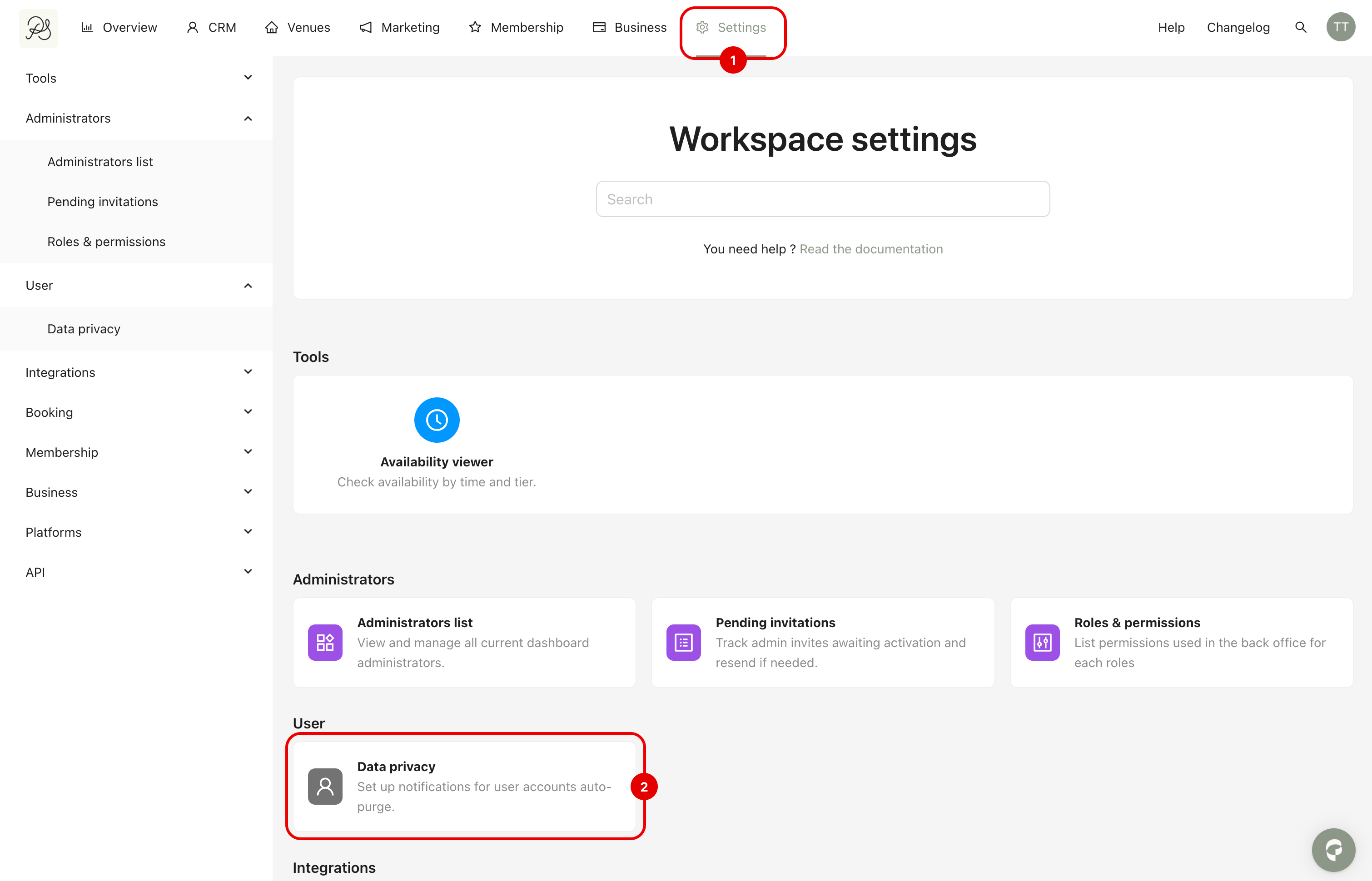
Cick on Settings (1) in the menu bar in the top navigation bar, then click Data privacy in the section User (2).
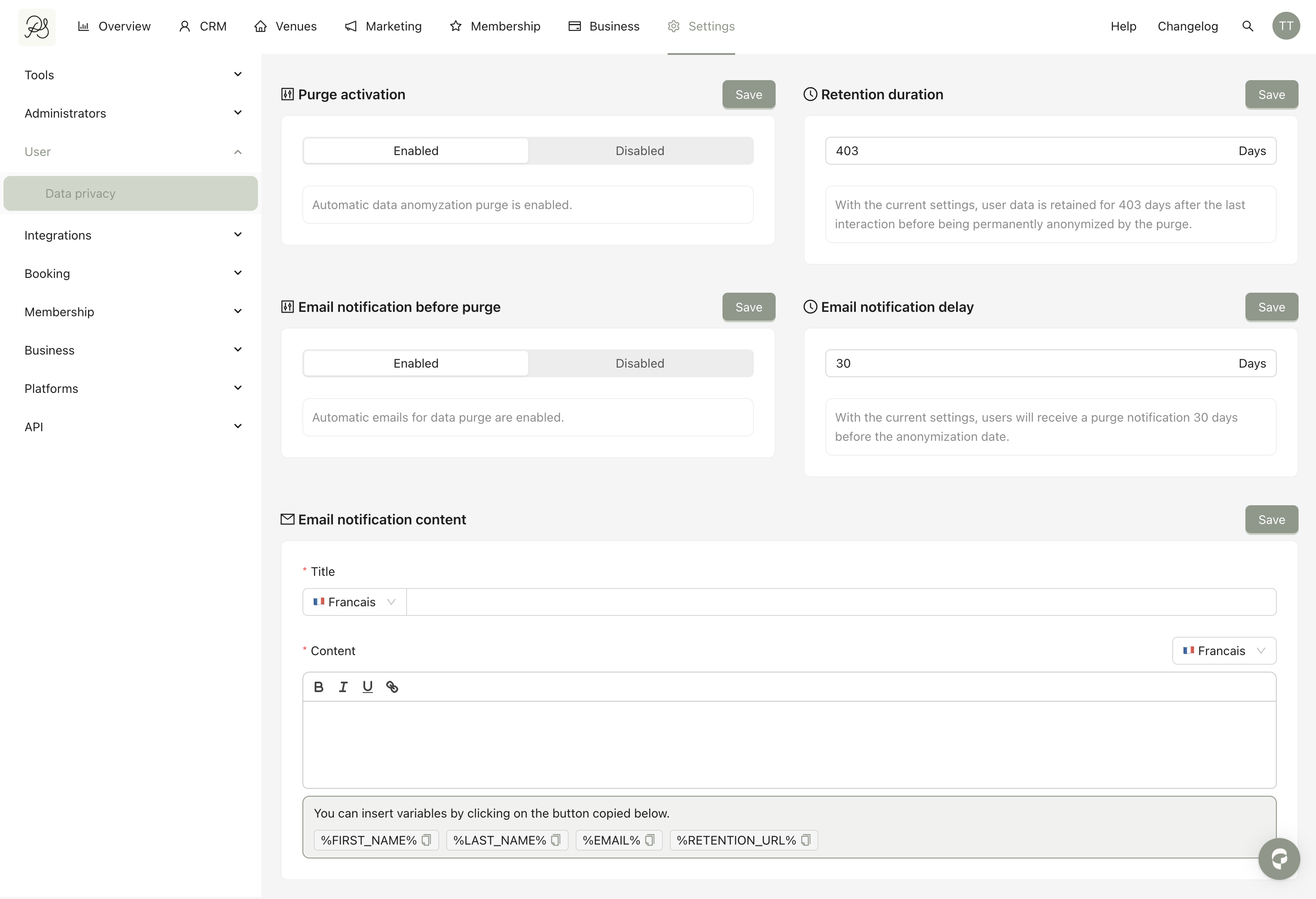
You will find the following sections:
Automatic data anonymization (purge) is a data privacy mechanism that permanently removes or anonymizes personal user information after a defined period of inactivity.
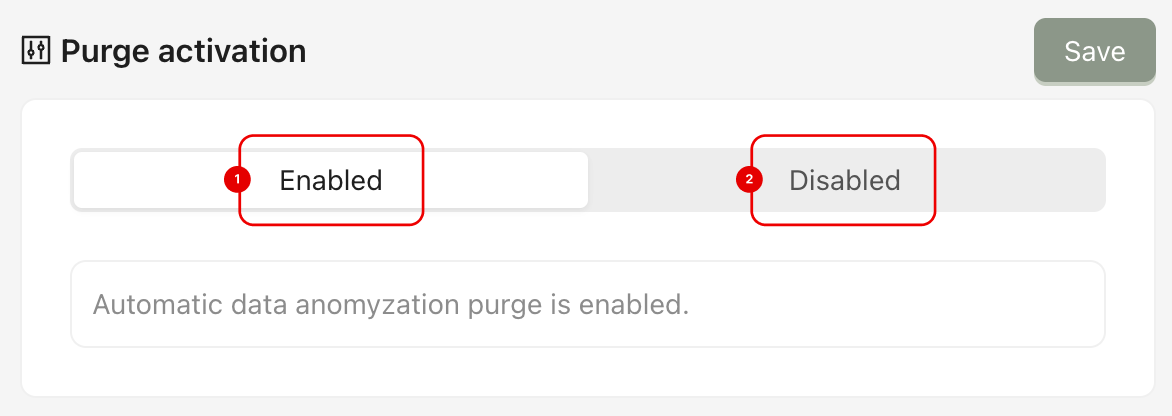
This setting allows you to enable or disable automatic data anonymization.
Enabled (1): User data will be automatically anonymized after the defined retention period.
Disabled (2): No automatic anonymization will occur.
After making changes, click Save.
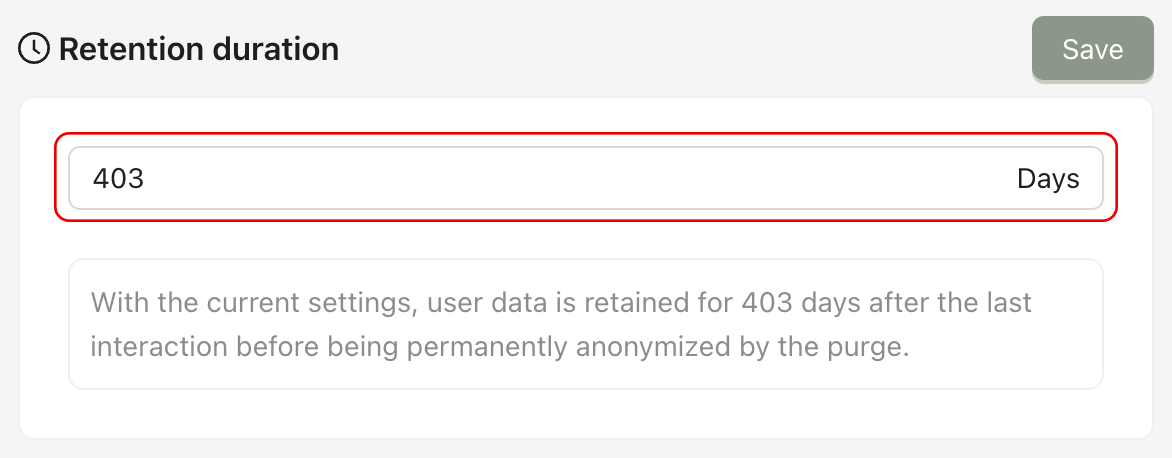
This field defines how long user data is retained after the last interaction before being permanently anonymized.
You can define the time by filling in the field. The duration is defined in days.
Example: If set to 403 days, user data will be retained for 403 days after the last interaction before being anonymized.
After modifying the duration, click Save.

This section allows you to configure how users are informed before their data is automatically anonymized (purged). It includes:
Activation of the notification
Timing of the notification
Customization of the email content
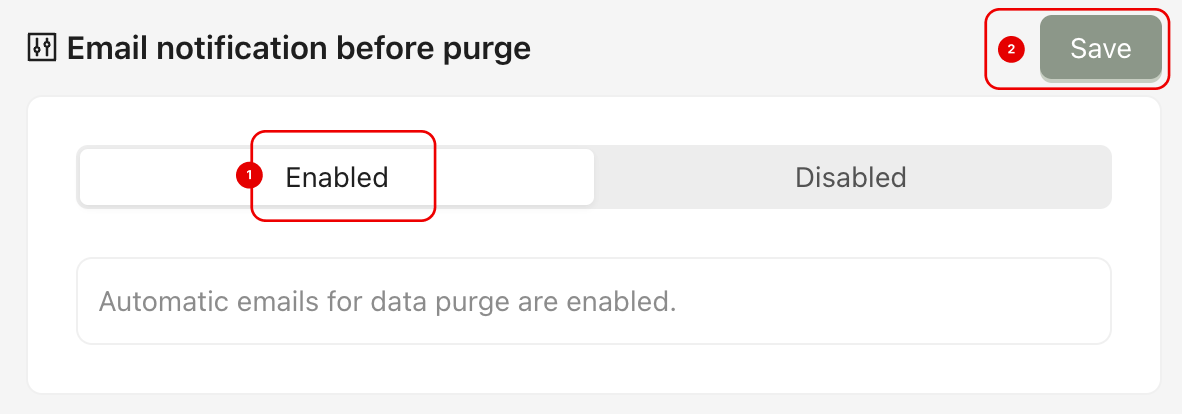
To activate Automatic Email, you can follow these steps:
Step 1: Make sure the Email notification before purge section is enabled (1), then click Save (2).
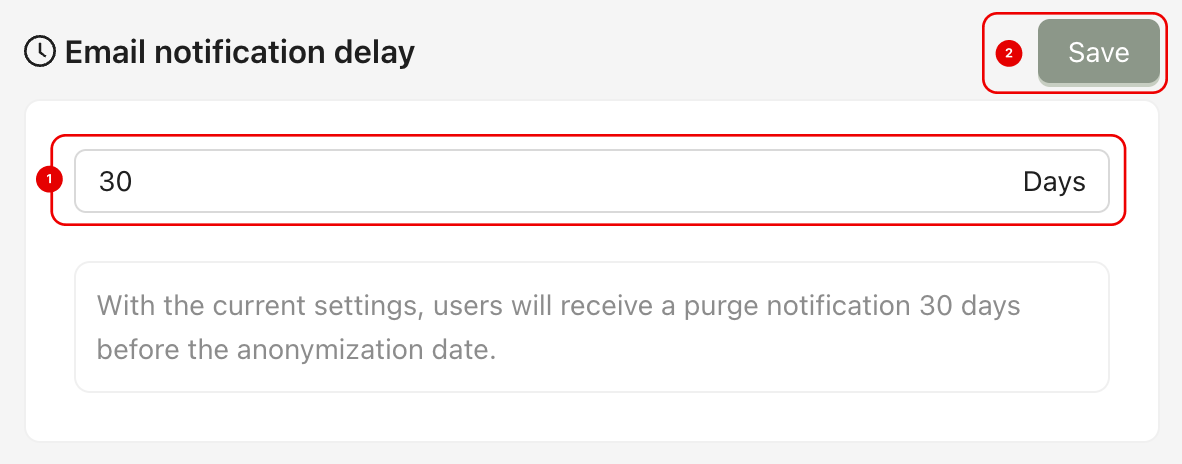
Step 2: In the Email notification section, Enter the number of days before the purge date when the user should receive the notification (1), then click Save (2).
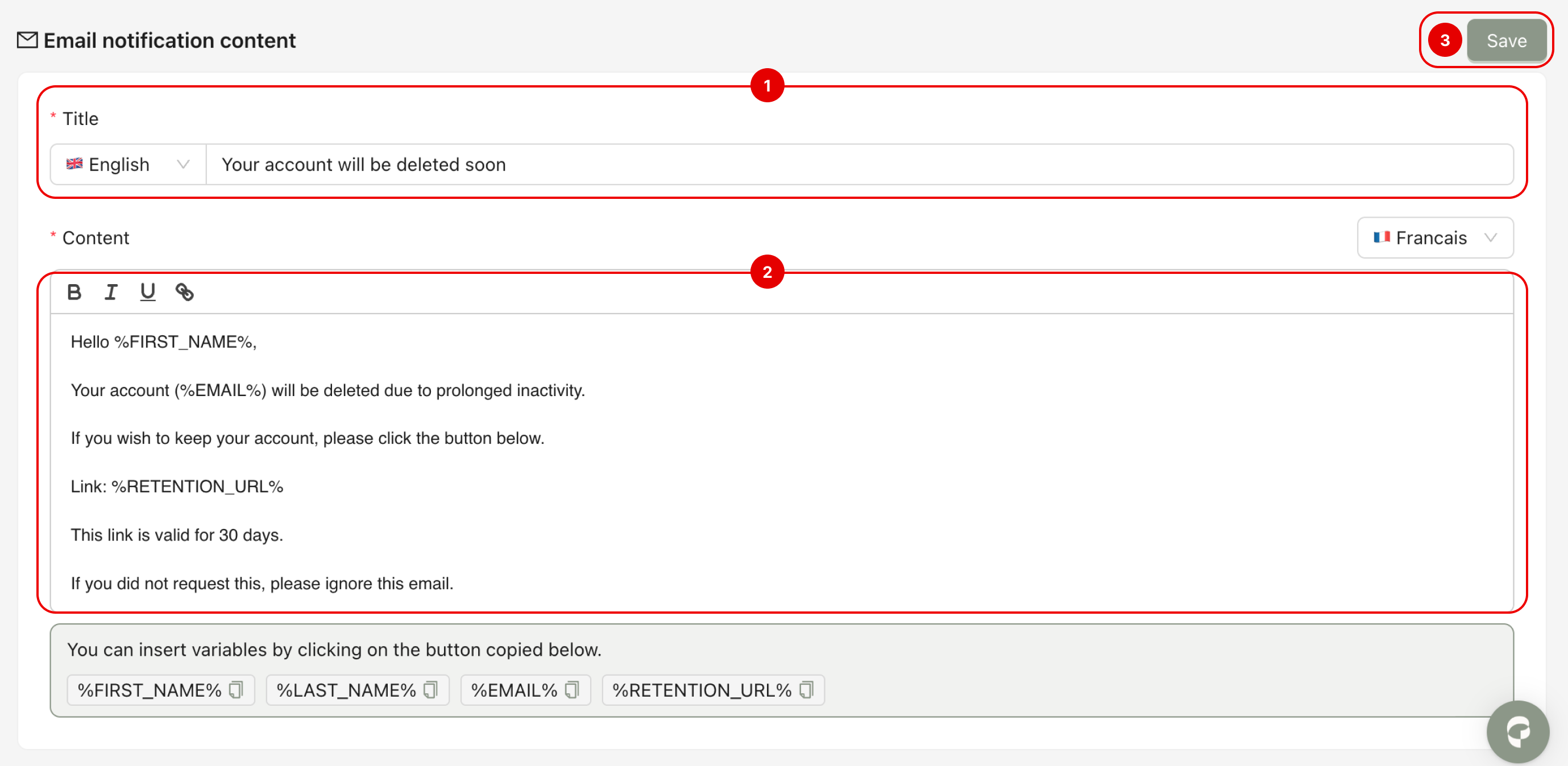
Step 3: In the Email notification content section, Enter the Title of the email (2) and write the Content of the email(2). Insert the required variables (e.g., %FIRST_NAME%, %EMAIL%, %RETENTION_URL%) to personalize the message. Then click Save (3).
If the notification delay is set to 30 days, users will receive an email 30 days before the purge date.
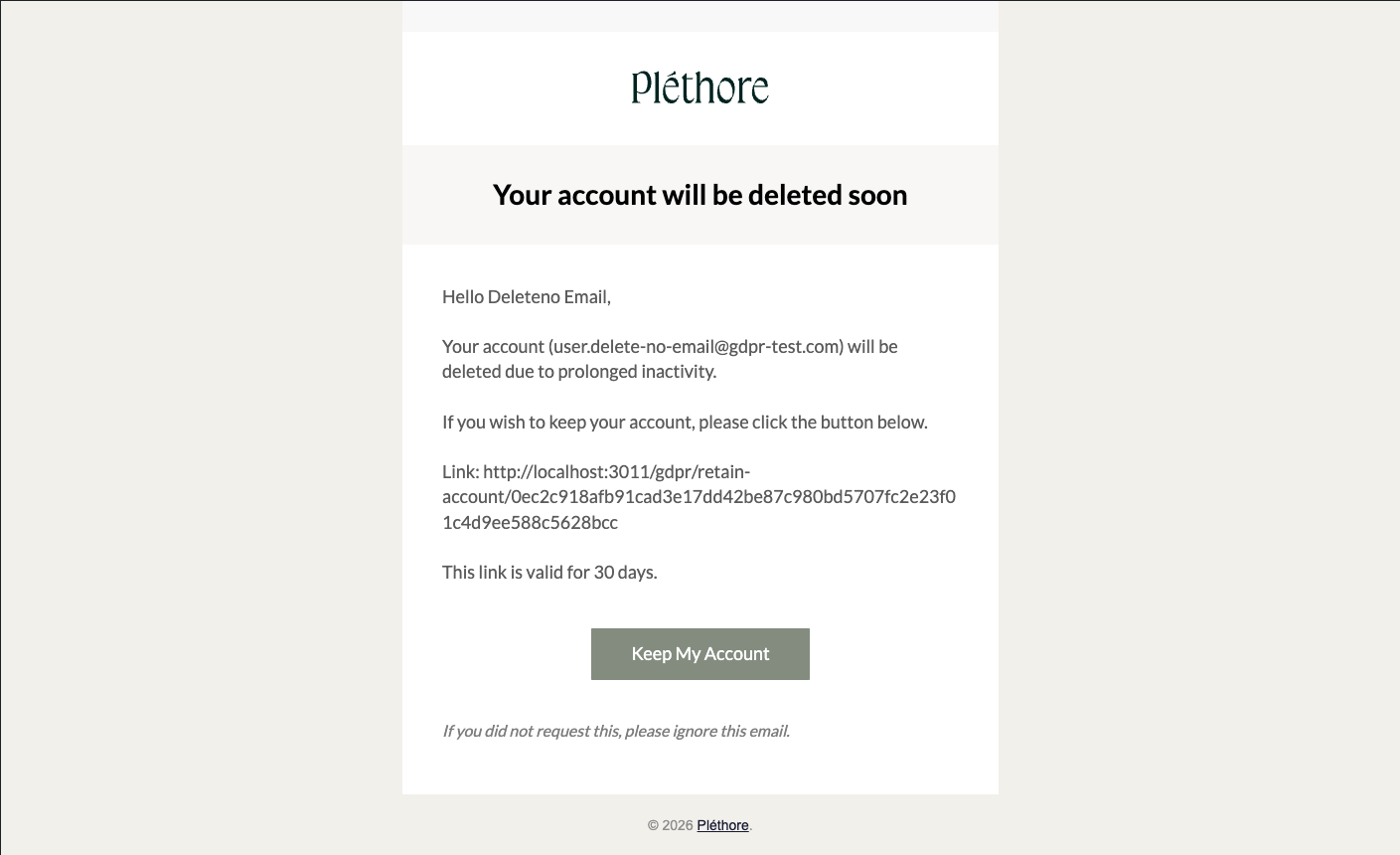
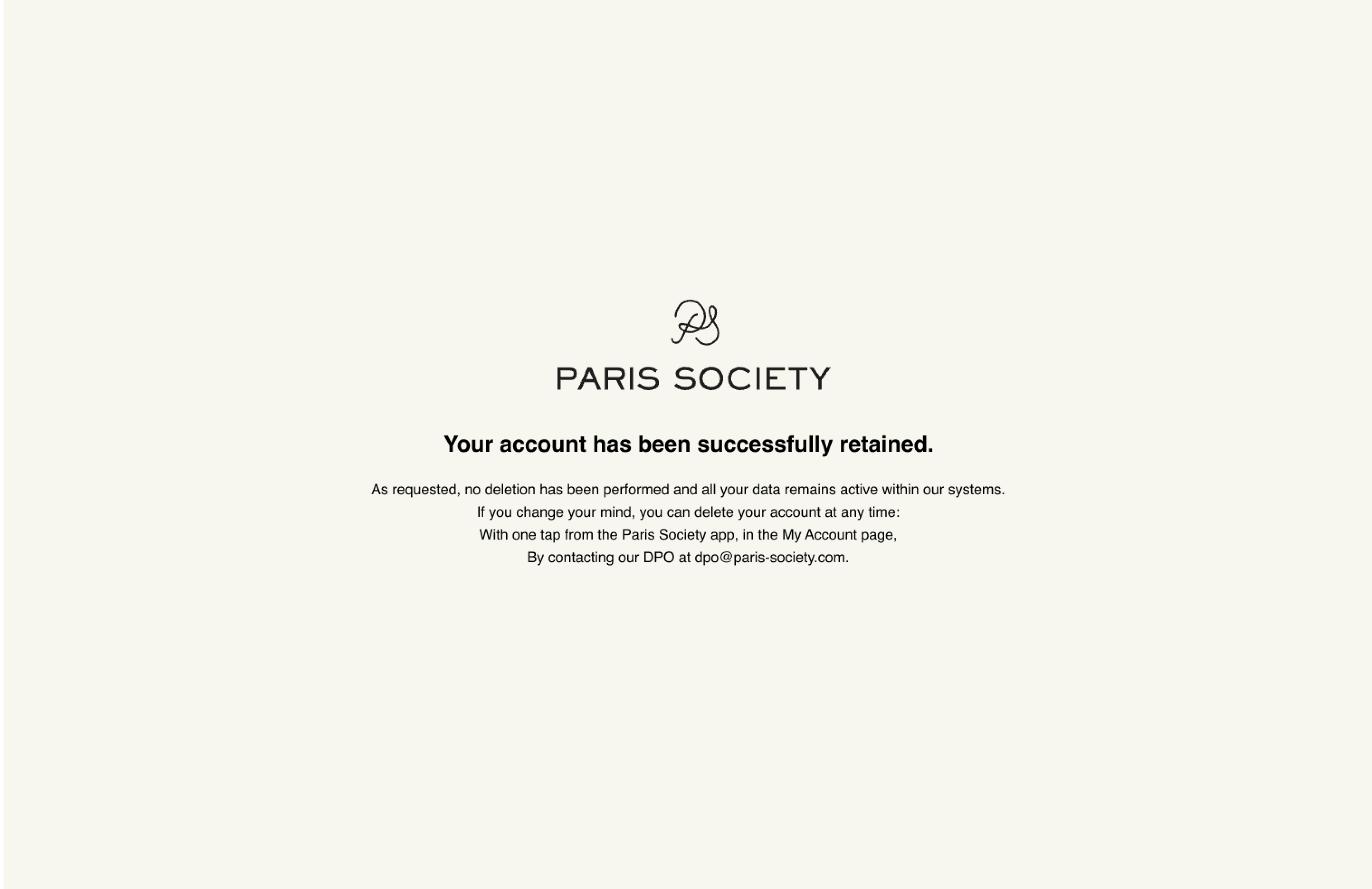
When they click the “Keep My Account” button, they will be redirected to a confirmation screen indicating that their account has been retained. This means their data will not be deleted, and the retention period will reset according to your configuration.