When a venue is managed by a different group or connected to a provider other than your main PMS, users must provide their consent again when making their first booking. These settings allow you to collect user consent in compliance with data protection and marketing regulations.
You must be logged in as an Administrator.
Go to the Venues section and select the venue you want to edit. Click on the Legals tab.
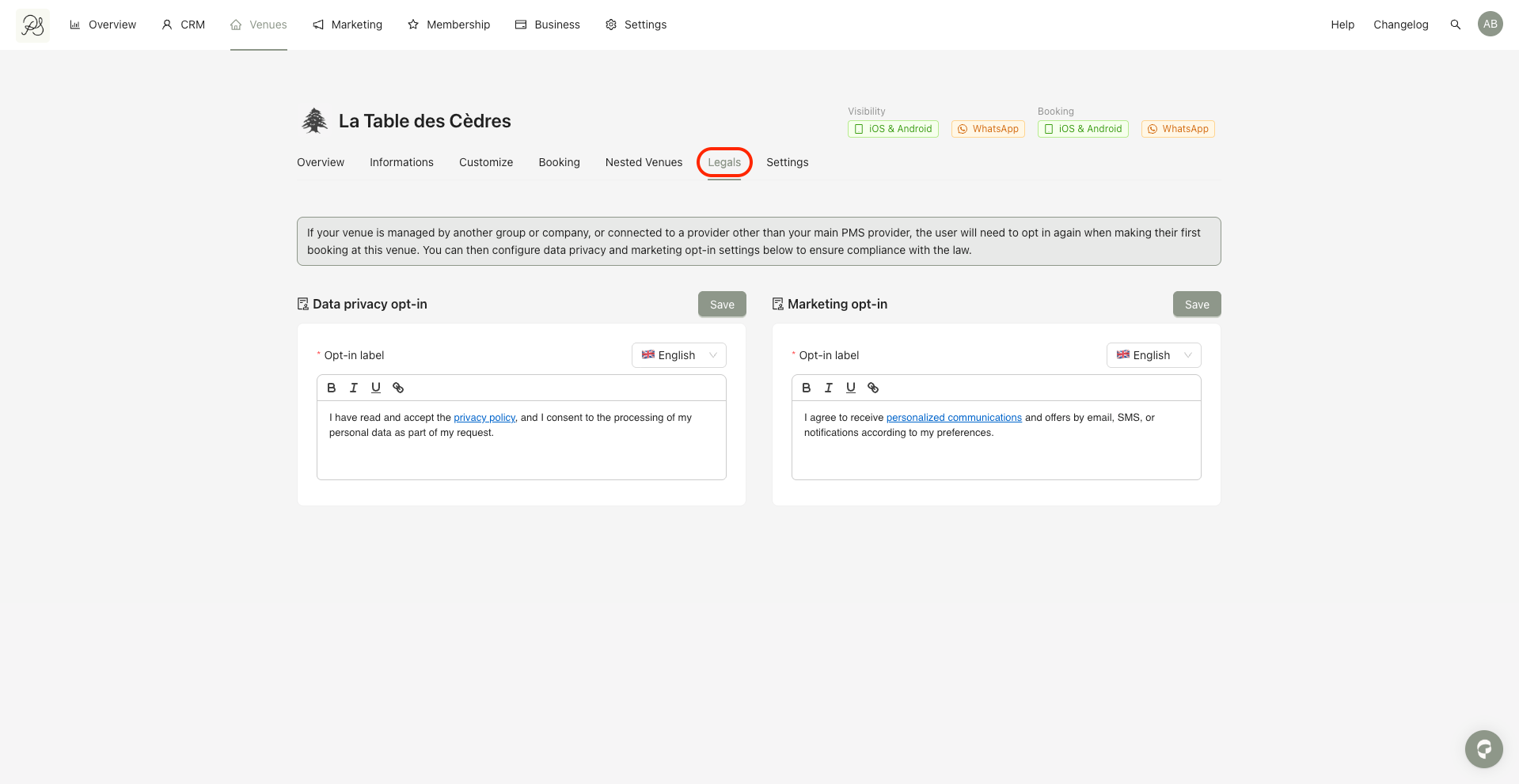
There are two types of opt-in that you can configure in this section:
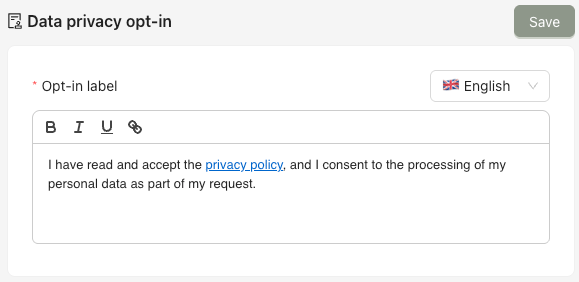
The Data privacy opt-in section allows users to give their consent for the processing of their personal data. It ensures that any collected information is handled in accordance with applicable data protection regulations.
The Marketing opt-in section allows users to consent to receiving marketing communications, such as promotional offers or updates about new features and venues.
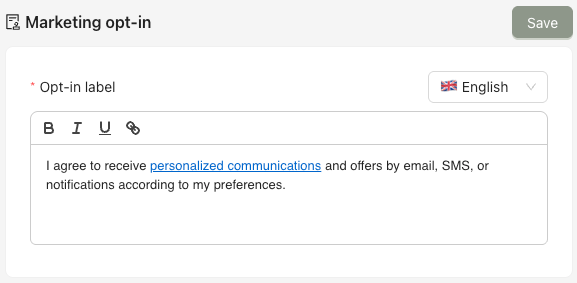
Once configured, these opt-in texts will be displayed to users in the mobile application during their first booking at the venue, allowing them to explicitly confirm their consent.
