You must be logged in to the Back Office.
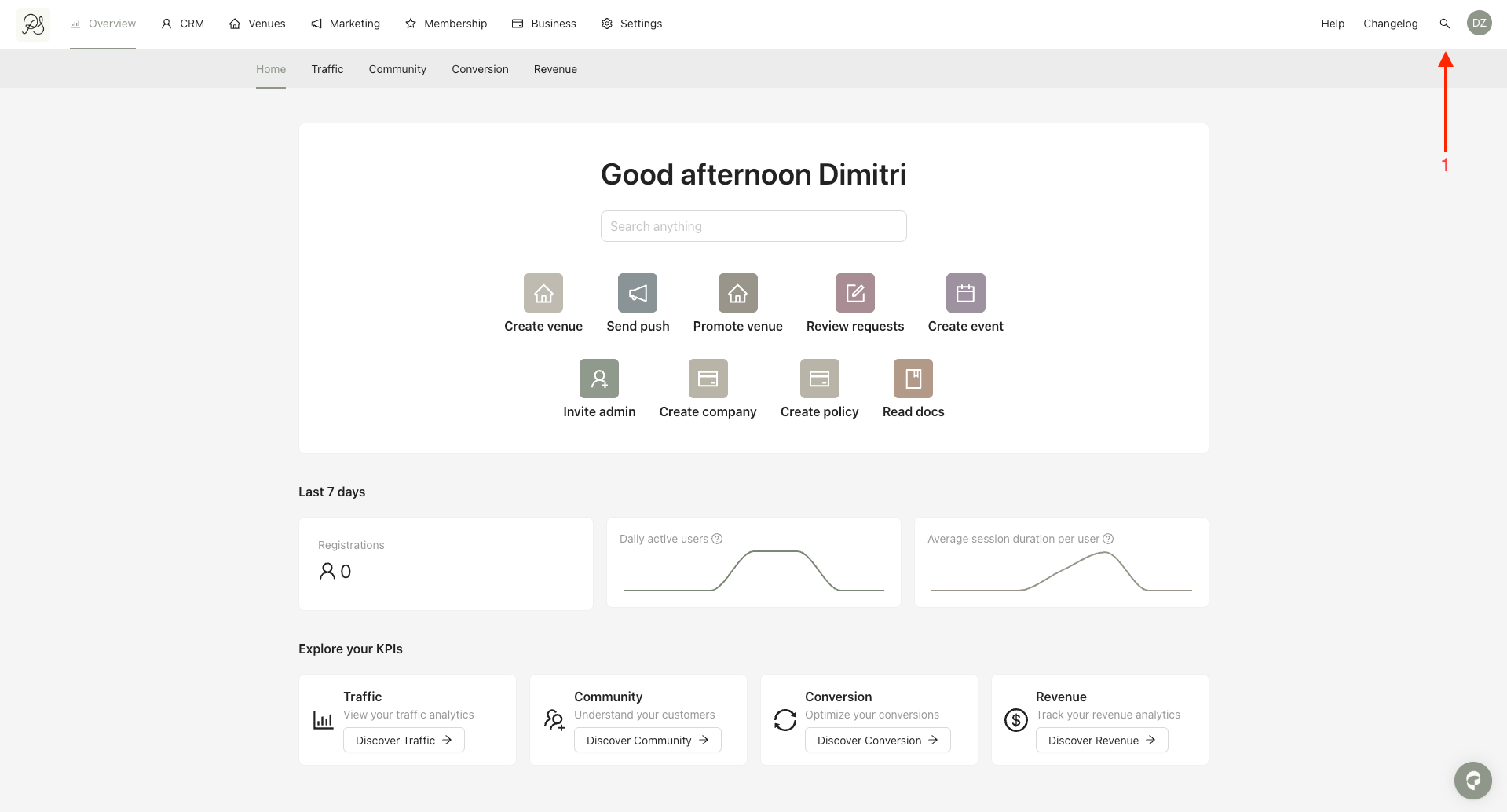
Step 1: From the homepage, click the magnifying glass icon or use the keyboard shortcut Command + K (macOS) / Control + K (Windows). This opens the Quick Search modal.
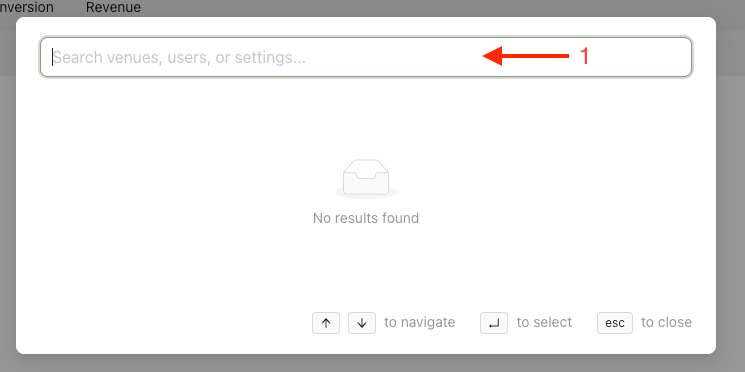
Step 2: Type the name of the item you are looking for. You can search for the following elements:
Users
Venues
Settings
Results are displayed in real time as you type.
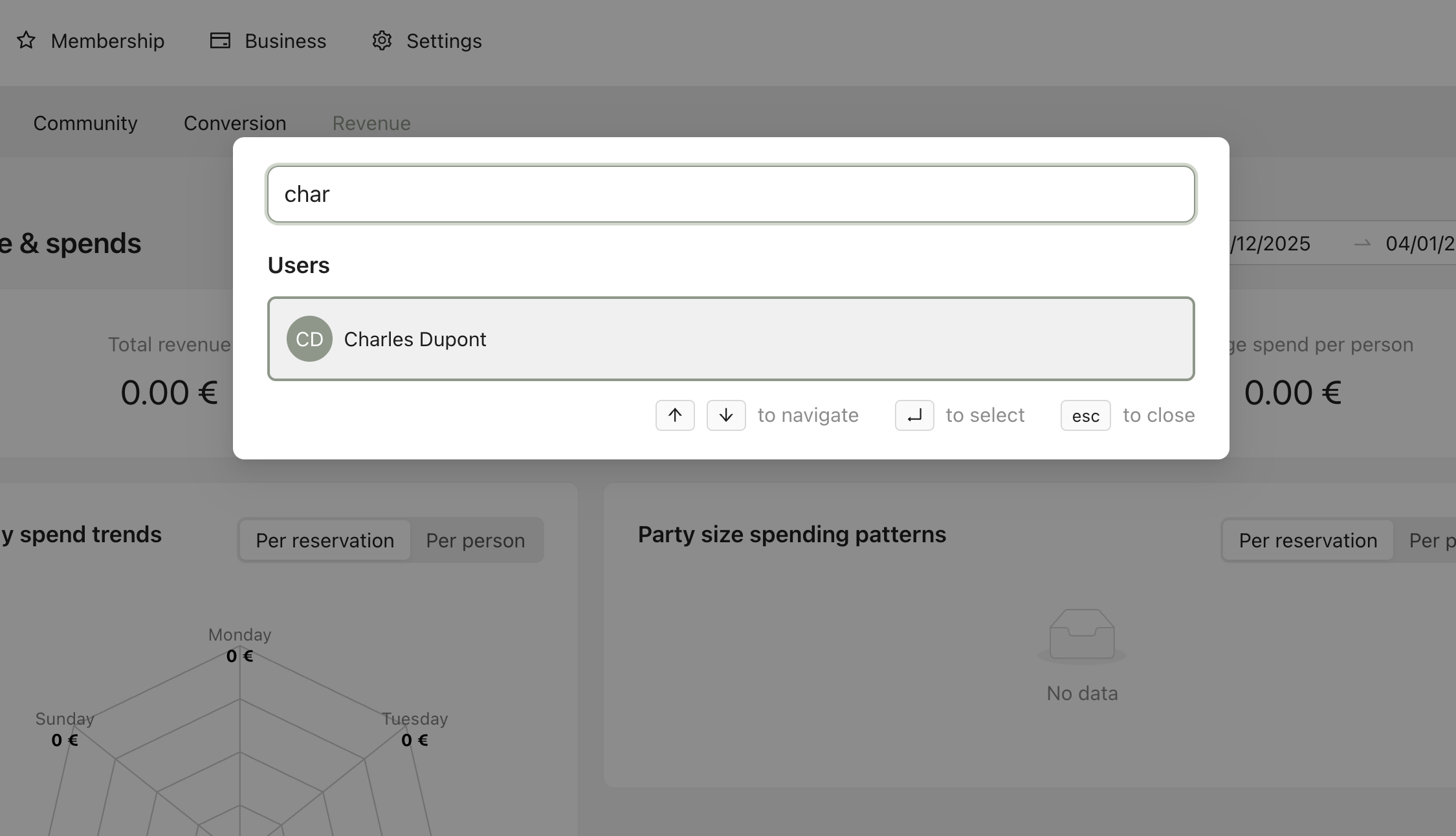
Example: Typing a user name (e.g. “Charles Dupont”) will immediately display matching user. Selecting a result will redirect you directly to the corresponding page in the Back Office.