Roles with access to this section:
Admin
Head of Project
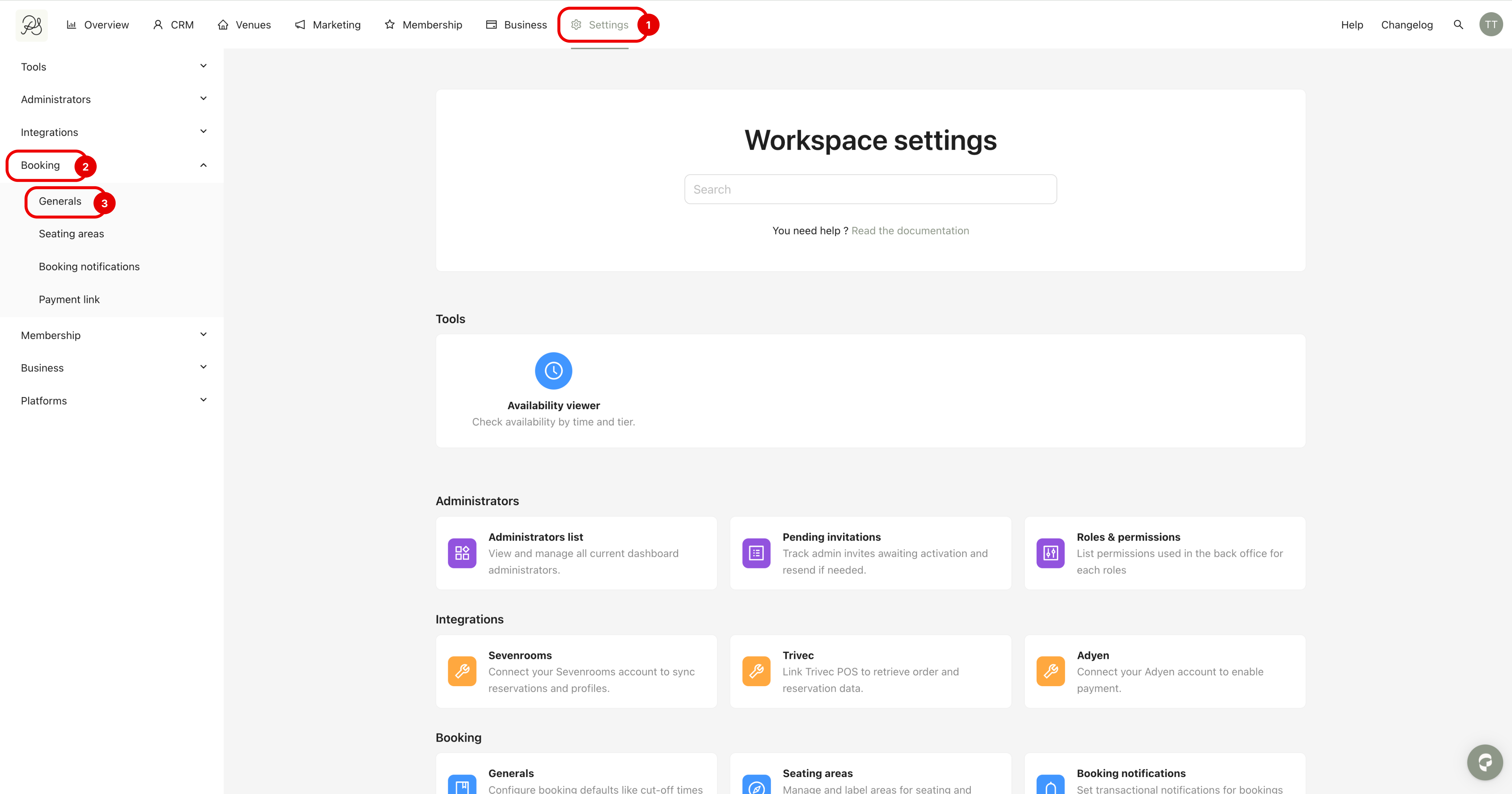
Step 1: Go to Settings (1), then click Booking (2) in the left sidebar, and select Generals (3).
Step 2: You will see the Booking Statuses section at the top.
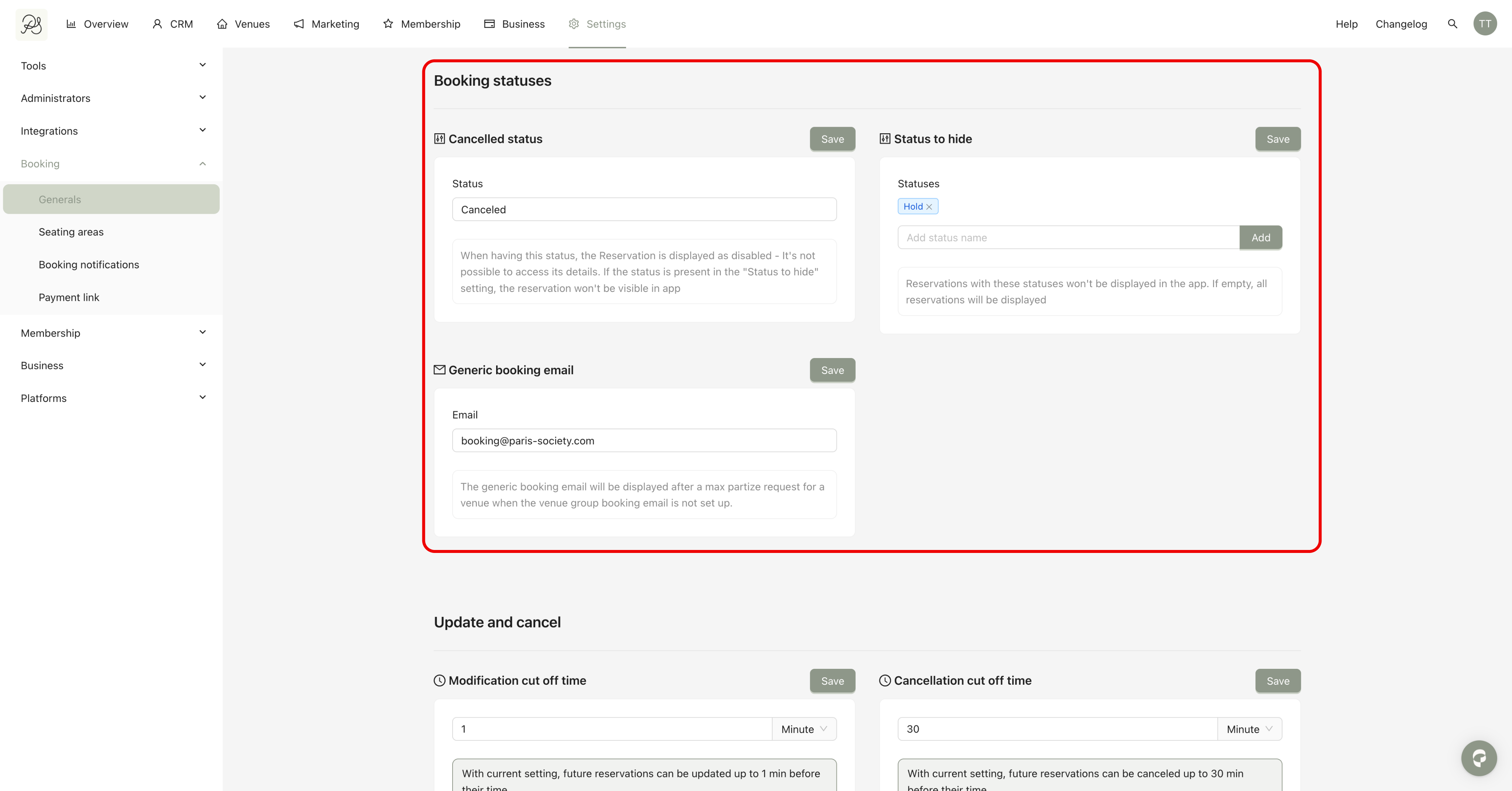
This setting allows the system to identify which booking status should be considered canceled.
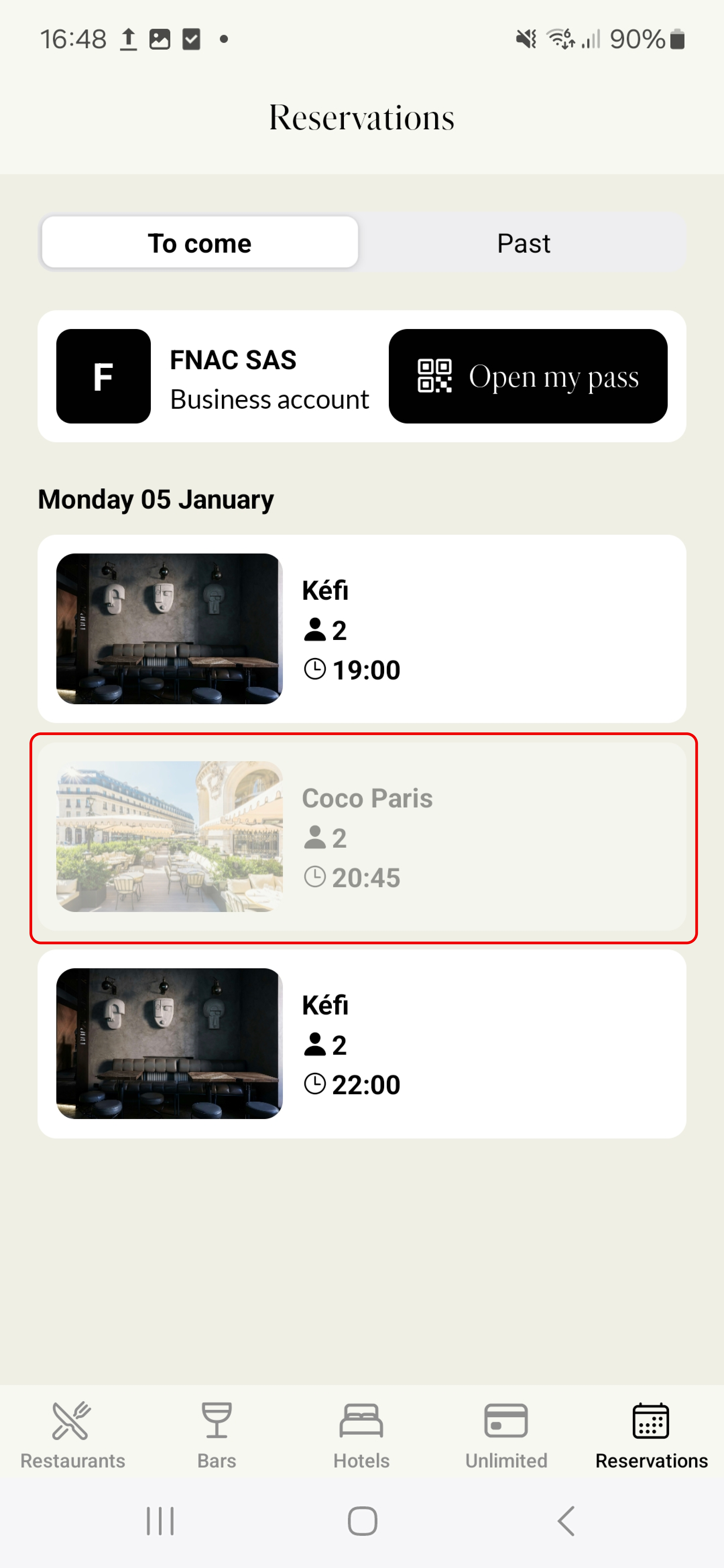
When a booking reaches this status, the reservation is unclickable and booking details are no longer accessible to the user.
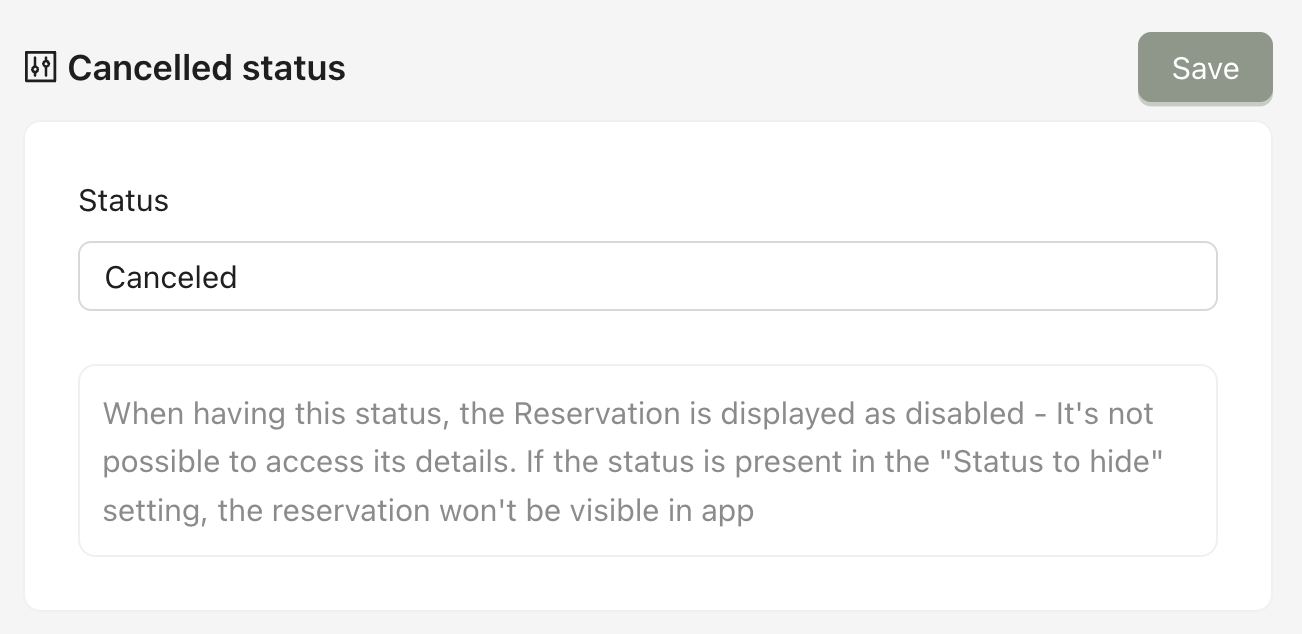
For example, when the status Canceled is configured, the booking remains visible in the mobile application but it is not accessible and cannot be opened.

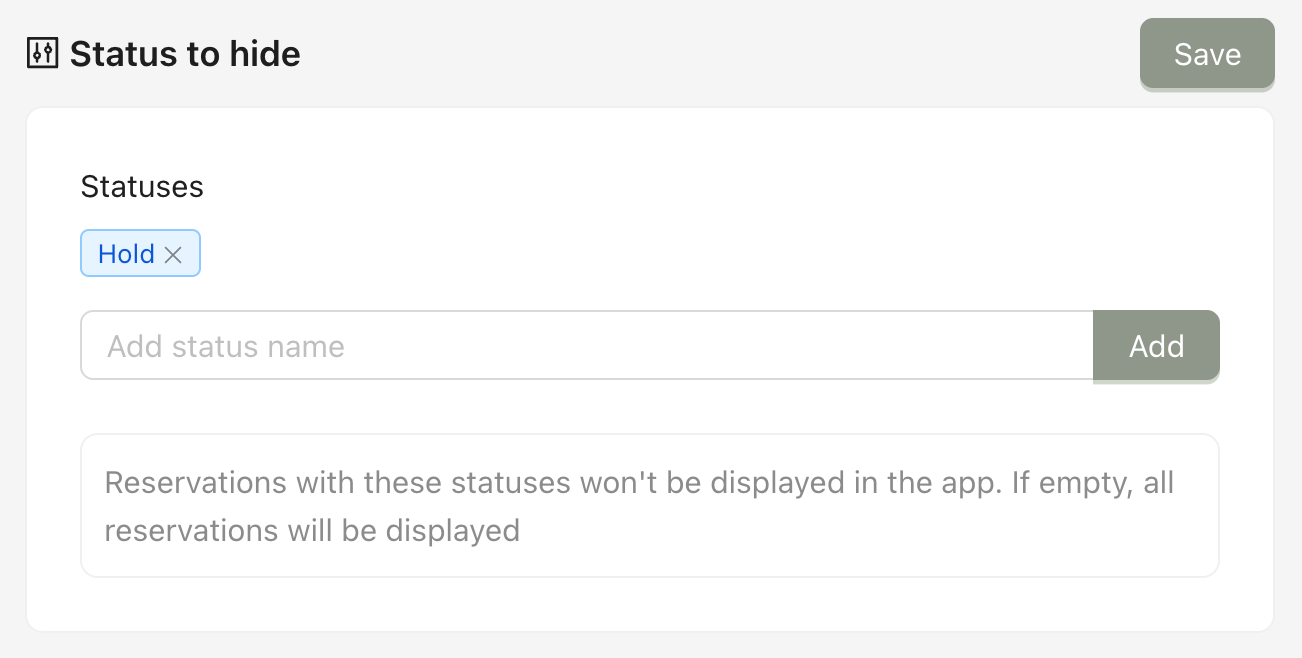
This section defines which booking statuses should be hidden from users. Any reservation with a status listed here will not be displayed in the mobile application.
For example, if hold is entered as a hidden status, all reservations in a hold state will be invisible to users in the app.