You must be logged in to the Back Office with Head of project or Administrator roles.
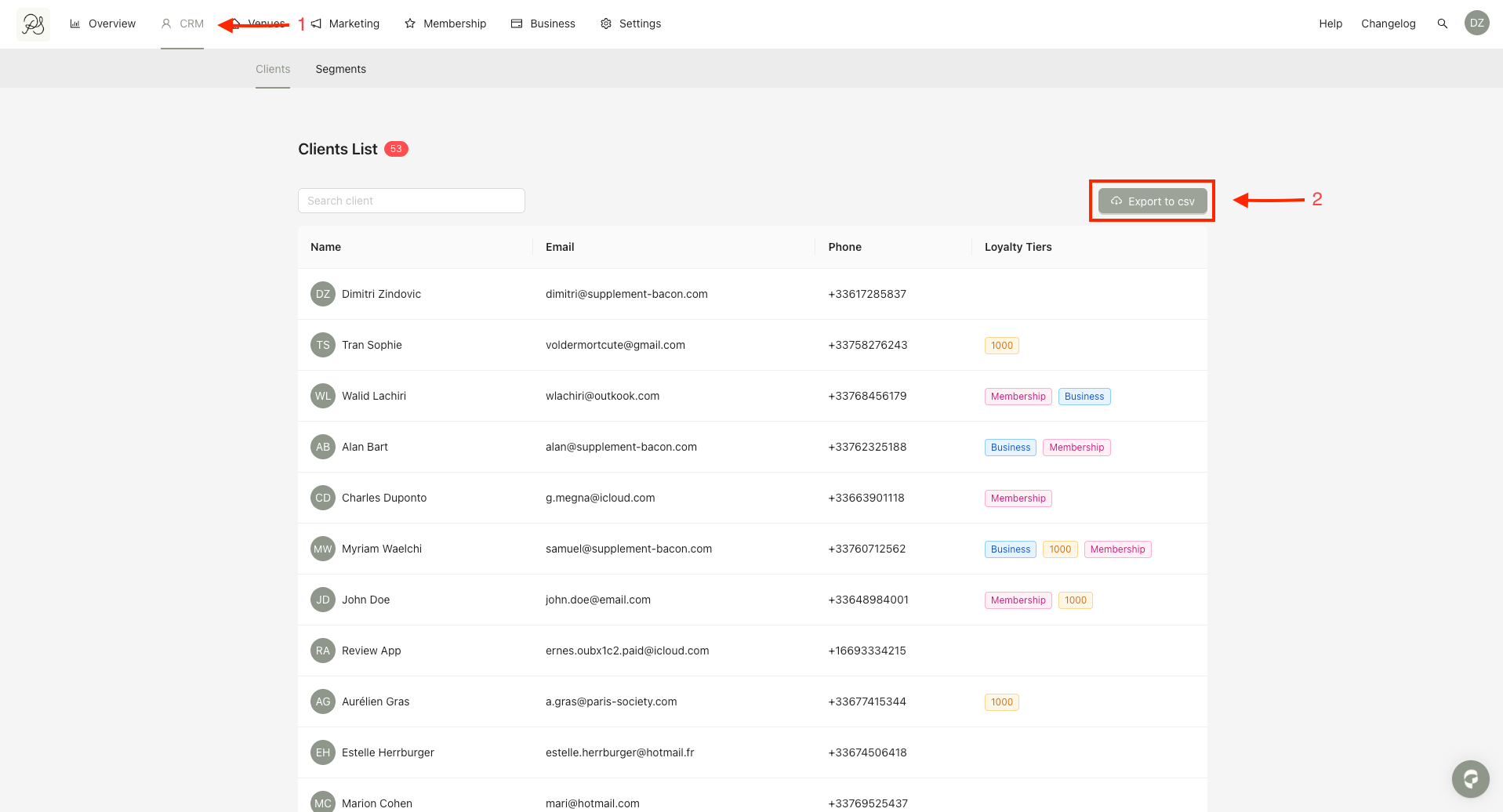
Step 1: From the homepage, click CRM (1), then Click Export to CSV (2).
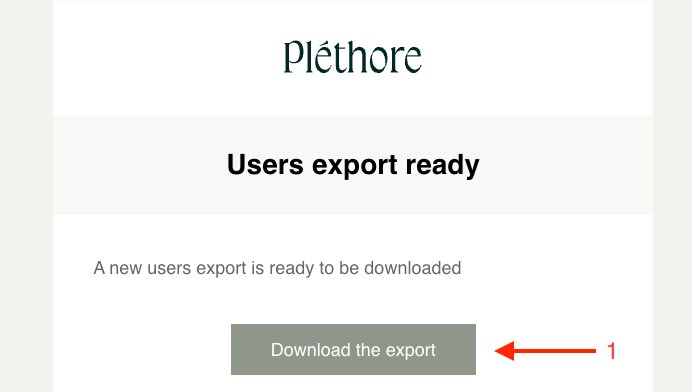
Step 2: Once the export is generated, you will receive an email notification. Open the email you received and click Download the export. This will start the download of a ZIP file containing the CSV export.
Step 3: Unzip the file and open the CSV. You will see a table containing user data similar to the example shown.

The CSV file includes all users in the database and contains the following columns:
ID
Name
Phone
Locale
Sponsorship credits used
Sponsorship credits remaining
Sponsorship invitations pending
Membership Profile ID
Membership Subscription ID
Membership Subscription renewal
Registration date
Marketing opt-in date
SevenRooms loyalty rank
SevenRooms client ID
WhatsApp activated

