
Prerequisites
Roles with permission to edit user profiles:
Admin
Head of Project
Detailed Instructions
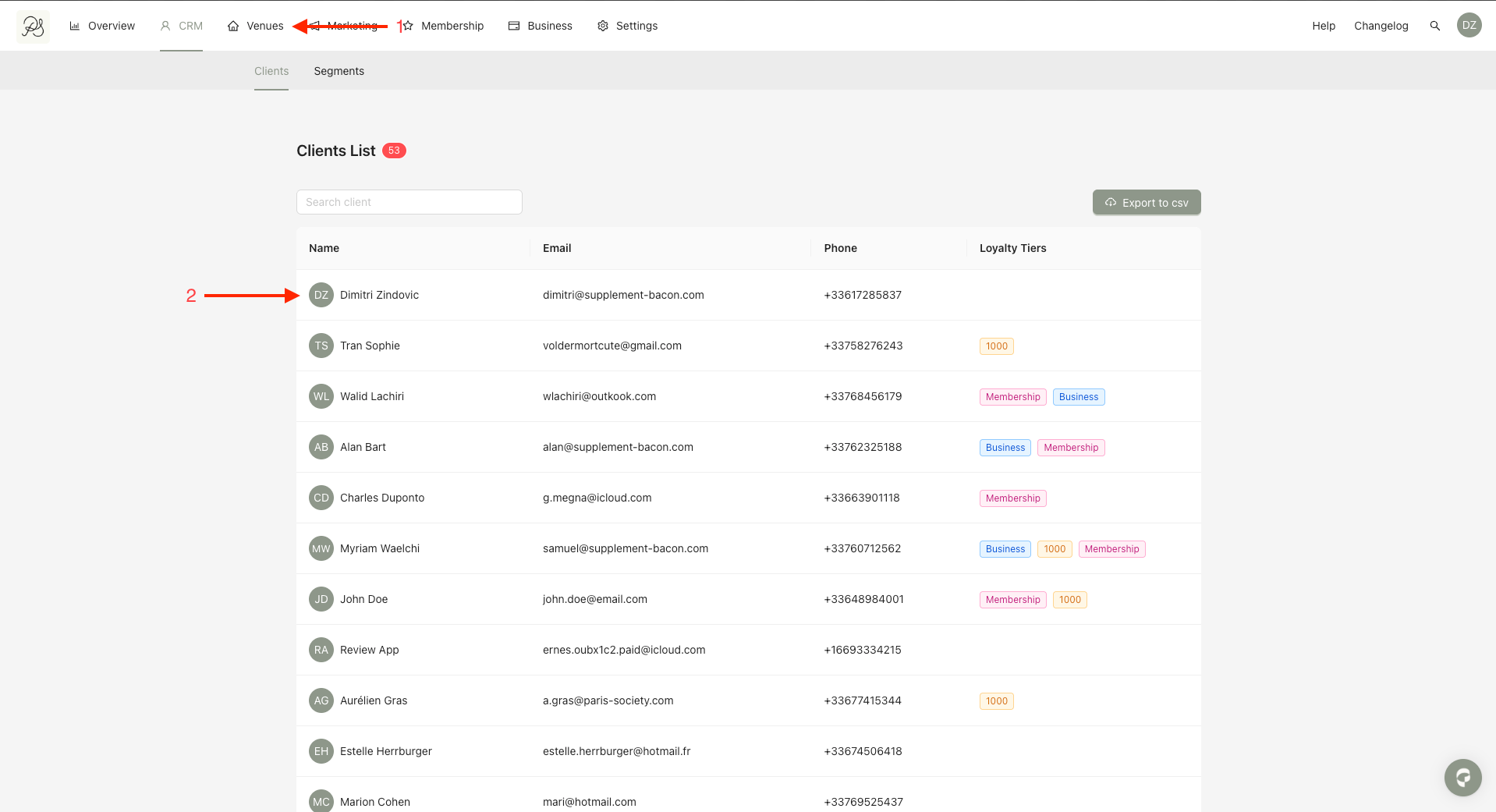
Step 1: From the homepage, click CRM (1). Then select the user you want to edit (2).
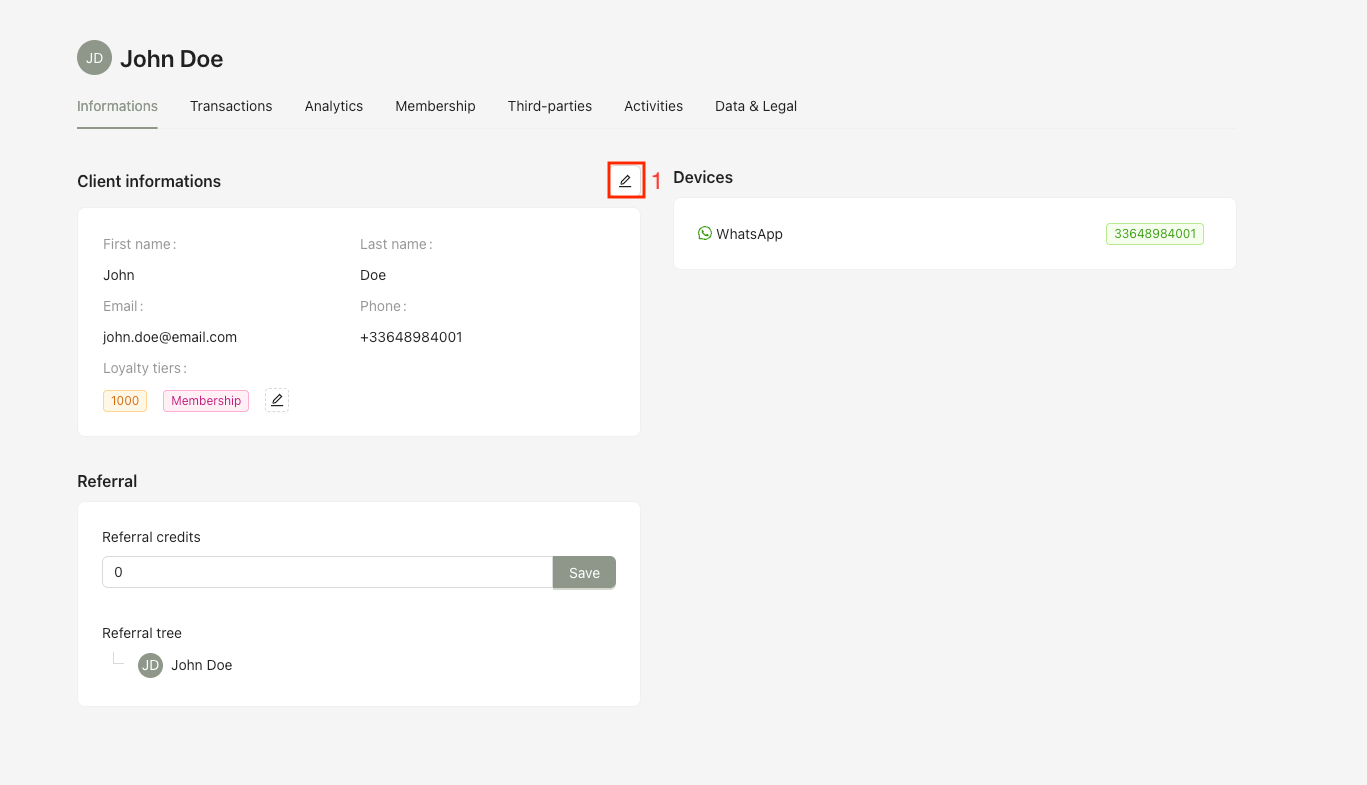
Step 2: On the user detail page, click the Edit button.
An editing drawer will open, allowing you to update the user’s information.
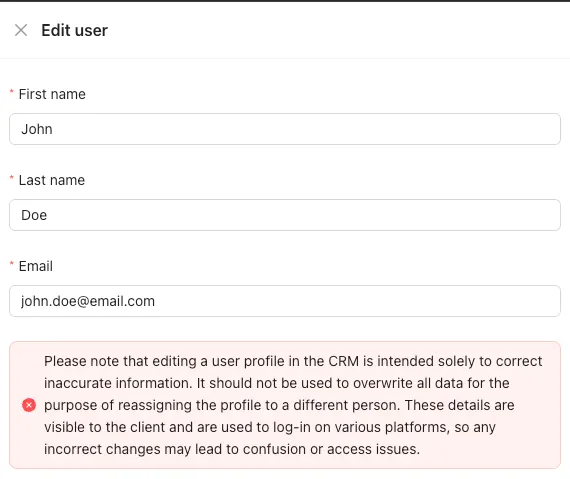
 Important guidelines:
Editing a user profile in the CRM should be used only to correct incorrect or outdated information.
It must not be used to replace all data in order to assign the profile to a different person.
Since this information is:
Visible to the user
Used for authentication and access across platforms,
any incorrect modification may lead to confusion, identity issues, or access problems.