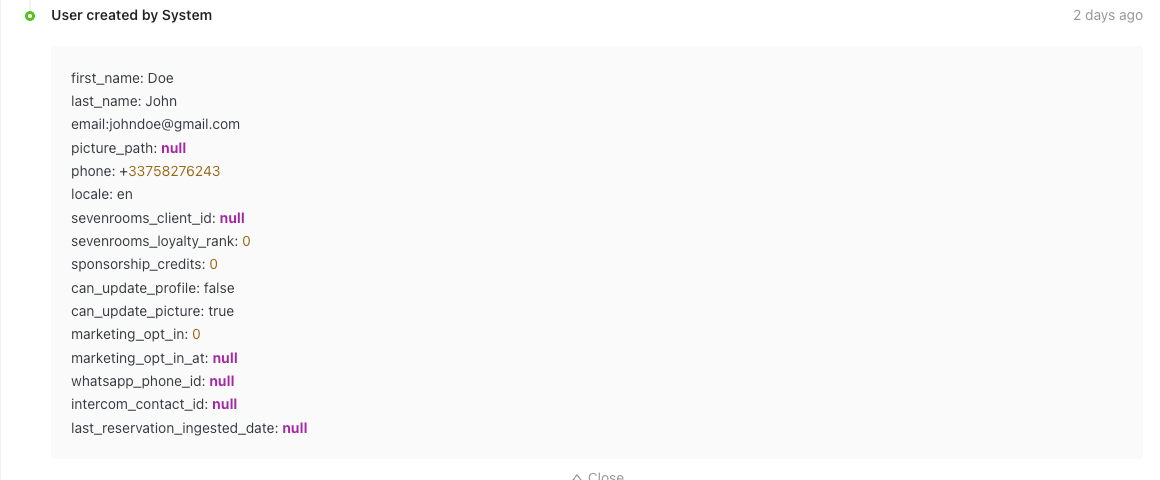
Roles with access to user activities:
Admin
Head of Project
Communication
Marketing
Membership
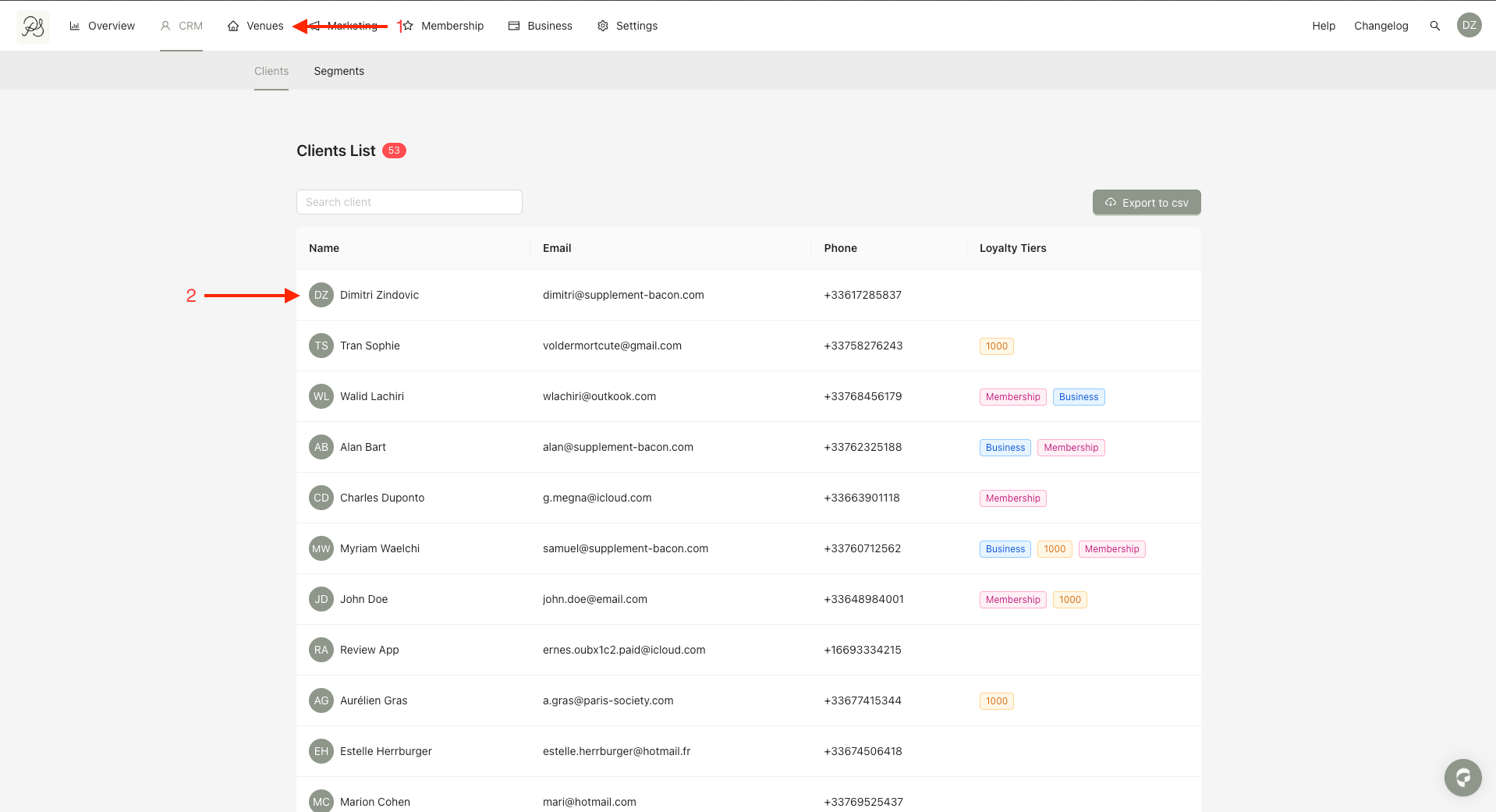
Step 1: To access a user’s activity log, click CRM from the homepage, then select the user you want to review.
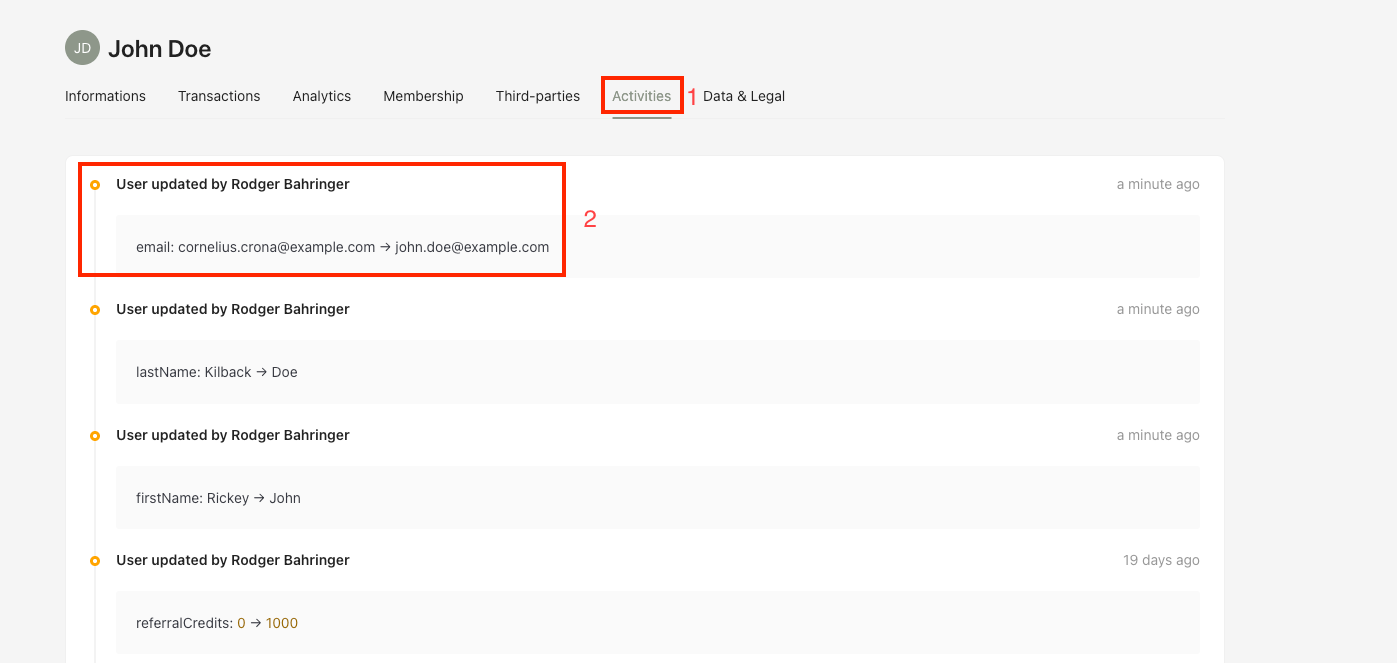
Step 2: On the user detail page, click the Activities tab (1). You will see each milestone represents a change or interaction related to the user (2).
The Activities section contains the full history of actions and interactions, including:
1. Admin activity: Updates made by a Back Office administrator

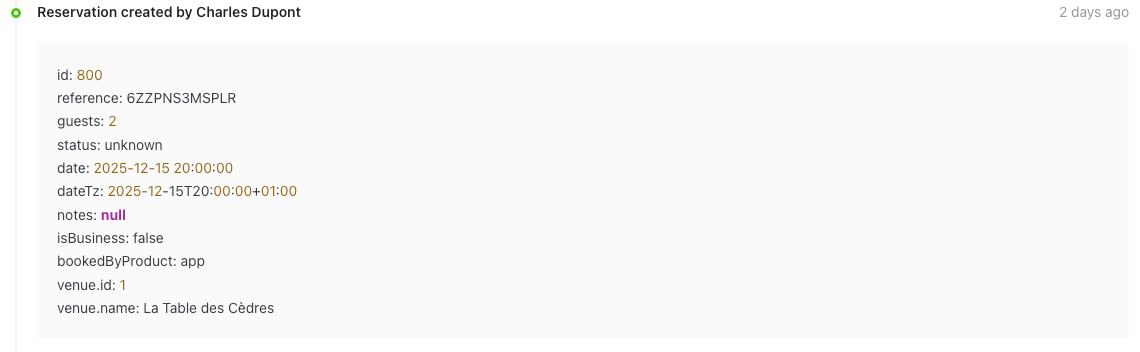
2. User activity: Actions performed by the user
3. System activity: Events generated automatically by the system