The following roles are allowed to delete venues:
Admin
Communication
Head of Project
Marketing
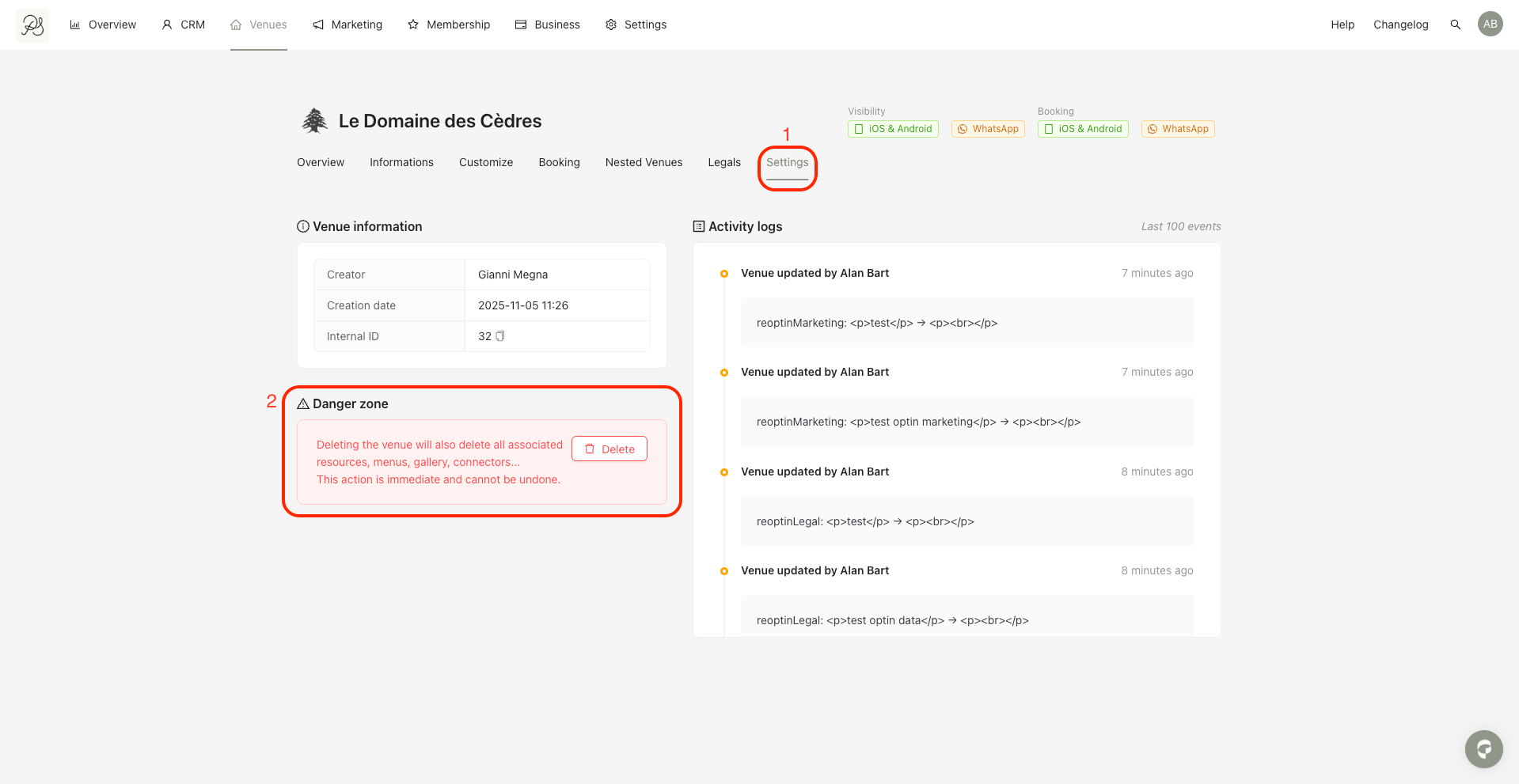
Go to the Venues tab and select the venue you want to delete, then follow the steps below.
Step 1: Click the Settings tab (1). In the highlighted section (2), click the Delete button.
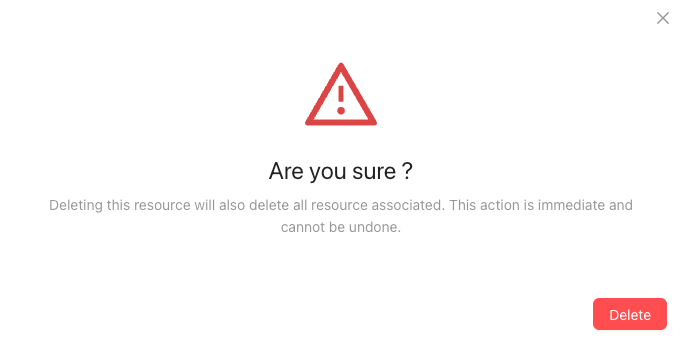
Step 2: A confirmation message will appear. Click Delete to permanently remove the venue.