You must be logged in as an Administrator to access this page.
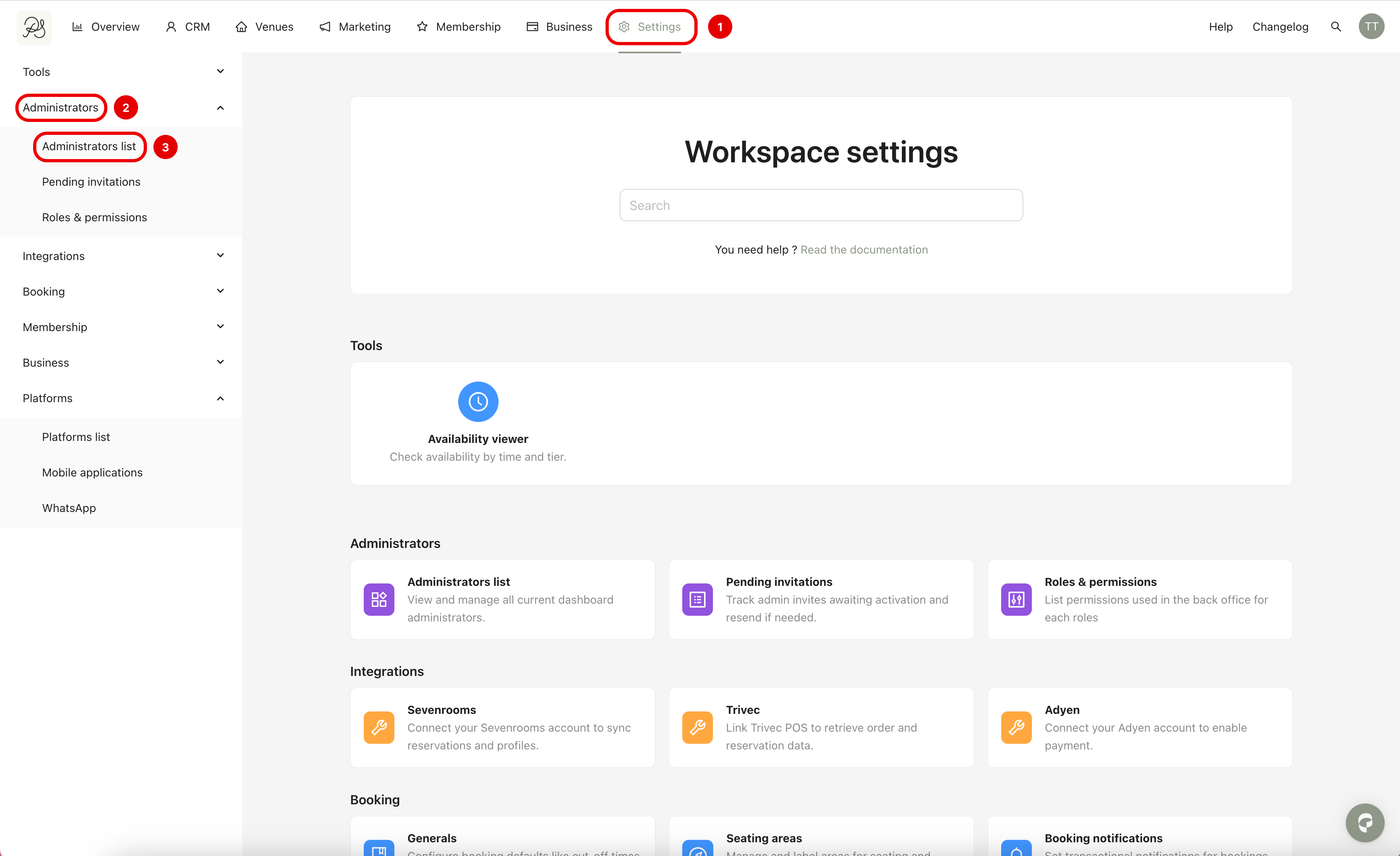
Step 1: To delete an administrator, go to Settings → Administrators → Administrators list.
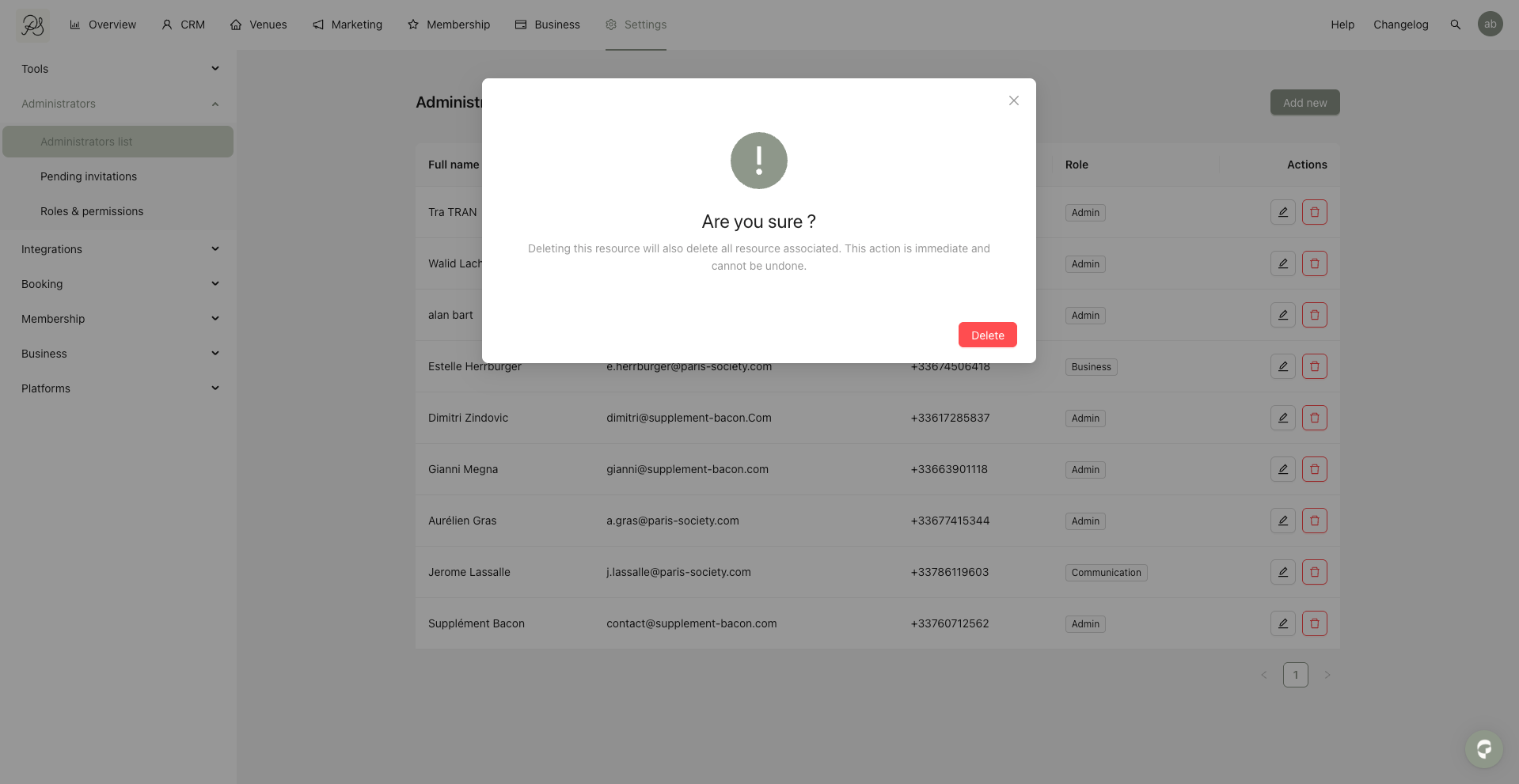
Step 2: Locate the administrator you want to remove, then click the trash icon.

Step 3: A confirmation message will appear. Click Delete to permanently remove the administrator.