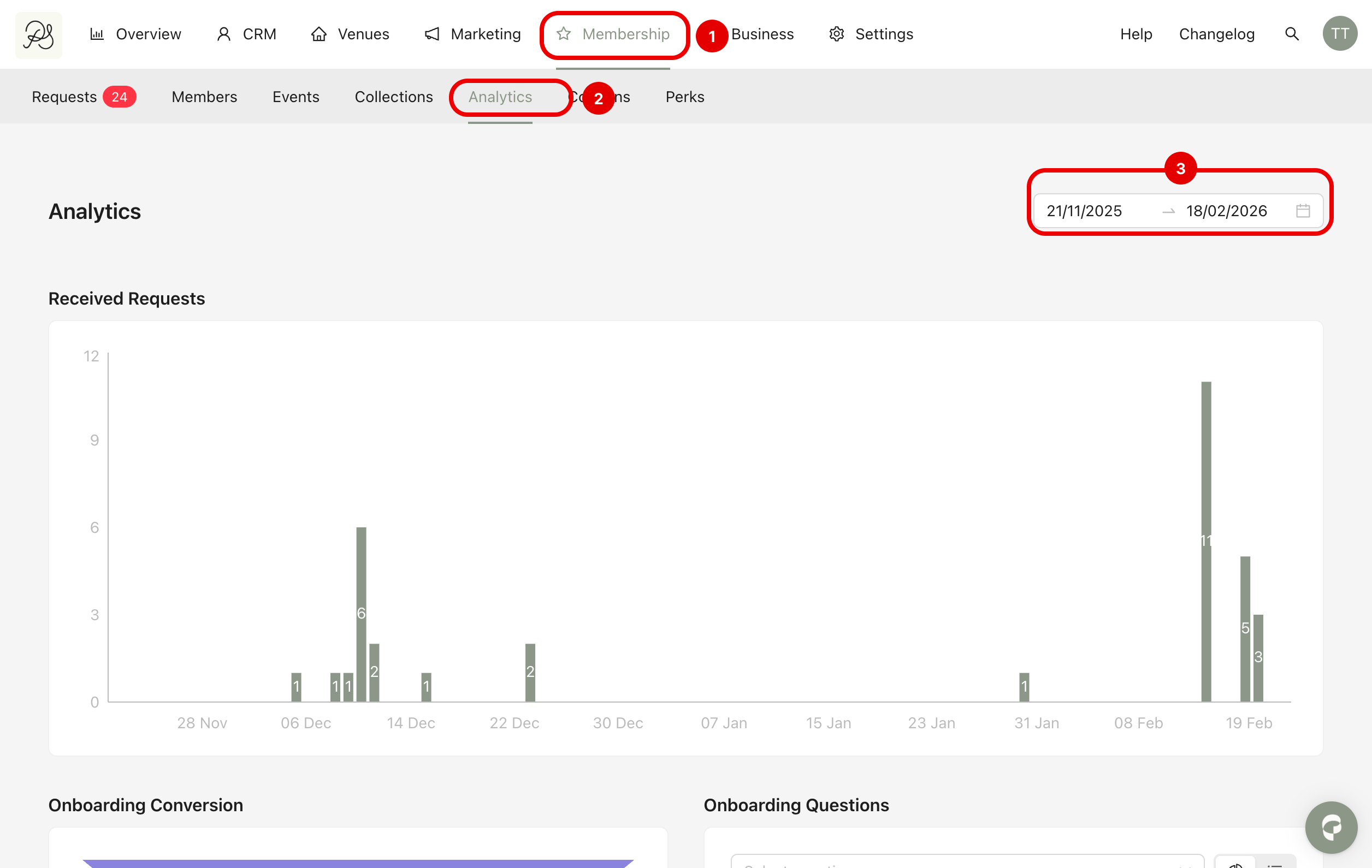
The Membership Analytics page gives you a complete overview of acquisition, conversion, and member insights.
You can track growth through received requests, improve your onboarding performance using the conversion funnel, and better understand your audience through onboarding question analysis.
To access it, go to Membership (1) → Analytics (2).
You will see three main analytics sections: Received Requests, Onboarding Conversion, and Onboarding Questions.
By adjusting the date filter (3), you can compare different periods and measure performance evolution over time.
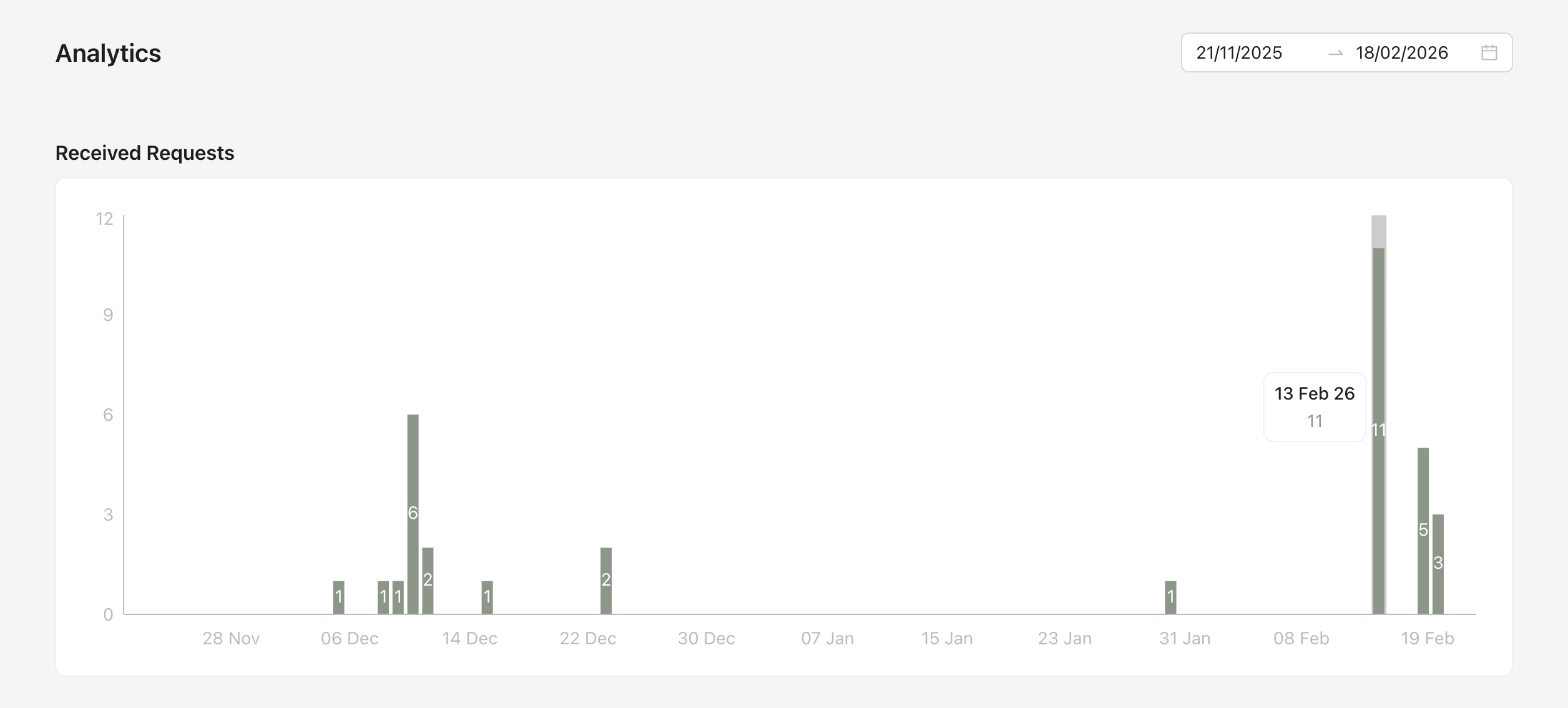
This section shows the number of membership requests received over time. The bar chart displays how many requests were submitted on each day within the selected date range.
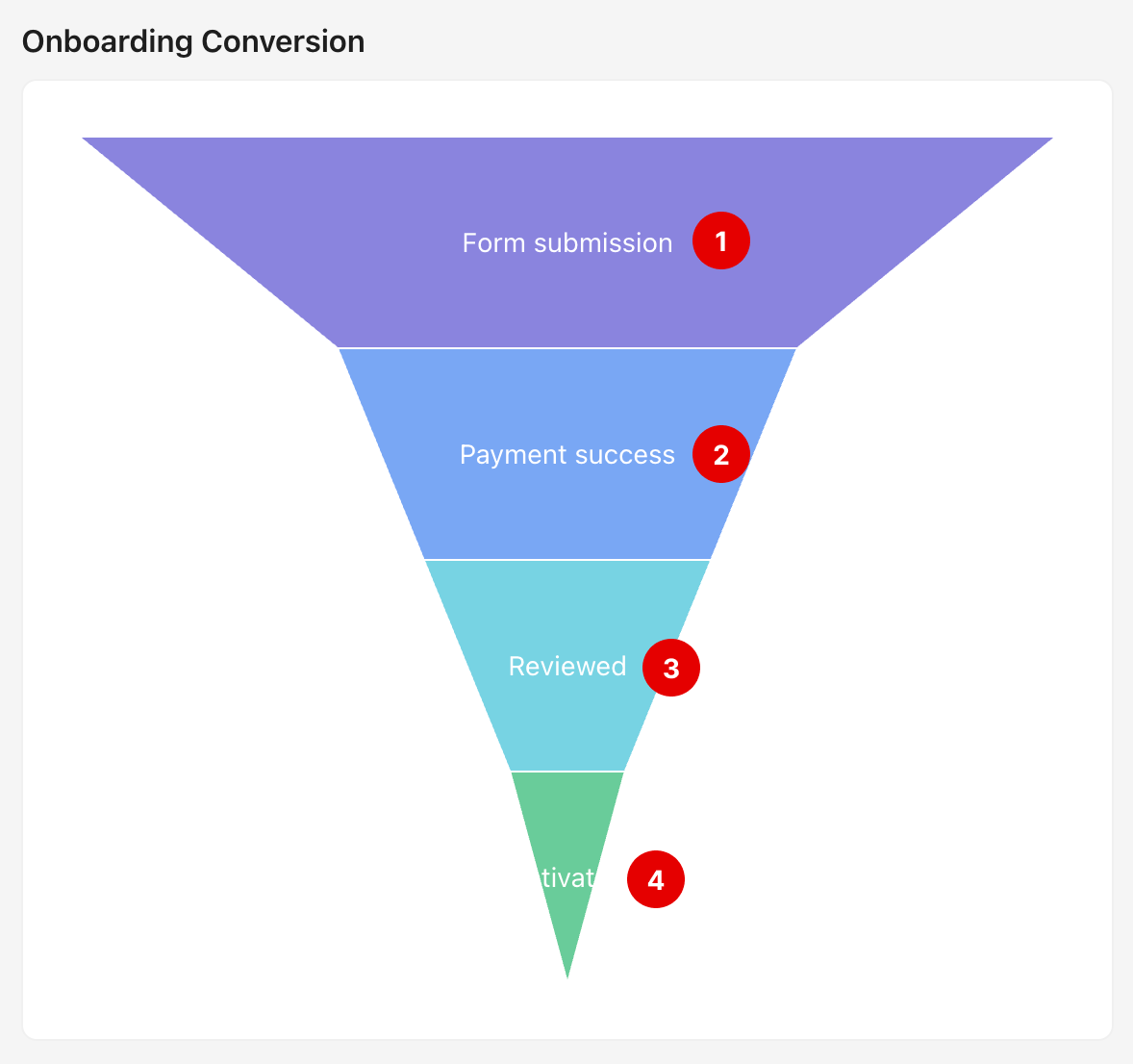
The Onboarding Conversion funnel shows how users move through the membership onboarding process. The funnel includes four main stages:
Form submission (1): Users who completed the membership registration form.
Payment success (2): Users whose payment was successfully processed.
Reviewed (3): Requests that have been reviewed by an administrator.
Activated (4): Members who completed the onboarding process and activated their membership.
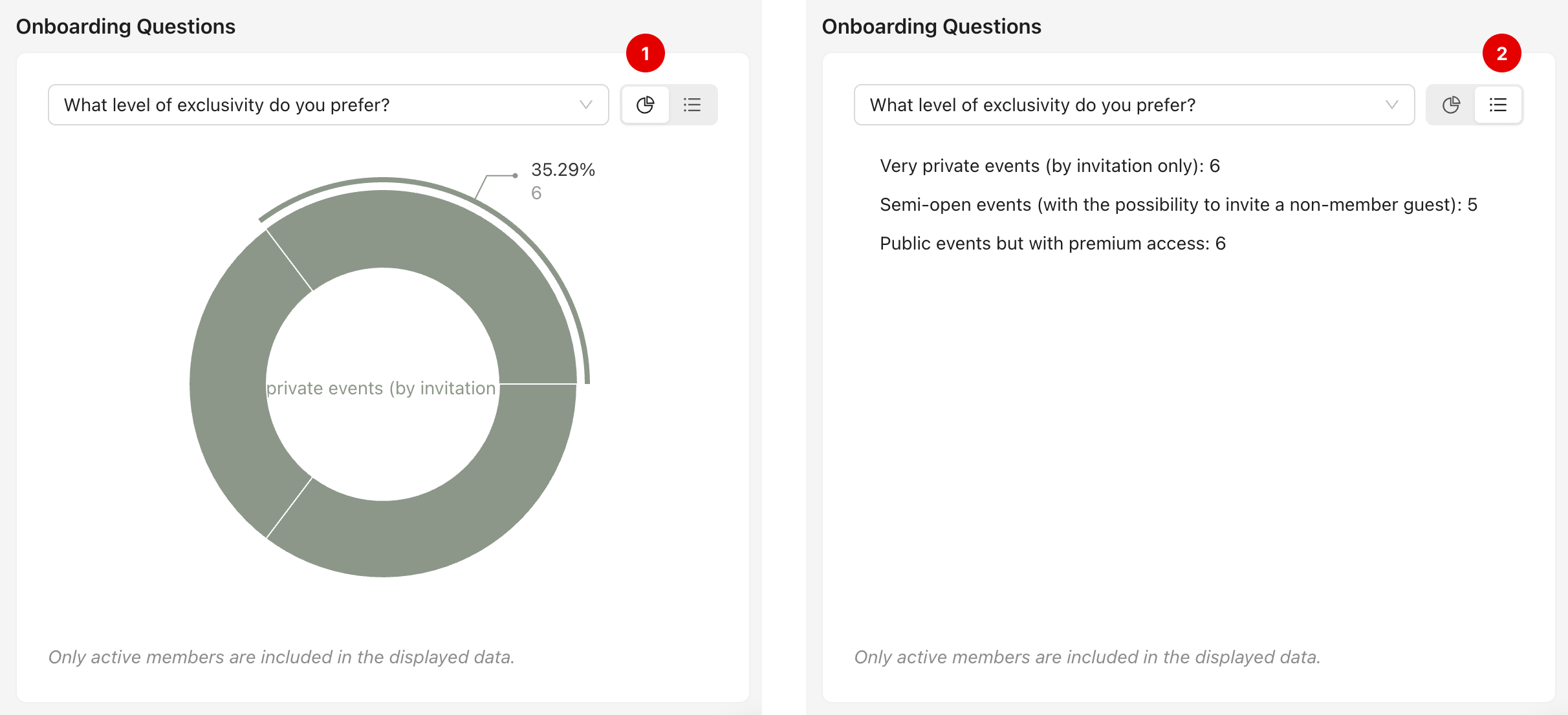
This section analyzes responses to onboarding form questions. You can select a specific question from the dropdown menu to view aggregated answers from active members (1).
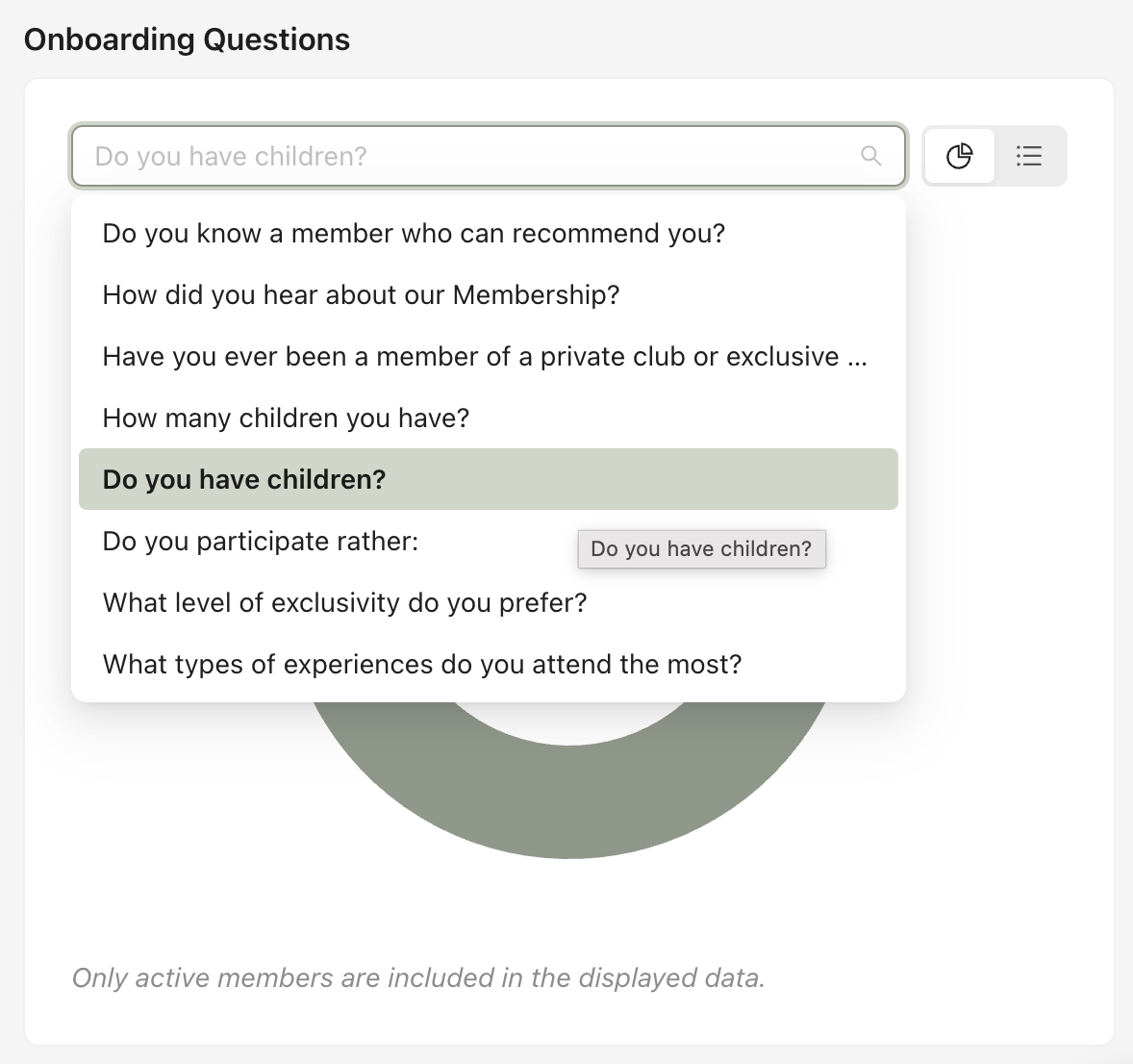
You can choose to visualize the data as a bar chart (1) or as a list view (2).